Performing an Exam
T3300 Diagnostic Ultrasound System | 74 | B00601-010 4/10/17
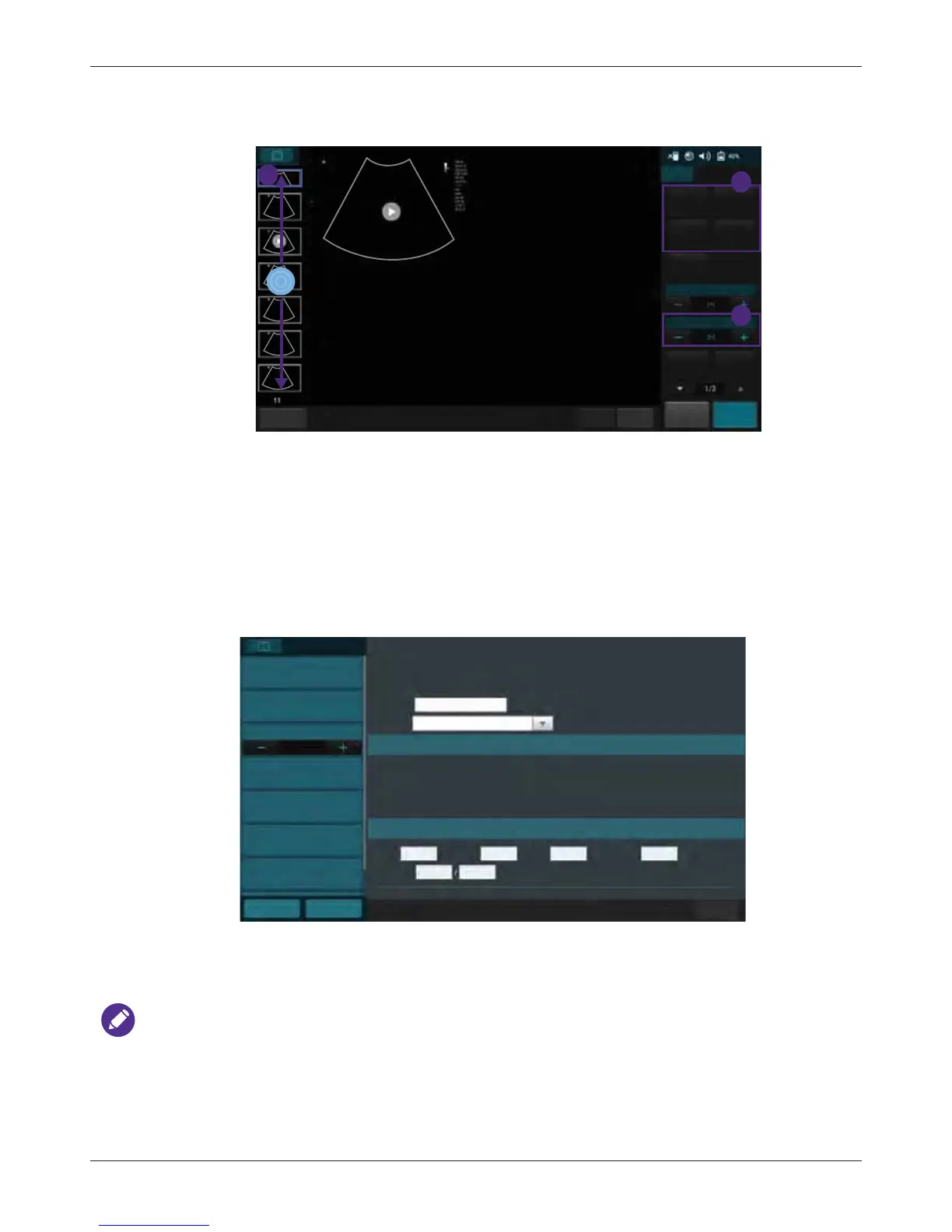
6.12.2 Comparing Images
You can compare the scanned images/loops by displaying selected ones on the screen.
1. Touch Multi-Compare +/-.
2. Flick vertically on the thumbnail list, and touch to select up to 4 images/loops to display for
comparison.
3. Touch an action button. For example, touch Delete to delete all selected images/loops.
6.12.3 Generating a Report
1. On the Review screen, touch the thumbnails of the desired images and touch Add to Report.
2. Touch Report to display the following screen.
3. Fill in information about the patient and the study, if not complete, and add comments using the
virtual keyboard.
4. Flick down to review the images added, and add comments to individual images, if needed.
You can still add/remove images to/from the report without going back to the Review screen. Touch
Add Image to display the image editing screen. Check/uncheck the desired images and touch Add
to Report.
5. Touch Image Layout +/- to select the number of columns for placing the images on a report.
3
1
Abdomen
3/1/2017
4.40 PM
2
Fn Key
End Exam
Home
Freeze
Save
B
Add to
Report
Report
Multi-Select
Multi-Compare
Exam History
Print
Play
Export Exam Delete
Please press thumbnail to add to review list
Please press thumbnail to add to review list
Please press thumbnail to add to review list
Patient information
Study date: 3/1/2017 / Exam type: Abdomen
Previous
End Exam
Exam History
Export
Home
Exam information
Institution:
Referring:
Interpreting:
Signature:
Template
Name:
ID:
DOB:
Age:
Height cm Weight kg BSA
m
2
Heart Rate bpm
Blood Press mmHg
1 column
Abdomen
Report
Print
Print Preview
Image Layout
Add Image
Delete Image



 To Next Page