Performing an Exam
T3300 Diagnostic Ultrasound System | 68 | B00601-010 4/10/17
• To set whether to show all or the last annotations, or to hide them all, touch > Show Annot
+/-.
6.10 Adding Measurements
Measurements accompanying ultrasound images supplement other clinical procedures available to
the attending physician. You can perform as many measurements as needed.
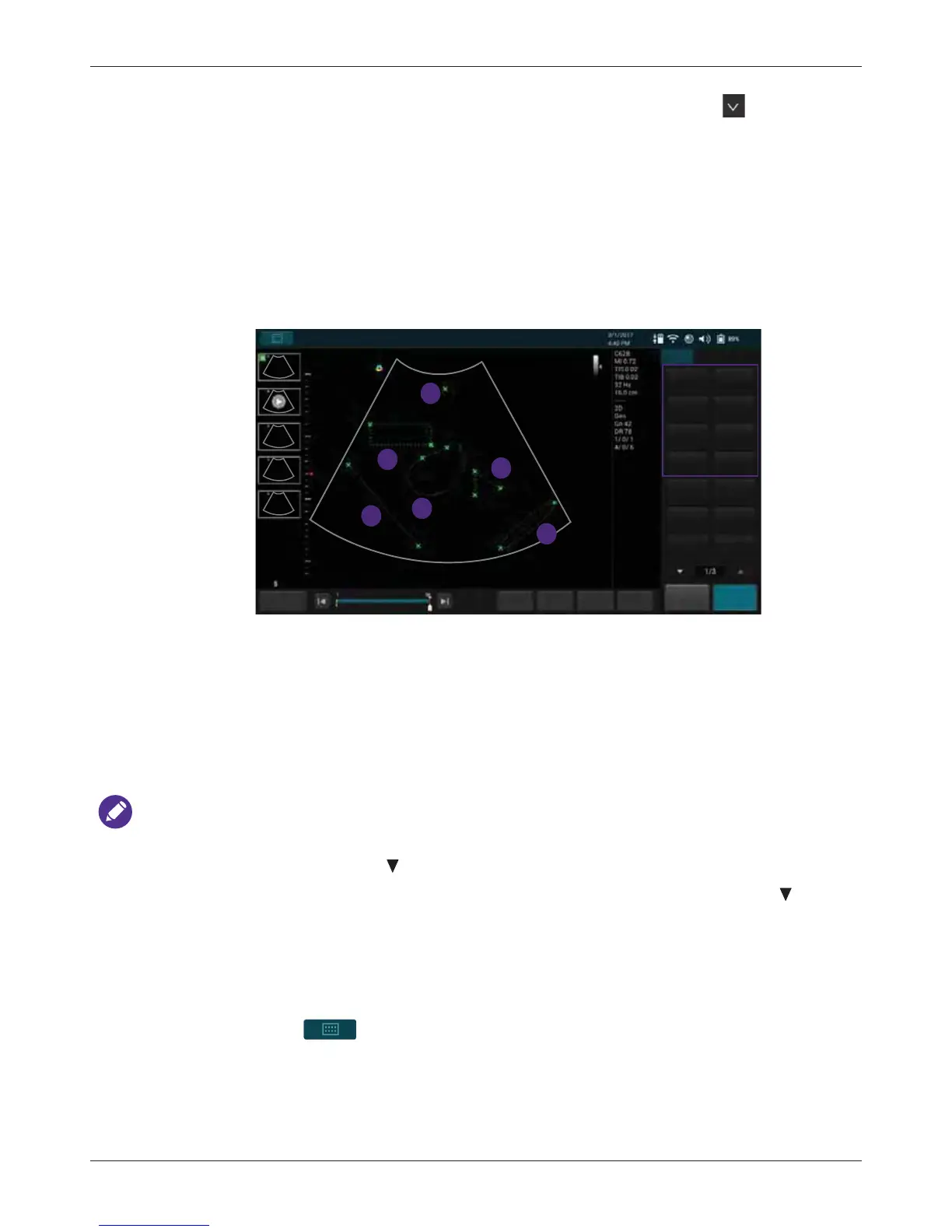
On the real-time imaging screen, touch Freeze to display a set of measurement buttons based on
the scan mode selected. To perform a single type of measurement, touch the corresponding button.
To perform a set of predefined measurements from the Calculation Package, touch Calc (See
"Calculation Package" on page 70).
When you are measuring, the indicators/lines display in yellow, allowing you to adjust as many times
as needed. When you are done with measuring, use any of the following methods to complete the
measurement. The indicators/lines then turn green, and the final measured results (values) appear
on the top left side of the imaging screen.
• Two-finger tap on the scan area
• Proceed with the next measurement
•Touch Save to save the ultrasound image
NOTES
• To re-position the measured results to the imaging screen’s Left Top, Left Bottom, Right Top,
or Right Bottom side, touch > Result Pos +/-.
• To set whether to show all or the last measured results, or to hide them all, touch > Show
Result +/-.
• To delete measurements, touch Erase Measure to erase the last measurement added. Repeat
this action, if needed, to continue erasing measurements.
• To directly erase all measurements, touch and hold Erase Measure.
• You can select whether to keep or erase the measurements added after you return to the live
scan by touching > Settings > Workflow > (Auto-clear Measurement after Unfreeze)
> select an option.
1 Distance 85.51 mm
2 Depth 12.36 mm
3 Ellipse
Area 438.49 mm
2
Circ 124.71 mm
4 Trace
Area 1939.68 mm
2
Circ 142.66 mm
5 Angle 56.55 degree
6 IMT
Max 0.00 mm
Min 0.00 mm
Avg 0.00 mm
Std 0.00 mm
1
2
3
4
5
6
a
b
c
d
e
f
End Exam
Set start
Set end Fn Key Home
FreezeSave
B
Abdomen
Distance
Erase Annot
Depth
Ellipse
Trace
Angle Calc
Erase
Measure
Annot Label
Arrow BDMK
Play
IMT



 To Next Page