Performing an Exam
T3300 Diagnostic Ultrasound System | 69 | B00601-010 4/10/17
6.10.1 Measuring in B/Color/Power Modes
6.10.1.1 Distance
Measure a distance.
1. Touch Distance. A crosshair cursor appears on the image. Drag the target cursor to where you
want to start measuring and release it.
2. Drag the target cursor to where you want to finish measuring, then release it .
6.10.1.2 Depth
Measure depth.
Touch Depth. A crosshair cursor appears on the image. Drag the target cursor to where you want to
finish measuring the depth, then release it .
6.10.1.3 Ellipse
Measure a circumference.
1. Touch Ellipse. A crosshair cursor appears on the image. Drag the target cursor to one end of the
area you want to measure and release it to set the start point of measurement.
2. Drag the target cursor to the other end of the desired area, and release it to set the end point of
measurement.
3. Touch the center of the oval area and drag out to increase or drag in to decrease the size of the
circle .
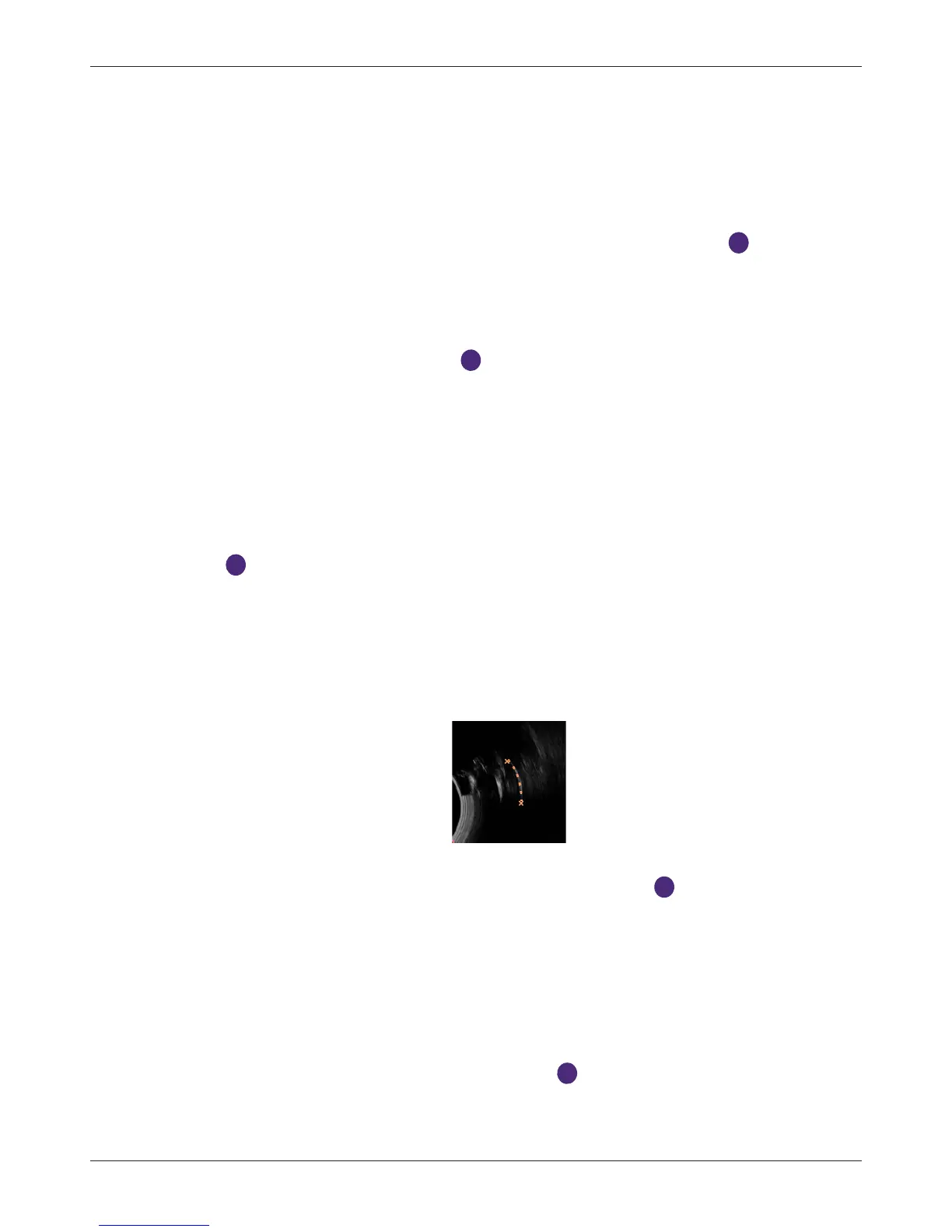
6.10.1.4 Trace
Manually trace an irregular shape.
1. Touch Trace. A crosshair cursor appears on the image. Drag the cursor to where you want to
start measuring and release it.
2. Drag the cursor along the outline of the object to trace.
3. When the tracing is nearly done, release the cursor and the system completes the loop by
drawing a line from the current cursor position to the starting point .
6.10.1.5 Angle
Measure an angle.
1. Touch Angle. A crosshair cursor appears on the image. Drag the target cursor to the desired
location and release it to set the start point of measurement.
2. Drag the first target cursor along one side of the desired area, and release it to draw the first line.
3. Drag the second target cursor along the other side of the area, and release it to draw the second
line. The angle between the two lines is then formed .



 To Next Page