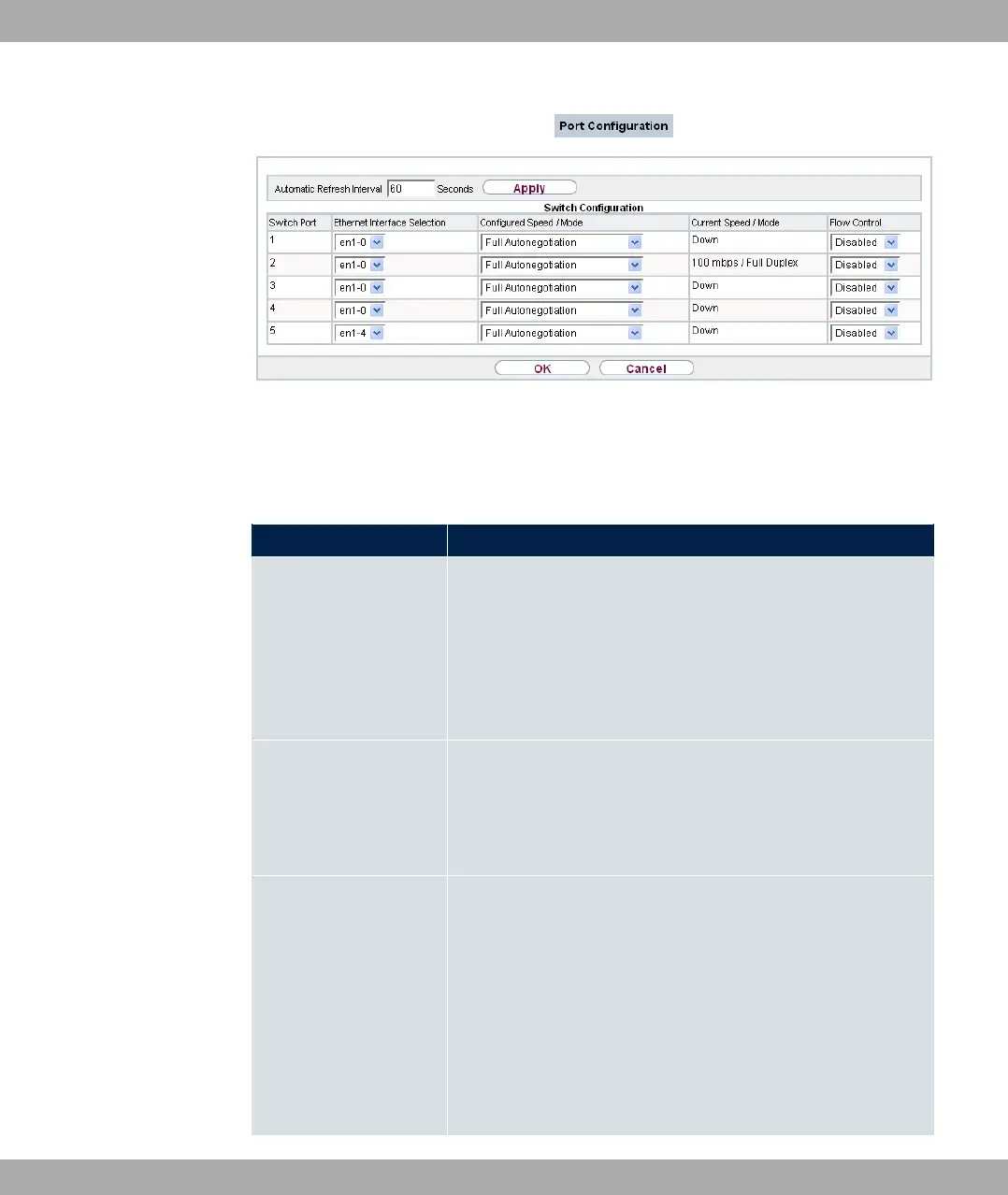
Fig. 61: Physical Interfaces->Ethernet Ports->Port Configuration
The menu Physical Interfaces->Ethernet Ports->Port Configuration consists of the fol-
lowing fields:
Fields in the Switch Configuration menu.
Field Description
Switch Port Shows the respective switch port. The numbering corresponds
to the numbering of the Ethernet ports on the back of the
device.
Switch-Port 5: Port ETH5 is configured here (connection option
for an SFP module only available for bintec RS120 / bintec
RS120wu).
Ethernet Interface Se-
lection
Assign a logical Ethernet interface to the switch port.
You can select from five interfaces, to . In the ba-
sic setting, switch ports 1-4 are assigned to interface
and switch port 5 is assigned to interface
Configured Speed /
Mode
Select the mode in which the interface is to run.
Possible values:
• =11 3# (default value)
• 3 "+ 1(
• 3 "+ 1(
• 3 "+ 1(
• 3 "+ / =11 5+1?
8 Physical Interfaces bintec elmeg GmbH
140 bintec RS Series



 To Next Page