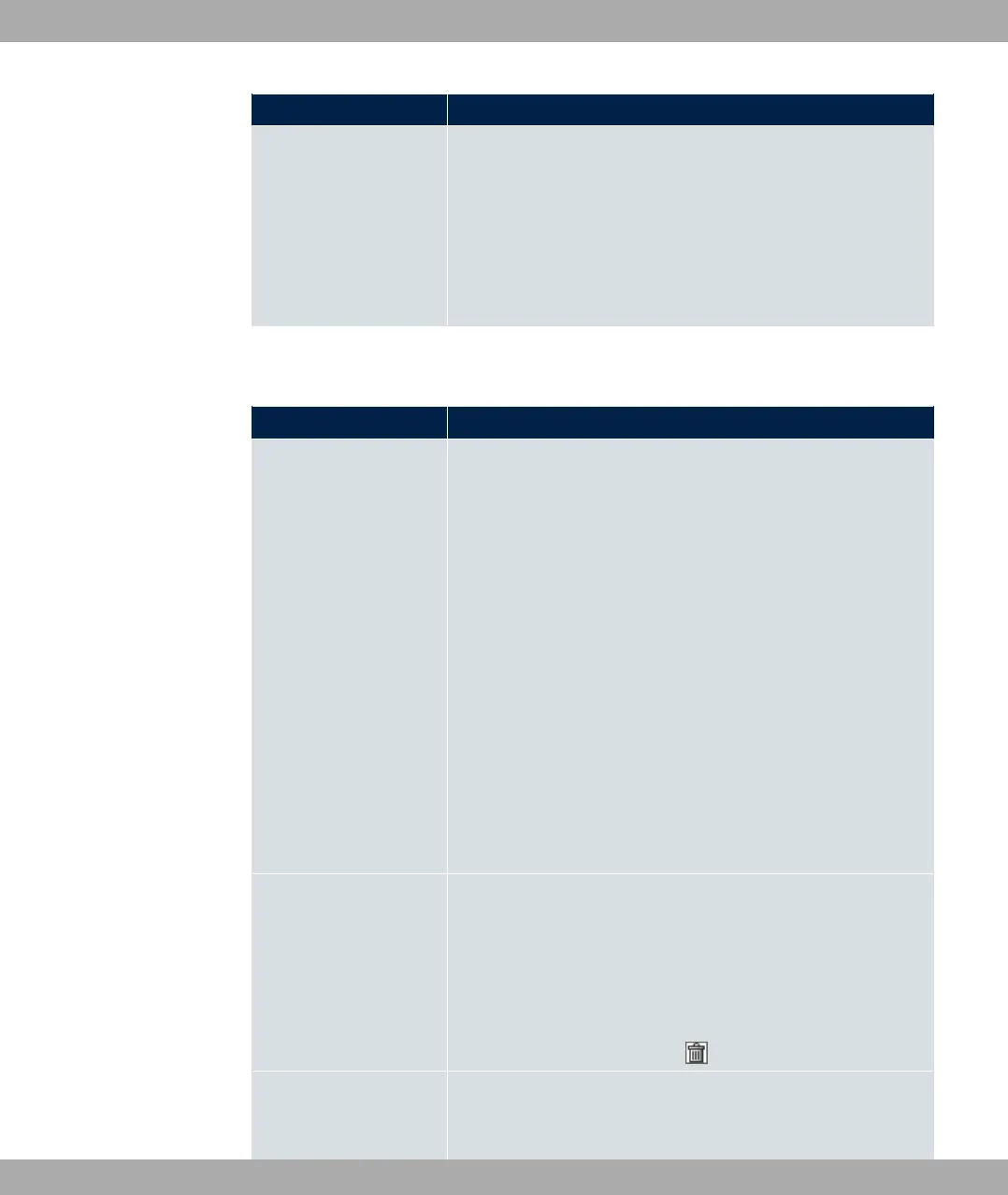
Field Description
client (e. g. a 802.11a client) is treated in the same way when
apportioning.
The function is enabled with "1.
The function is disabled by default.
This fuction is only applied to unprioritized frames of the WMM
Classe "Background".
The menu Advanced Settings consists of the following fields:
Fields in the Advanced Settings menu for operating mode = Access Point
Field Description
Channel Plan Only for Operation Mode = 3%% and Channel =
3
Select the desired channel plan.
The channel plan makes a preselection when a channel is se-
lected. This ensures that no channels overlap, i.e. a distance of
four channels is maintained between the channels used. This is
useful if more access points are used with overlapping radio
cells.
Possible values:
• 311: All channels can be dialled when a channel is selected.
• 3: Depending on the region, operation band, wireless
mode and bandwidth, the channels that have a distance of 4
channels are provided.
• . $: Select the desired channels.
Selected Channels Only for Channel Plan = . $
The currently selected channels are displayed here.
With Add you can add channels. If all available channels are
displayed, you cannot add any more entries.
You can delete entries with the icon.
Beacon Period Only for Operation Mode = 3%% or 3%% 61
with Client Mode 3 @%.
10 Wireless LAN bintec elmeg GmbH
180 bintec RS Series



 To Next Page