Field Description
WPA Cipher
Only for Security Mode = 23 4 and WPA Mode = 23
Select which encryption method should be used.
Possible values:
• *4 (default value): Temporal Key Integrity Protocol
• 3: Advanced Encryption Standard.
Both encryption methods are rated as secure, with AES offering
better performance.
WPA2 Cipher
Only for Security Mode = 23 4 and WPA Mode = 23
Select which encryption method is to be used.
Possible values:
• 3 (default value): Advanced Encryption Standard.
• *4 : Temporal Key Integrity Protocol
Both encryption methods are rated as secure, with AES offering
better performance.
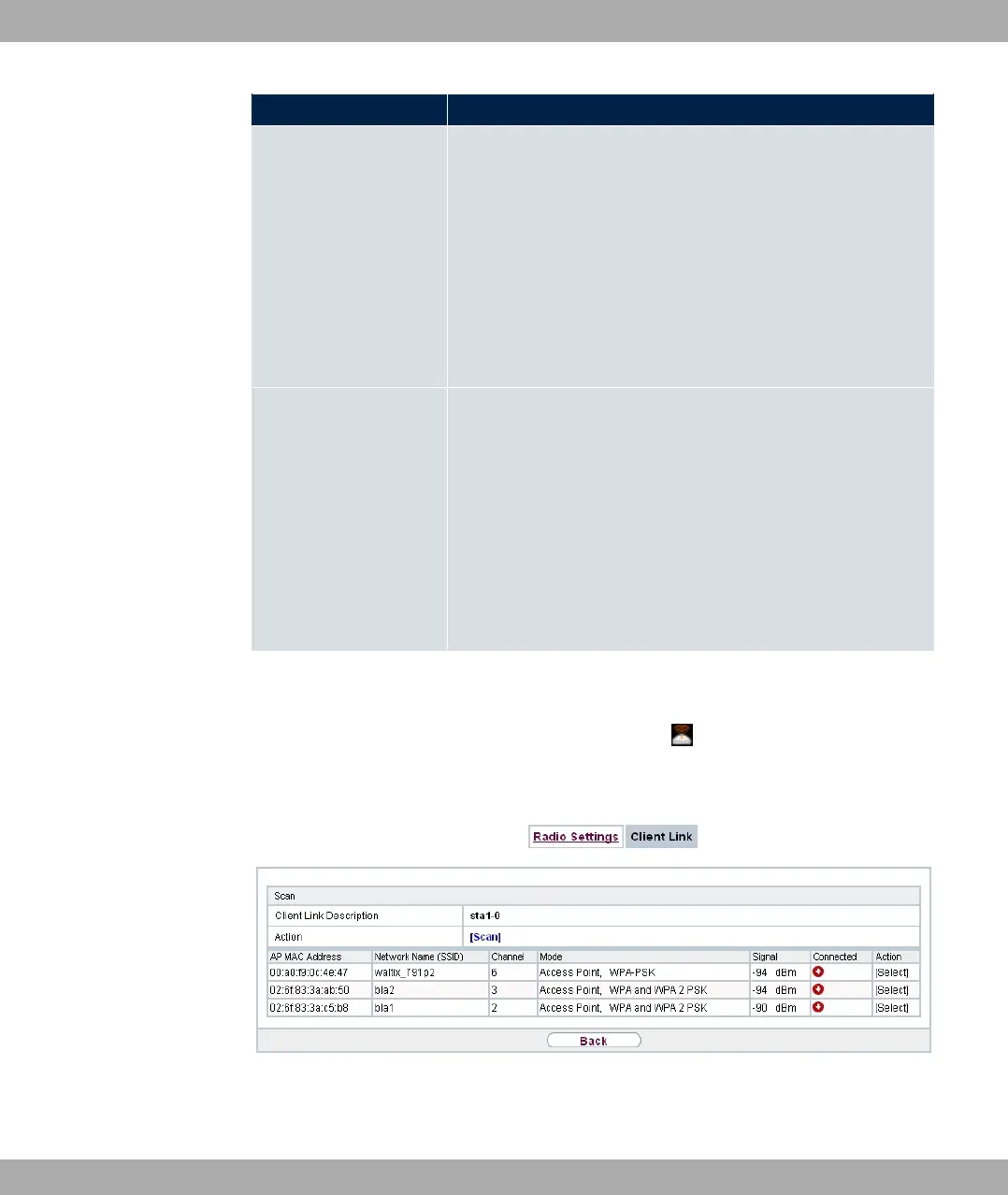
10.1.4.2 Client Link Scan
After the desired Client Links have been configured, the icon is shown in the list.
You use this icon to open the Scan menu.
Fig. 79: Wireless LAN->WLAN->Client Link->Scan
After successful scanning, a selection of potential scan partners is displayed in the scan
10 Wireless LAN bintec elmeg GmbH
198 bintec RS Series



 To Next Page