11.2.2.1 New
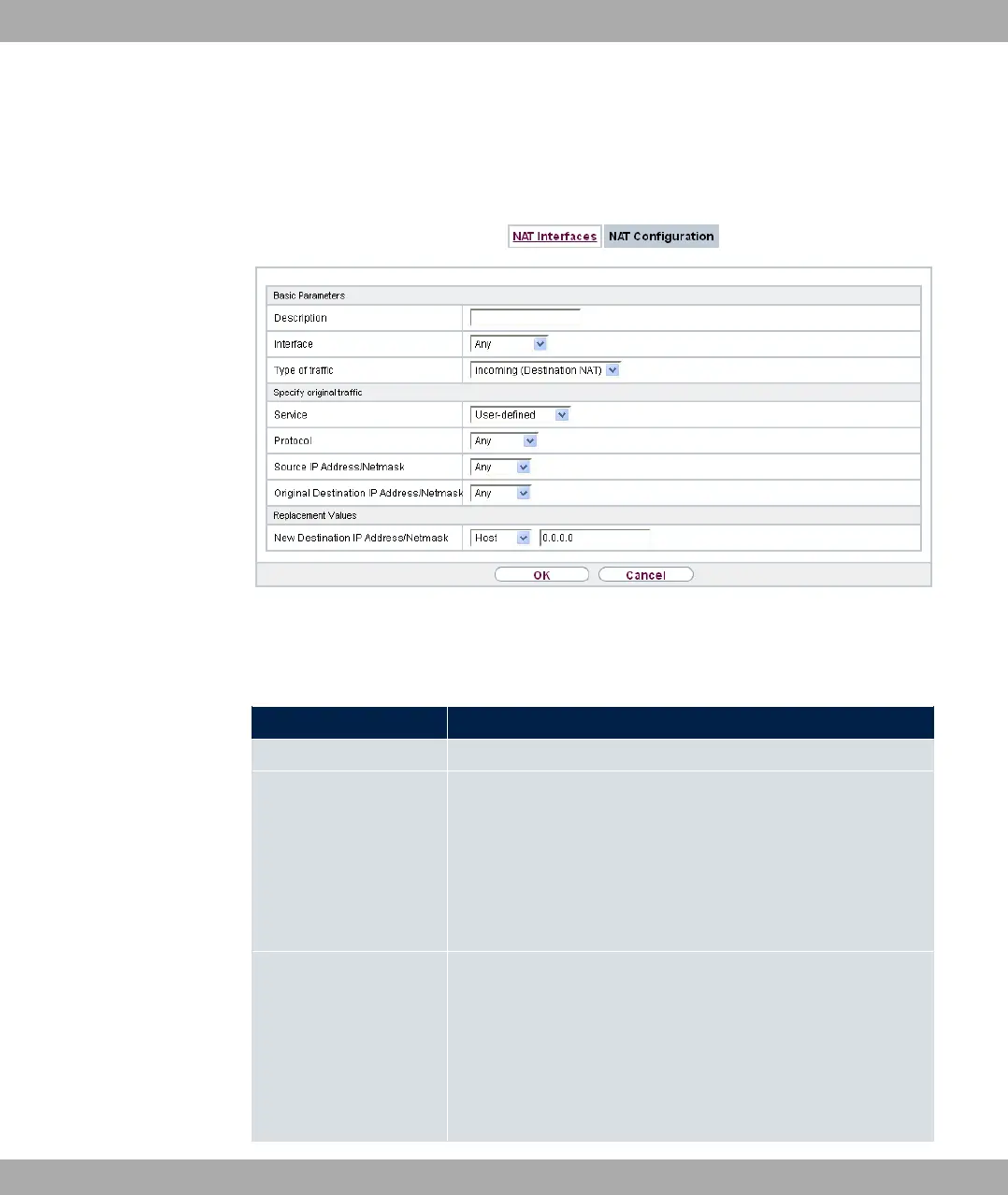
Choose the New button to set up NAT.
Fig. 86: Networking->NAT->NAT Configuration->New
The Networking->NAT->NAT Configuration->New menu consists of the following fields:
Fields in the menu Basic Parameters
Field Description
Description Enter a description for the NAT configuration.
Interface Select the interface for which NAT is to be configured.
Possible values:
• 3( (default value): NAT is configured for all interfaces.
• B$% C: Select one of the interfaces from the
list.
Type of traffic
Select the type of data traffic for which NAT is to be configured.
Possible values:
• %# 5 )3*! (default value): The data
traffic that comes from outside.
• ## % )3*!: Outgoing data traffic.
11 Networking bintec elmeg GmbH
212 bintec RS Series



 To Next Page