If your battery and plate combination does not support percentage accurate readings, the
display will show four bars which empty as the battery depletes.
If this option is set to ‘voltage,’ battery levels will be displayed in volts. We recommend that you
swap the battery as it approaches 12V.
Timecode Drop Frame
Use the ‘timecode drop frame’ option to use drop frame timecode when using NTSC project
frame rates of 29.97 and 59.94. Drop frame timecode drops a small number of frames from the
timecode at set intervals. This keeps your project timecode accurate despite each second not
containing a whole number of frames at NTSC frame rates.
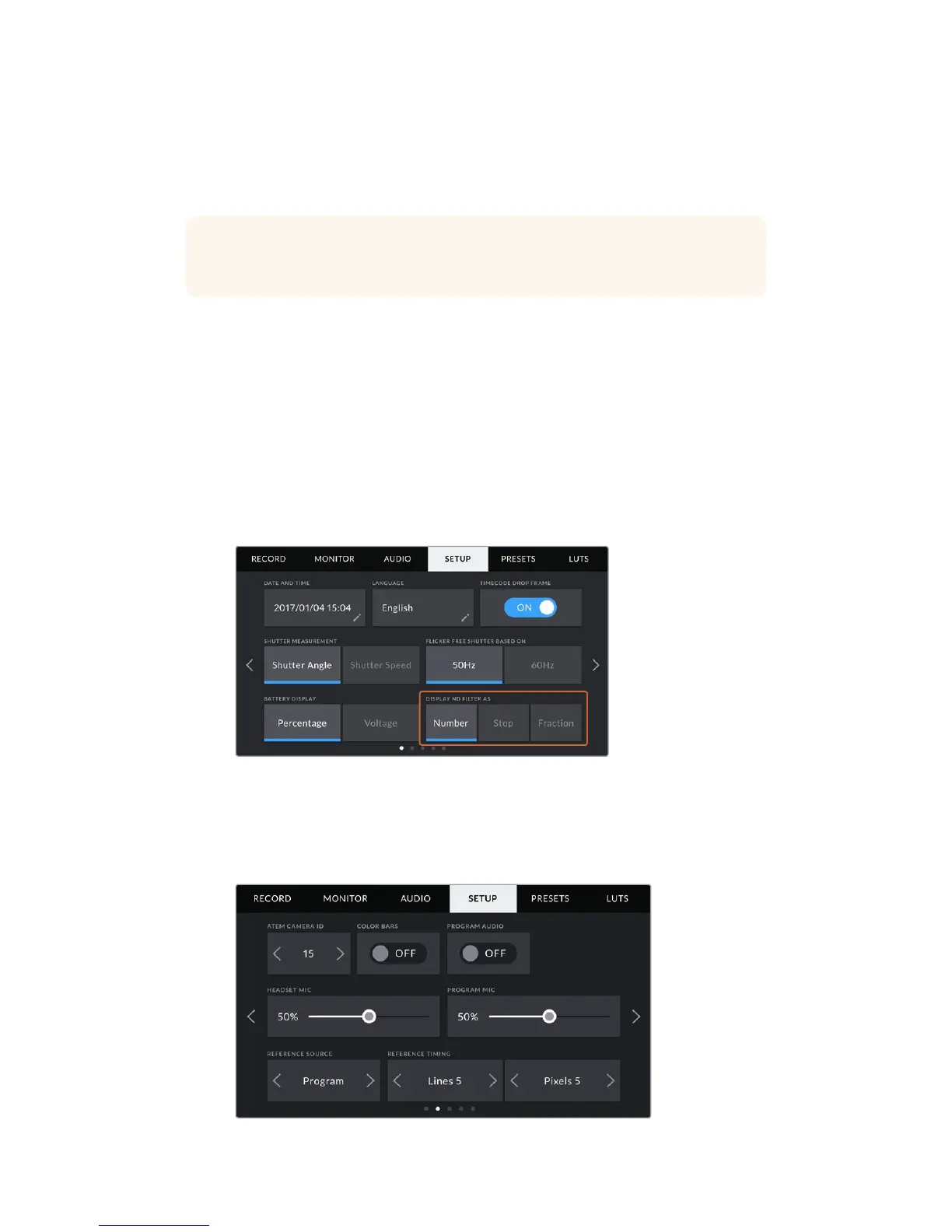
Display ND Filter As
Use this setting to adjust how the ND filter indicator on your URSA Mini Pro 4.6K displays your
NDfilter setting. Each setting corresponds to a different camera convention. Cinematographers
typically use ND.number notation, while those familiar with DSLRs or broadcast cameras may
prefer this information in f-stop format, or as a fraction of available light. These options are
available here as 'number,' 'stop,' and 'fraction,' respectively.
Setup menu in URSA Mini Pro 4.6K with the option to customize
how the ND filter information is displayed
Setup Settings Page 2
The second page of your URSA Mini's 'setup' tab contains the following settings.
TIP You can also toggle between 'voltage' and 'percentage' battery displays by
tapping the power icon on the LCD touchscreen.
110Settings










 To Next Page