To pair your camera with an iPad for the first time:
1 Enable Bluetooth by tapping the ‘Bluetooth’ switch icon in the ‘setup' menu on your
URSA Mini Pro 4.6K.
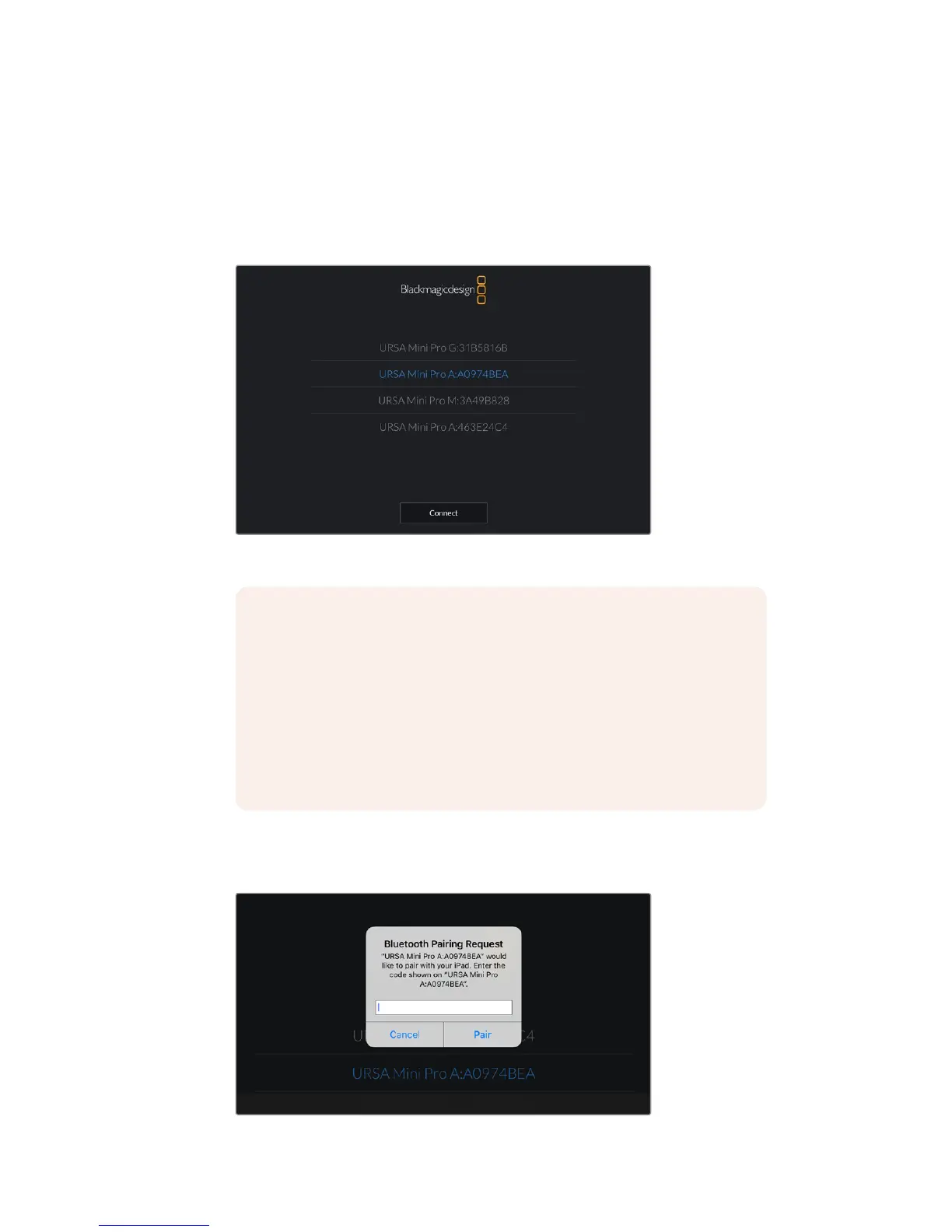
2 Open the ‘Blackmagic Camera Control App’ and select the URSA Mini Pro 4.6K you
would like to pair with. Available cameras will be listed by their camera letter, followed
by their unique hardware ID. For example A:A0974BEA.
Select the URSA Mini Pro 4.6K you would like to pair with
3 When you try to connect for the first time the Blackmagic Camera Control App will
request a six digit code to pair with the camera. This code will be displayed on the
camera’s LCD screen. Type this code into the iPad.
NOTE When you install the Blackmagic Camera Control App and run it for
thefirst time, you will be asked if you want to 'allow location access.' If you
select 'while using the app,' GPS readings from your iPad will be included in
themetadata of the files you shoot, allowing you to geotag footage.
Thisinformation can be viewed in Blackmagic DaVinci Resolve versions 14
orhigher.
If you do not want to using this information, select 'never.'
To change settings, go to settings, privacy, location services, camera control
on your iPad.
117Settings










 To Next Page