Black shading calibration recommended
Setup Settings Page 5
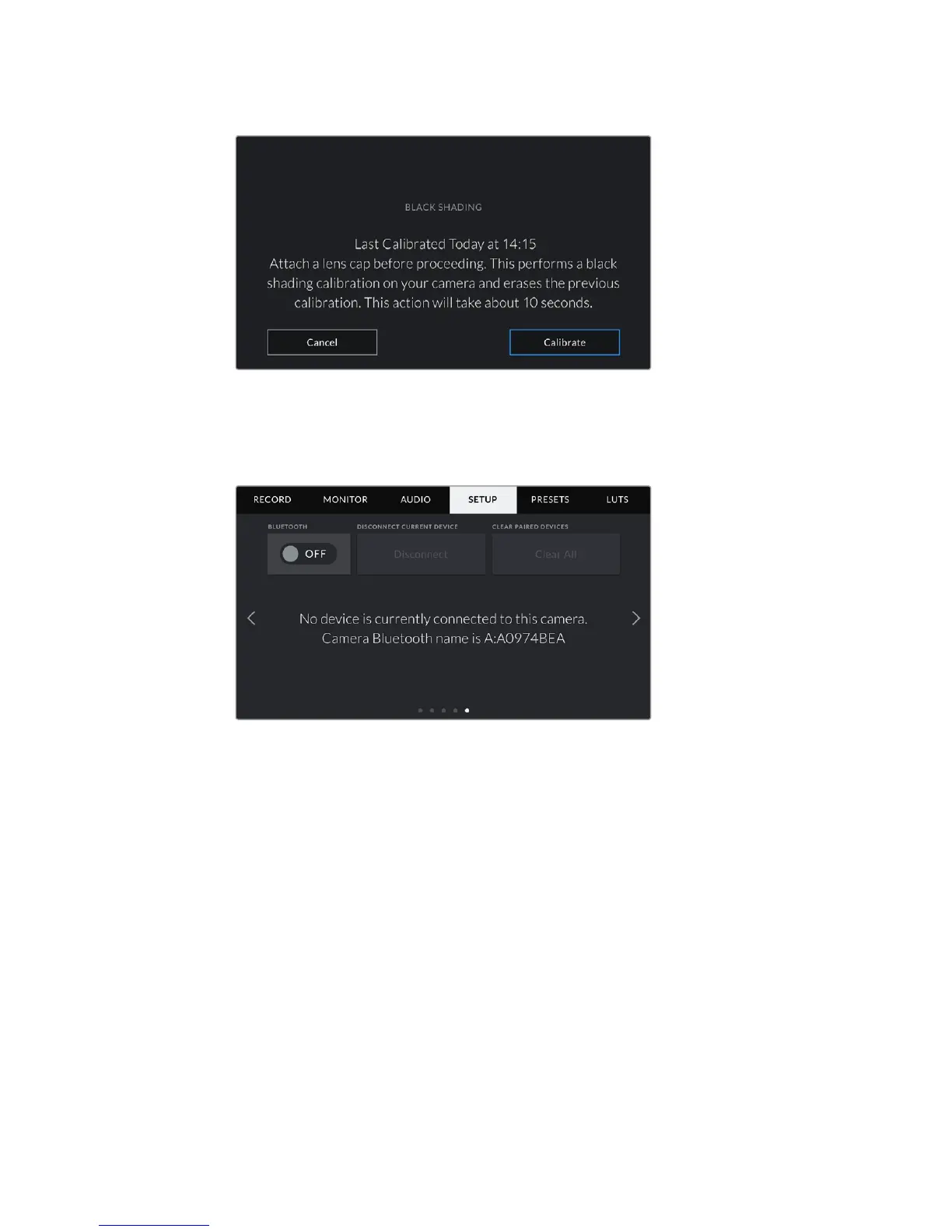
The fifth page of your URSA Mini's 'setup' tab contains the following settings.
The camera Bluetooth name will be the letter of your camera as selected in
the slate, followed by the 8 character hardware ID for your URSA Mini
Bluetooth®
On URSA Mini Pro 4.6K, Bluetooth control allows you to control your camera wirelessly from
portable devices. Using the ‘Blackmagic Camera Control App’ you can power the camera on or
off, change settings, adjust metadata and trigger record remotely from an iPad. You can enable
or disable Bluetooth by tapping the ‘Bluetooth’ switch icon in the ‘setup' menu. WhenBluetooth
is enabled, the camera can be detected by Bluetooth devices up to 30feet away.
Because URSA Mini Pro 4.6K uses the same set of commands for Bluetooth control as it does
for 'Blackmagic SDI Camera Control Protocol', you can write your own applications to control
almost every setting in the camera remotely, from monitoring to audio settings, the camera’s
inbuilt DaVinci Resolve color corrector or lens control.
For more information see the 'Blackmagic SDI Camera Control Protocol' section in this manual.
116Settings










 To Next Page