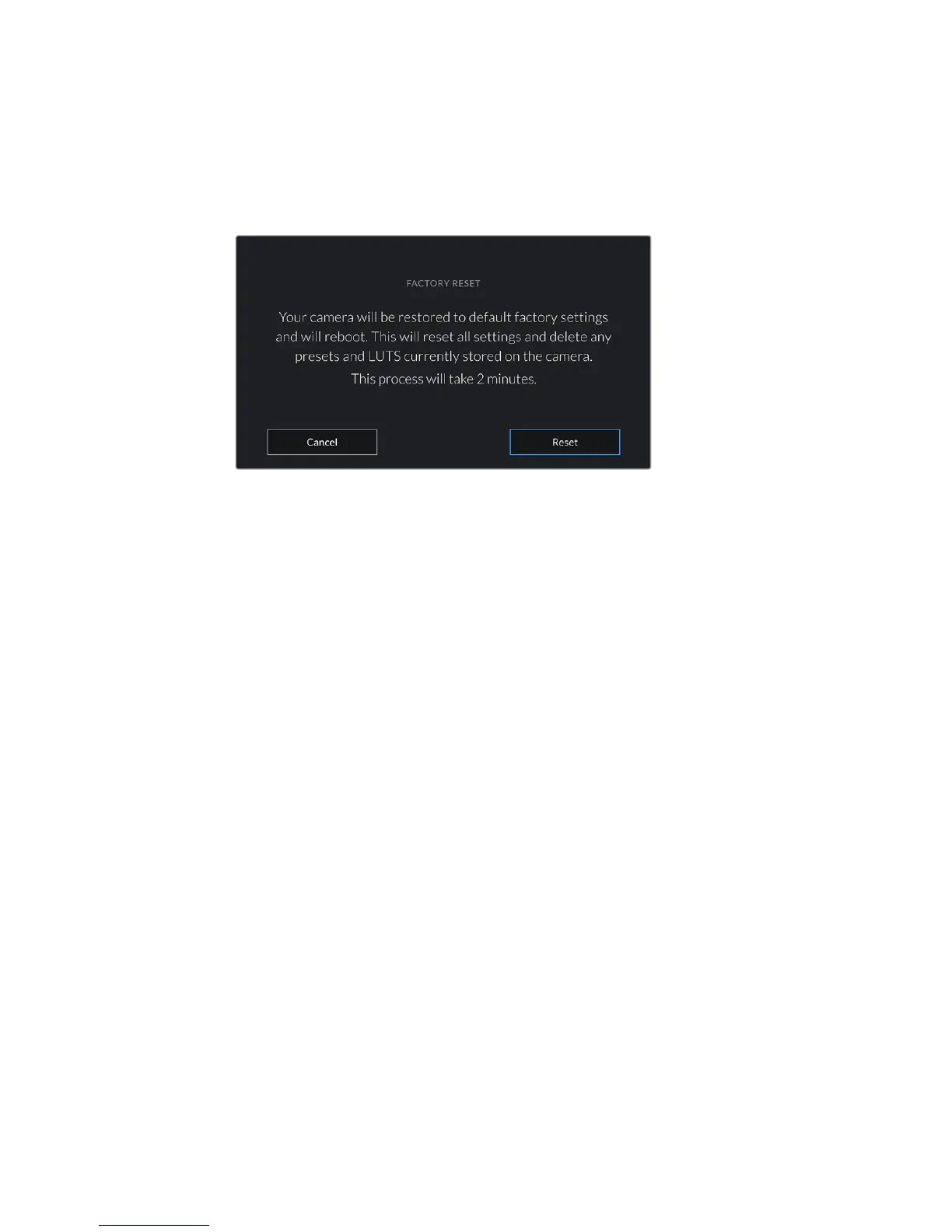
Factory Reset
To reset the camera to its default factory settings, tap the ‘reset’ button. You will be asked to
confirm this action as it will erase any LUTS and presets currently stored on the camera. Tap
‘reset’ on the confirmation page to reset your camera settings. On URSA Mini Pro 4.6K, this
process can take up to two minutes to complete.
When selecting 'factory reset' you will be prompted to confirm your action
Hardware ID
The ‘Hardware ID’ indicator displays an 8 character identifier for your URSA Mini. This is unique
to each camera. A longer, 32 character version of this ID is also included in the metadata for
RAW and ProRes video. This can be useful for identifying which footage came from a particular
camera if filenames are changed as the camera hardware ID remains constant.
Software
Displays the current software version installed on your URSA Mini. See the ‘Blackmagic Camera
Setup Utility’ section for more information on updating software.
Playback
This setting allows you to select whether to play back a 'Single Clip' or 'All Clips' during
playback. 'All Clips' will play back through all matching media sequentially, and 'Single Clip' will
play one clip at a time. This also applies for the loop function. Selecting loop on 'All Clips' will
play through all of the clips on the CFast 2.0 or SD card and then loop. Selecting 'Single Clip'
will loop one clip at a time.
Black Shading
On URSA Mini cameras using the 4.6K sensor, the black shading feature optimizes image
quality by balancing the black levels on the sensor. It is best to carry out this process after your
camera has warmed up and has been running for a few minutes. To carry out a black shading
calibration you will need to place the dust cap on the camera, or place the lens cap on the lens
and then press the ‘calibrate’ button. You will be asked to confirm this action, as you require the
correct setup for this to function correctly. Calibration will take up to 10 seconds and you will be
notified when the process is completed. Your camera will remember the last date and time that
black shading was completed. This will optimize image quality in the shadows.
115Settings










 To Next Page