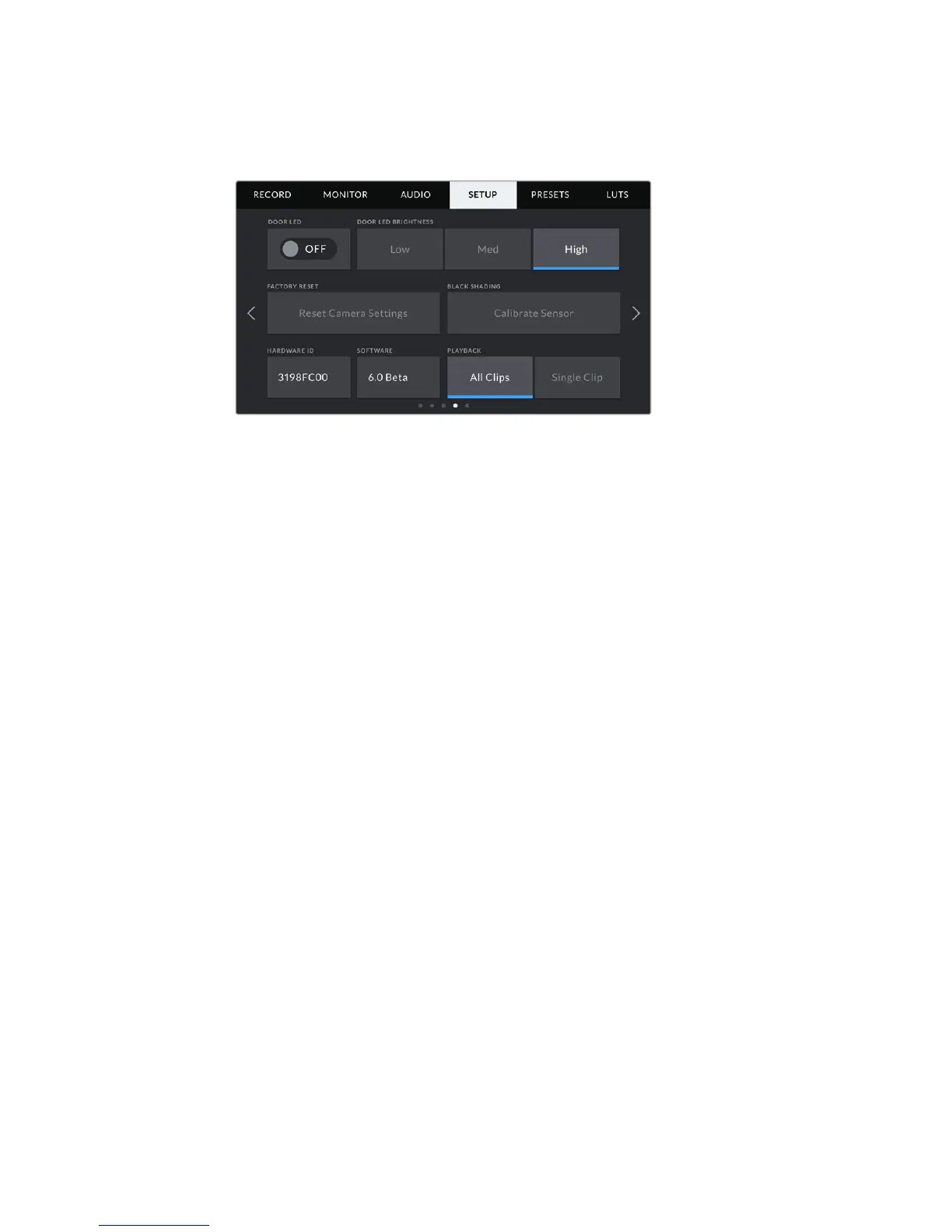
Setup Settings Page 4
The fourth page of your URSA Mini's 'setup' tab contains the following settings.
Door LED
Your URSA Mini has a small LED on the outside of the LCD touchscreen that provides tally and
status information. You can enable or disable it by tapping the ‘Door LED’ switch icon. The LED
for tally and status information is located in the forward control panel on URSA Mini Pro 4.6K,
and is referred to as 'Status LED'. It can be enabled or disabled by tapping the 'Status LED'
switch icon.
The LED will provide the following status indicators:
White
The camera is powered on and in ‘standby’ mode.
Red
The camera is recording. Slow flashing indicates that your card space is low, while rapid
flashing indicates dropped frames.
Green
The camera is in playback mode. Slow flashing indicates that your camera is playing
back clips. The LED will alternate between green and white in standby mode and will
alternate between green and clear during playback to indicate this. Three flashes
indicate that inserted media has been recognized.
Orange
If your camera’s battery is low, the LED will flash orange and your other current status
color. For example, if currently recording, the LED indicator will slowly alternate
between orange and red. If your camera is in standby mode, the LED will alternate
between white and orange. The threshold for ‘low’ battery is 20 percent for batteries
that support percentage accurate charge information, or 12.5 volts for batteries
that don’t.
Door LED Brightness
To set the brightness of your URSA Mini’s door LED or URSA Mini Pro 4.6K's status LED, simply
tap ‘low,’ ‘medium,’ or ‘high.’
114Settings










 To Next Page