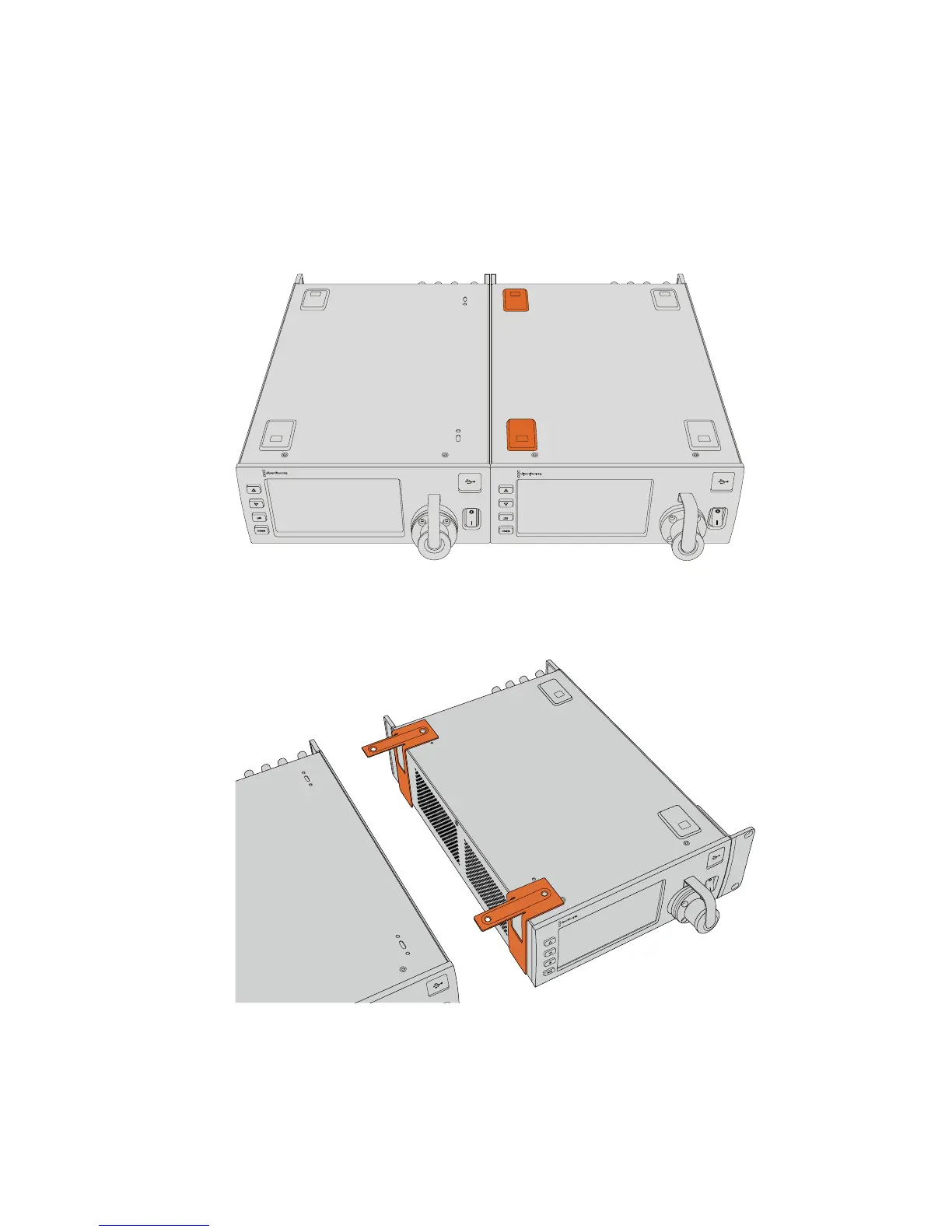
Preparing two Blackmagic Studio Fiber Converters for side by side installation into a rack:
If you are mounting two converters side by side, you can attach them to each other using
support brackets which secures them together so you can mount them more easily.
To secure the two units:
1 Turn the two converters over so that they are upside down and placed side by side.
Remove two rubber feet from the edges of each converter where they meet.
2 Attach the two supplied T-shaped support brackets to the base of the two Studio
Fiber units at the front and the back where the two units meet, using the screw holes
provided and the supplied support bracket screws.
183Operating the StudioFiberConverter










 To Next Page