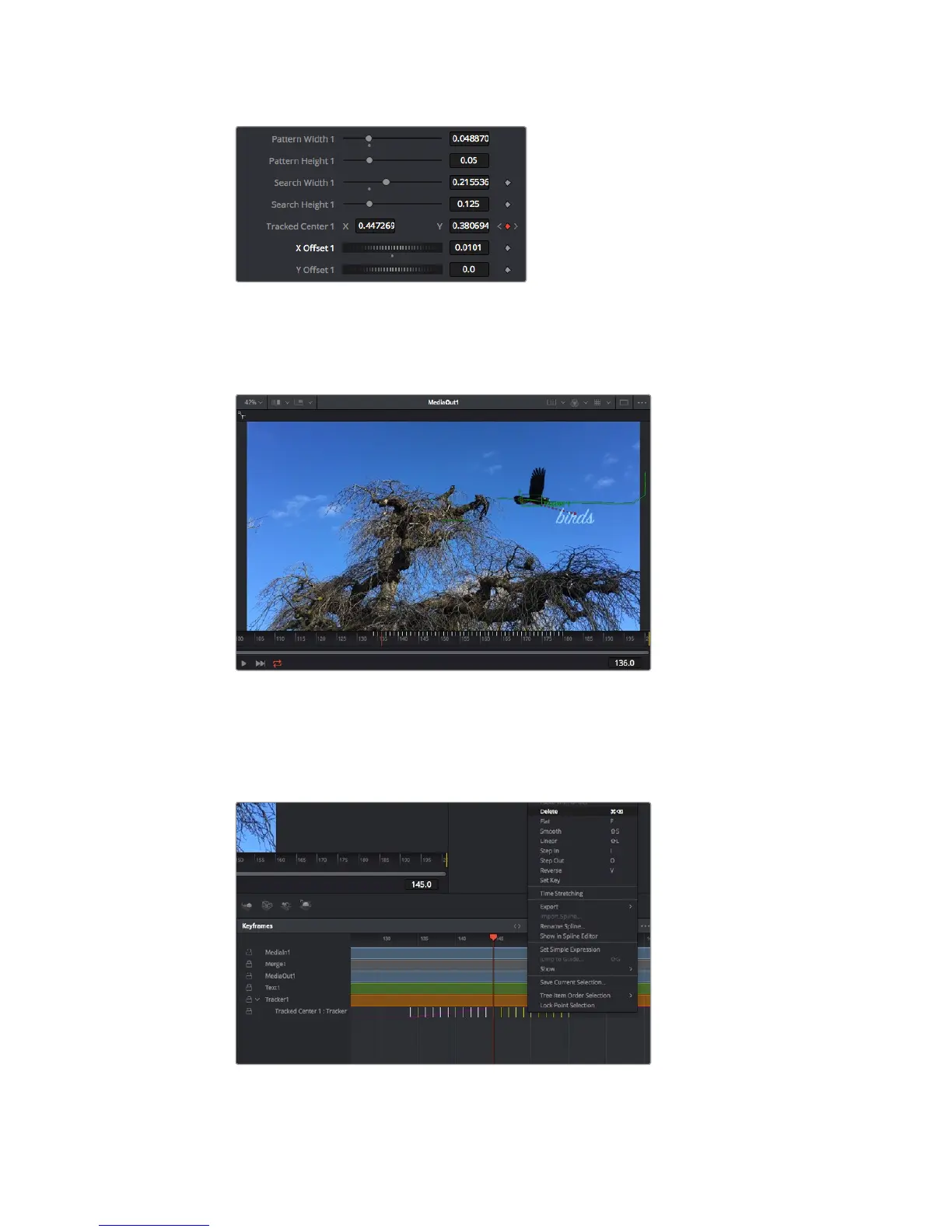
Scroll wheels at the bottom of the tracker inspector
panelletyou adjust the offset position for the text.
Now you can play back your composition and see your text attached to the object you
have tracked!
The green square is the tracker’s current position along the green path,
andthe red dashed line is the offset position used to animate the text.
For some shots you might want to remove track points after tracking, such as when the
objectyou are tracking disappears off the screen. The keyframe editor makes this a very
simple process.
240Using DaVinci Resolve










 To Next Page