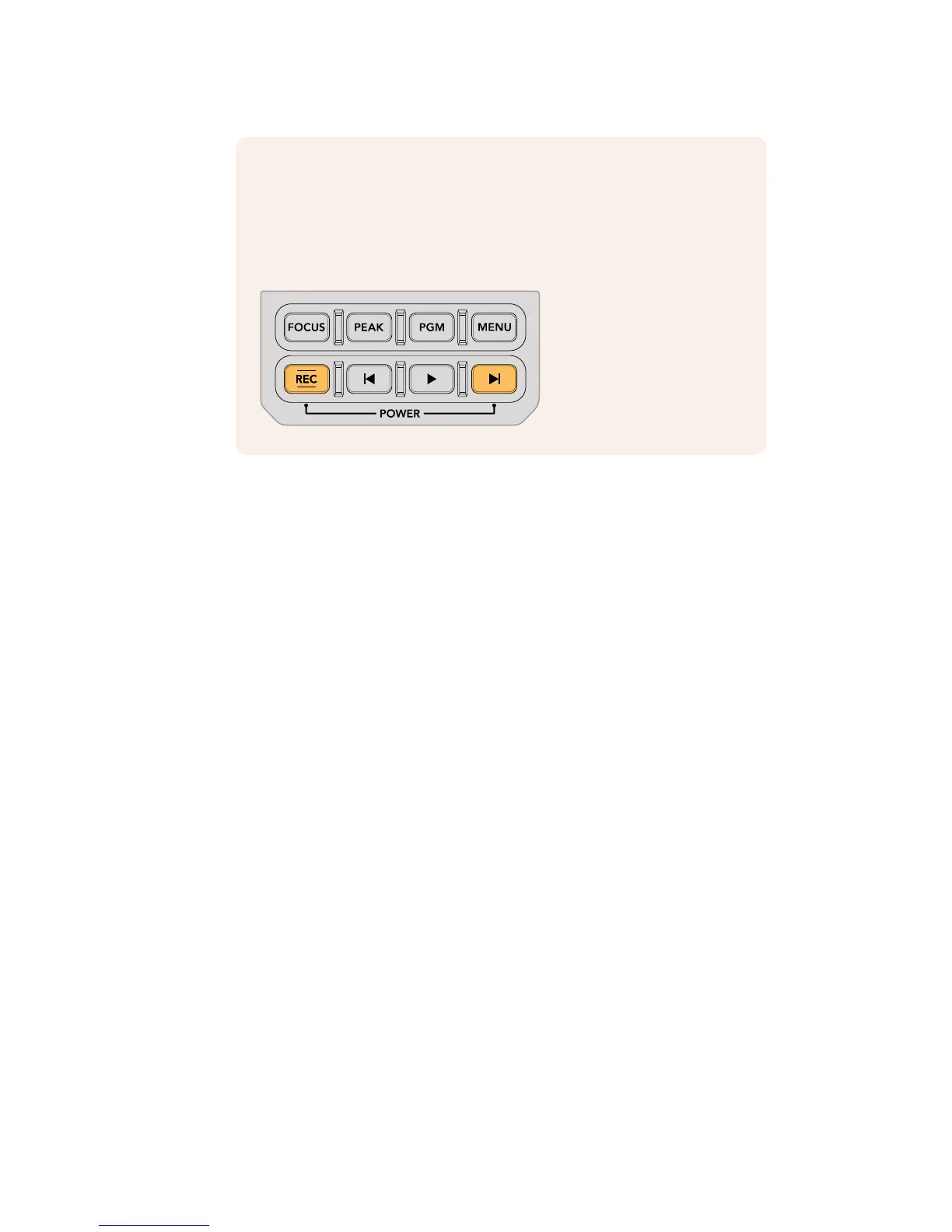
NOTE You can power your URSA Mini Pro 4.6K on or off via a combination of
internal control panel buttons. Holding the ‘rec’ and 'forward skip' buttons will
power up the camera if it is turned off, or power it off if it is turned on. If your
camera’s power switch is set to ‘on’ but your camera is powered down, it may
have been powered down via the control panel. Toggle the power switch to
return it to normal operation.










 To Next Page