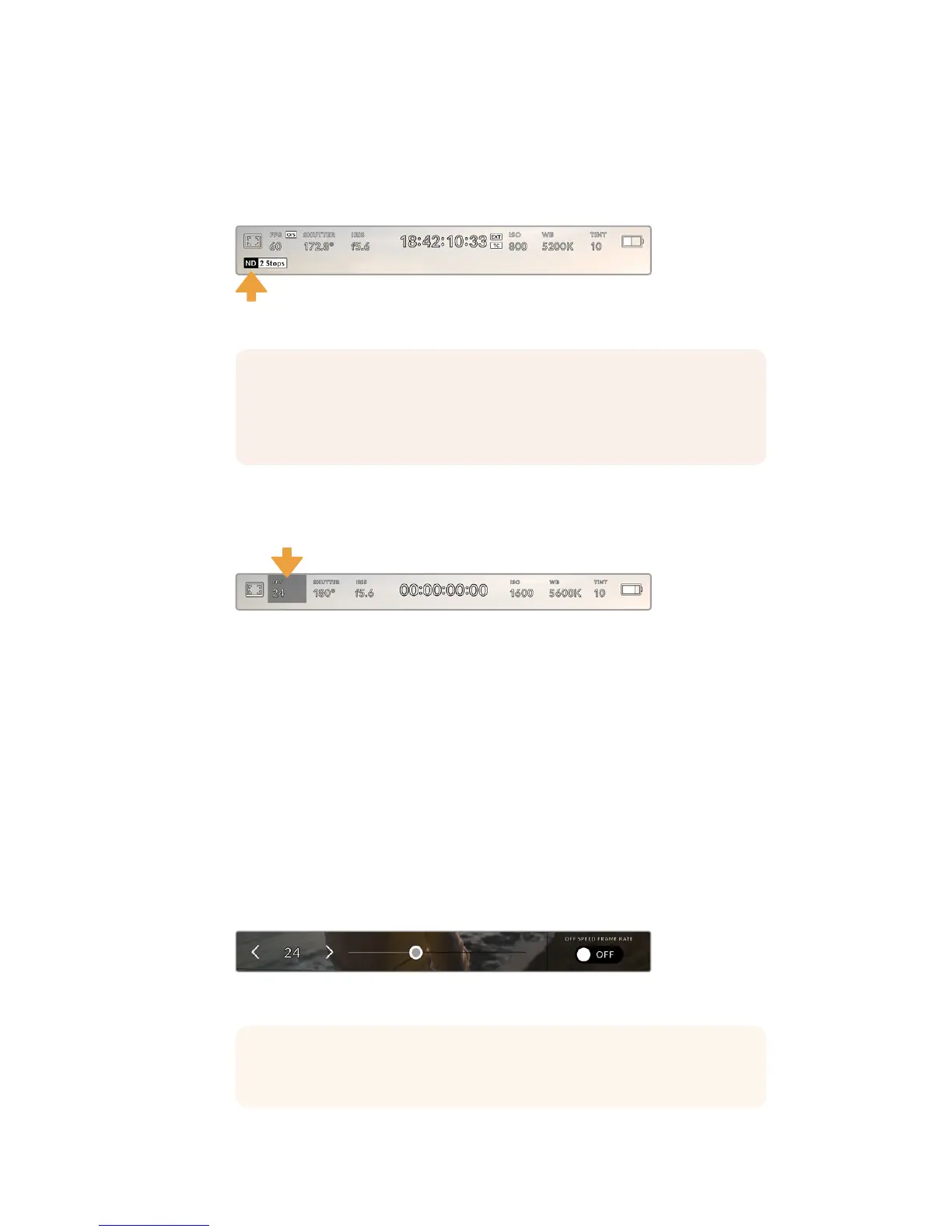
ND Filter indicator
Adjusting your URSA Mini Pro 4.6K's ND filter will display the ND filter indicator in the top left of
the LCD touchscreen and any SDI outputs set to show status text. This indicator will be shown
for four seconds and use the format you've selected in your URSA Mini Pro 4.6K's setup menu.
Adjusting your URSA Mini Pro 4.6K's ND filter setting will reveal the ND filter indicator
Frames Per Second
The ‘FPS’ indicator displays your currently selected frames per second.
URSA Mini's frames per second indicator. Tap this to access frame rate settings
Tapping the ‘FPS’ indicator lets you change your camera’s sensor and project frame rates via
amenu at the bottom of your LCD touchscreen.
Project frame rate
The project frame rate is URSA Mini’s recording format frame rate and provides a
selection of common frame rates used in the film and television industry. This frame
rate is normally set to match your playback speed used in your post
production workflow.
Your Blackmagic URSA Mini has 8 project frame rate settings including 23.98, 24, 25,
29.97, 30, 50, 59.94 and 60 frames per second.
To adjust your URSA Mini’s project frame rate while in the ‘FPS’ menu, tap the left or
right arrows next to the current frame rate at the bottom left of your touchscreen.
Alternatively, you can drag the slider left or right.
Tap the arrows on either side of the project frame
rate or move the slider to make adjustments
NOTE You can adjust the terminology used by the ND filter indicator to reflect
the conventions you're used to. The options are ND number, stops and
fractions. You can set your preferred format in your URSA Mini Pro 4.6K's 'setup'
menu.
TIP Your URSA Mini's project frame rate also sets the frame rate of the front
and main SDI outputs.
76Touchscreen Controls










 To Next Page