Iris
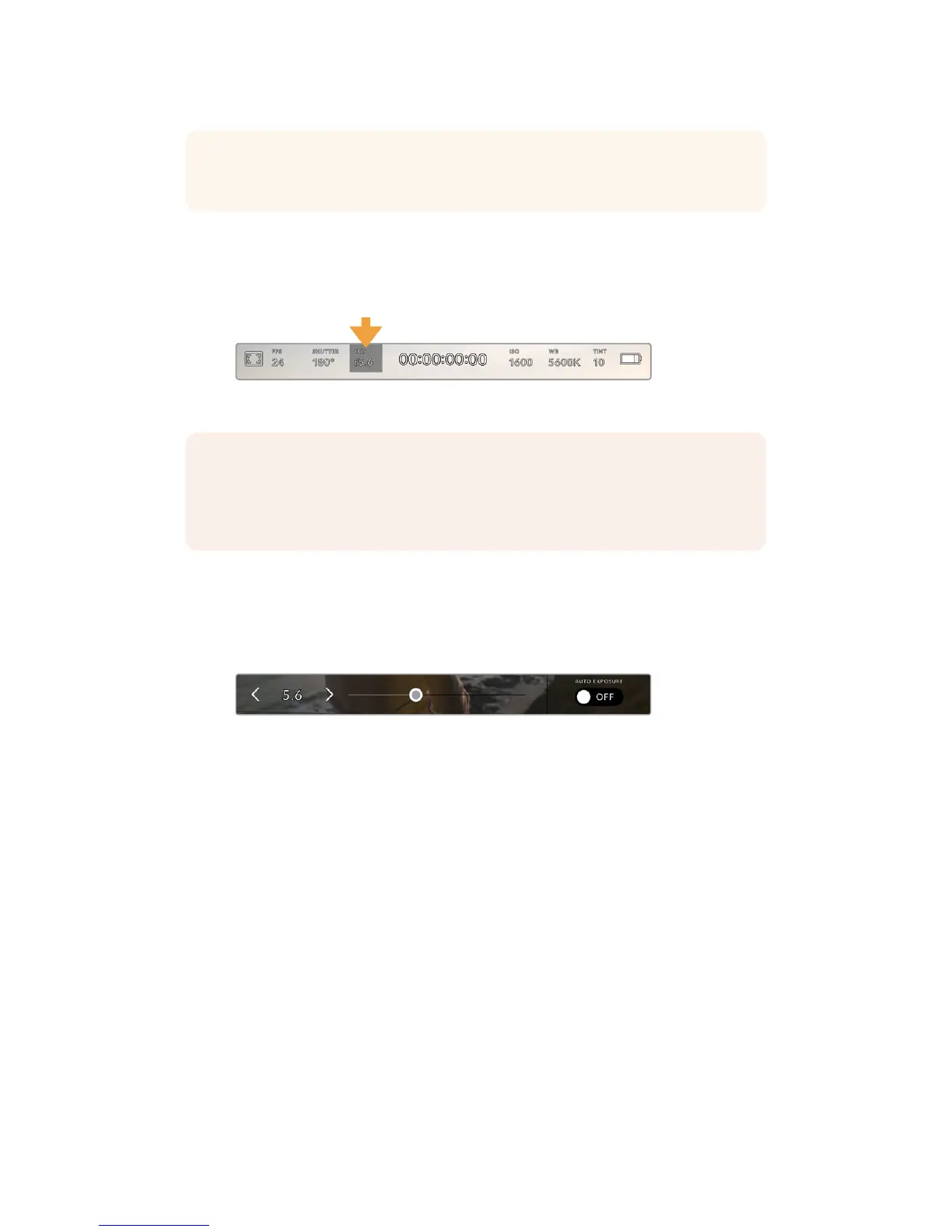
The ‘Iris’ indicator displays your current lens aperture. By tapping this indicator, you can change
the aperture of compatible lenses and configure iris based auto exposure modes.
Your URSA Mini's iris indicator. Tap this to access iris settings
Tapping the ‘iris’ indicator once brings up the iris menu along the bottom of your URSAMini
touchscreen. You’ll see your current lens aperture at the far left of this menu. You can change
the aperture by tapping the left and right arrows on either side of the current aperture, or
moving the slider left or right.
While in the 'iris' menu, tap the arrows on either side of the iris
indicator or use the slider to adjust iris settings
Tapping the ‘auto exposure’ switch icon at the far right of the iris menu opens the iris auto
exposure menu.
This gives you the following auto exposure options.
Iris
This setting automatically adjusts the aperture to maintain a constant exposure, while
keeping shutter angle constant. This will keep motion blur constant, but may affect your
depth of field.
Iris + Shutter
Maintains the correct exposure levels by adjusting the aperture, then the shutter value.
If the maximum or minimum available aperture is reached and exposure still cannot be
maintained, URSA Mini will begin adjusting the shutter value to keep exposure constant.
Shutter + Iris
Maintains the correct exposure levels by adjusting the shutter, then the aperture. If the
maximum or minimum available shutter value is reached and exposure still cannot be
maintained, URSA Mini will begin adjusting the aperture to keep exposure constant.
TIP When an auto exposure mode that effects the shutter is enabled, a small 'A' will
appear next to the shutter angle indicator at the top of your URSA Mini touchscreen.
NOTE To adjust your Iris from the LCD touchscreen, your URSA Mini must befitted with
a lens that supports changing aperture via the camera. If you are using a B4 or PL lens
connected via the broadcast 12 pin connector on URSA Mini PL, make sure that the lens
iris switch on the handgrip is set to ‘A’ or ‘auto.’
80Touchscreen Controls










 To Next Page