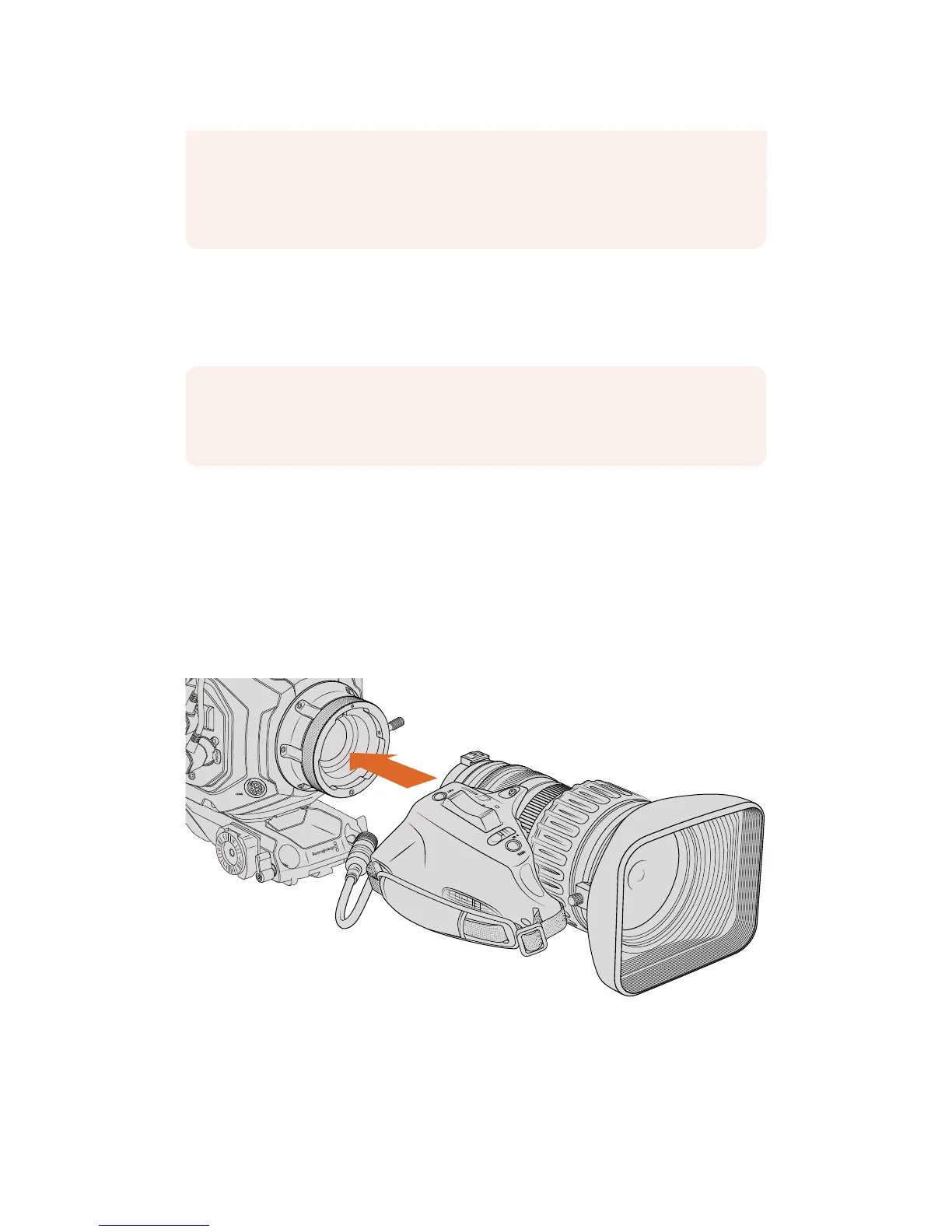
URSA Mini Pro 4.6K PL and URSA Mini PL support control of PL 35mm lenses with servo
handgrips. When the lens is plugged in to the 12-pin broadcast connector on the camera,
URSAMini will provide power and control signals to your lens in the same way it does with
B4lenses. For more information refer to the 'Using Servo Zoom Lenses' section in this manual.
To attach a B4 mount lens:
1 Turn the B4 lens locking ring counterclockwise to reveal the alignment pin inside the
top of the mount. Align the B4 lens to your URSA Mini’s B4 mount so the registration
slot on the lens mount matches the position of the alignment pin.
2 Hold the lens against the B4 mount so the mount plates are against each other.
Make sure the alignment pin is secured inside the registration slot.
3 Turn the locking ring clockwise to tighten the lens against the mount and lock it
into position.
To power the lens and provide lens control, simply plug the lens cable into the connector
marked ‘Lens’ on the front of your URSA Mini PL or URSA Mini Pro 4.6K's turret. Most B4 lenses
will have the hirose 12 pin connector and cable built in. This will provide power and control
signals from your URSA Mini to the lens. For information on the types of B4 lenses and how to
use them with your camera, refer to the 'Using Servo Zoom Lenses' section in this manual.
This detailed information can also be utilized by powerful applications such as
DaVinciResolve and Blackmagic Fusion for a wide variety of advanced functions.
Forexample, the recorded metadata can be used to simulate the specific lens in
3Dspace, or correct lensdistortions.
NOTE When no lens is attached to the camera, the glass filter covering the sensor
isexposed to dust and other debris. Ensure that you keep the dust cap on whenever
possible.










 To Next Page