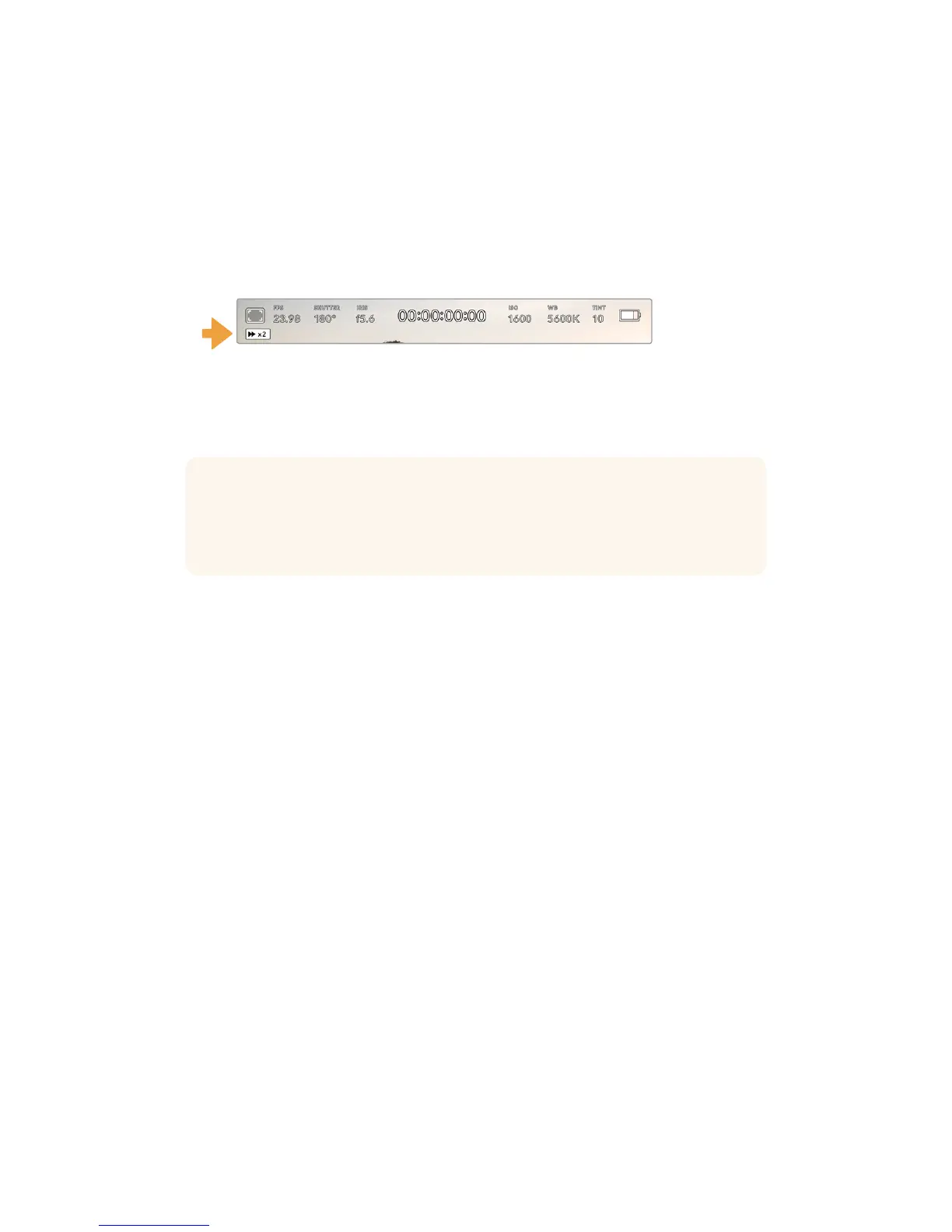
To shuttle, hold down either the forward or reverse transport buttons. This will play your footage
back at twice regular speed in either forward or reverse, depending on which transport key
you held.
Once shuttling, you can change the shuttle rate by tapping the transport keys again. Each time
you tap the transport key in the same direction you will double the shuttle rate. The maximum
shuttle rate is x16 normal speed. Tapping the transport key again at x16 speed will return you to
x2 speed. Tapping the opposite direction will halve the current shuttle speed until you reach
2xspeed. You can return to normal playback by tapping the ‘play’ button.
The shuttle speed indicator displays the speed and direction
of footage being fast forwarded or reversed
Tapping the 'record' control button in playback mode will return your camera to 'standby' mode,
ready to record.
TIP Swipe up or down on your URSA Mini’s touchscreen to hide status text while
playing back footage. Entering the slate in playback mode will allow you to mark the
current clip ‘good take’ in metadata. For more information, see the ‘entering metadata’
section in this manual.
89Touchscreen Controls










 To Next Page