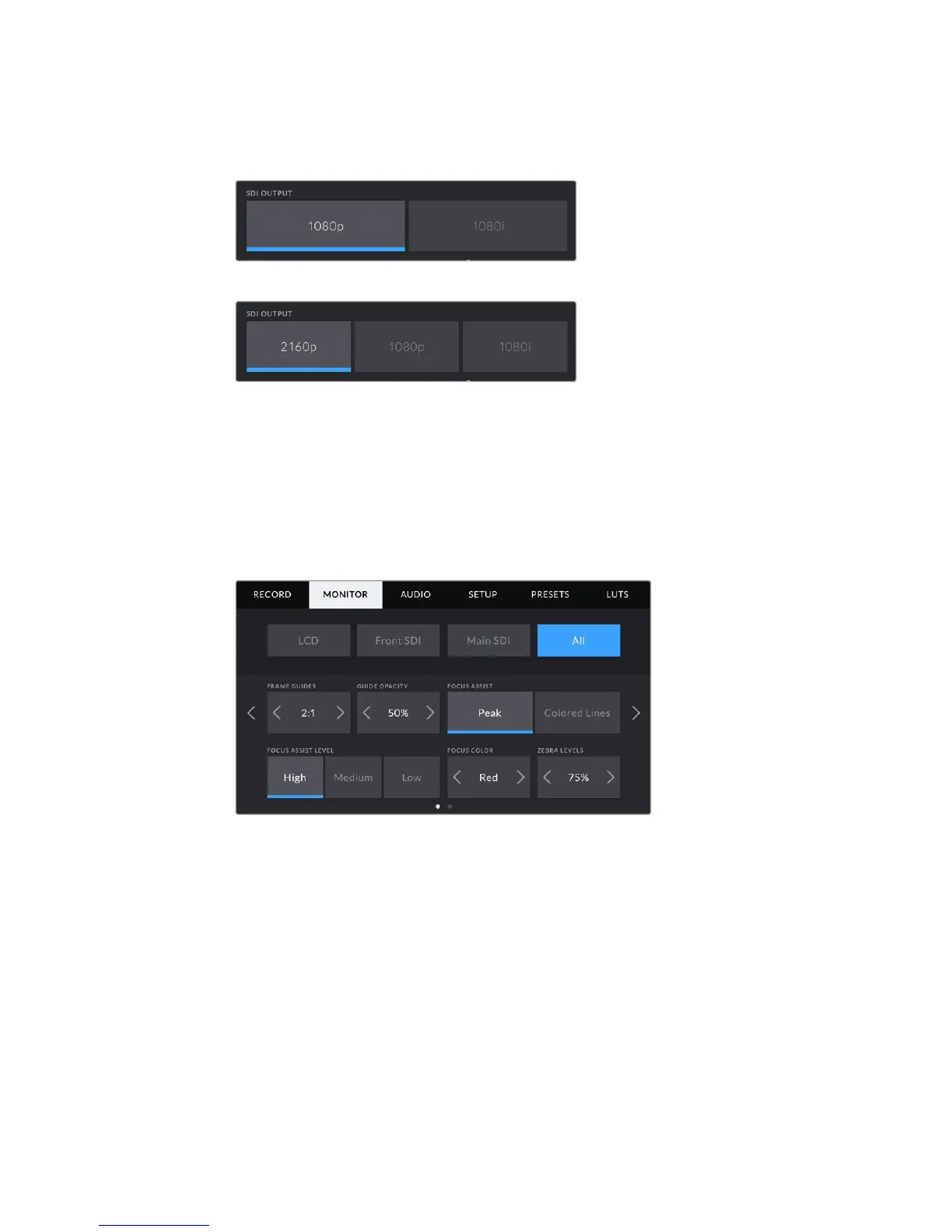
Ultra HD SDI output, or '2160p' is available on your URSA Mini's main SDI when
shooting at Ultra HD resolutions.
SDI Output - front SDI
SDI Output - main SDI
All Monitor Settings 1
Monitor settings that affect all of your URSA Mini's outputs are grouped within the 'all' menu.
Forexample, setting 'safe area guide %' to 90% in this menu will set the safe area guide to 90%
for your camera's LCD, front SDI and main SDI outputs.
There are two pages of 'all' settings. The first page of your URSA Mini's 'all' monitor tab contains
the following settings.
Frame Guides
Tap the left or right arrows in the ‘frame guides’ menu setting to cycle through seven
frame guide options for all outputs on your URSA Mini, including EVFs such as
Blackmagic URSA Viewfinder. The options are detailed in the ‘touchscreen’ section of
this manual, and are also accessible from the LCD monitoring menu in your LCD
touchscreen head up display. It’s worth noting that you can individually select whether
frame guides will appear on your LCD touchscreen, front SDI and main SDI output in
their respective ‘monitor’ menus.
Guide Opacity
Tap the left or right arrows in the ‘guide opacity’ menu setting to choose the opacity of
the areas blocked out by frame guides on your LCD touchscreen, front and main
SDIoutputs. Theoptions are 25%, 50%, 75% and 100%.
101Settings










 To Next Page