M410 User Manual 27
General Operation
Using the Keyboard
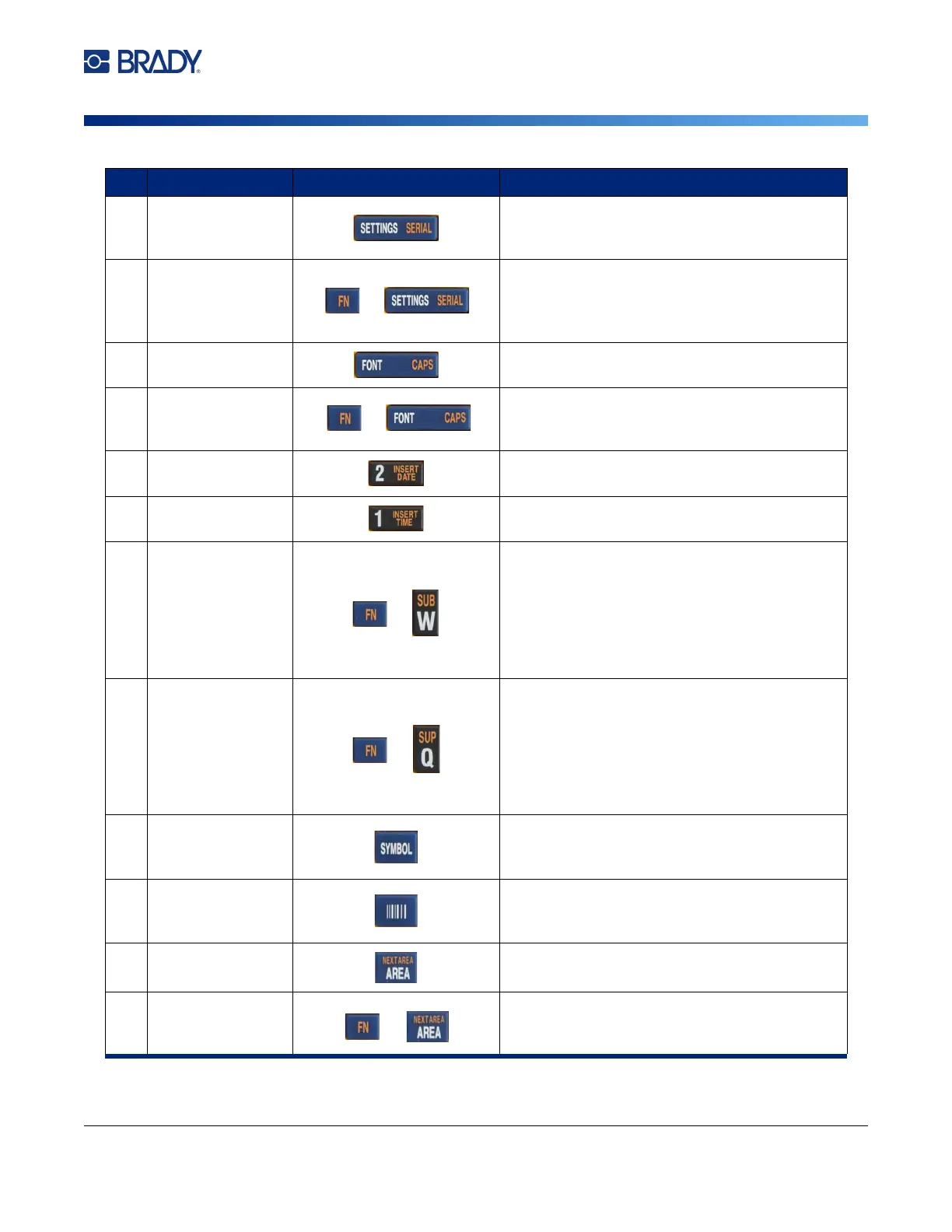
9 Settings
Provides formatting that affects the entire label
(for example, centering data on the label,
framing the label, rotating data).
Serial
Adds sequential data to your labels, that is,
data that increments (or decrements) from one
label to the next. See “Serialization (Sequential
Data)” on page 48.
10 Font
Provides font sizes and attributes such as bold
and italic. See “Typeface” on page 35.
Caps Lock
Acts as a toggle to lock text into uppercase as
data is entered. Press once to turn Caps Lock
on; press again to turn Caps Lock off.
11 Insert Date
Inserts the current date, as set on the printer.
See “Date and Time” on page 45.
12 Insert Time
Inserts the current time, as set on the printer.
See “Date and Time” on page 45.
13 Subscript
• Places the next typed character in subscr
ipt
format, dis
playing slightly below the line
of
text
.
• Places multiple characters in subscript if
the
char
acters are highlighted first. See “Exist
ing
Te
xt” on page 37 for
information on
hig
hlighting characters.
14 Superscript
• Places the next typed character in superscri
pt
for
mat, displaying slightly above the line
of
text.
•
Places multiple characters in superscript if the
characters are highlighted first. See “Exist
ing
Te
xt” on page 37 for
information on
hig
hlighting characters.
15 Symbol
Accesses the various symbols (graphics)
available on the printer. (Refer to “Symbols” on
page 44.)
16 Barcode
Places a text string in Barcode format, toggling
the barcode on and off. (Refer to “Barcode” on
page 46.)
20 Area
Adds, removes, and formats areas on a label.
See “Labels and Areas” on page 38.
Next Area
On a multi-area label, moves from the current
area to the next area. For an explanation of
areas see “Labels and Areas” on page 38.
Function Key Description



 To Next Page