M610 Label Printer User Manual 12
Setup
Connecting the Printer
Connecting the Printer
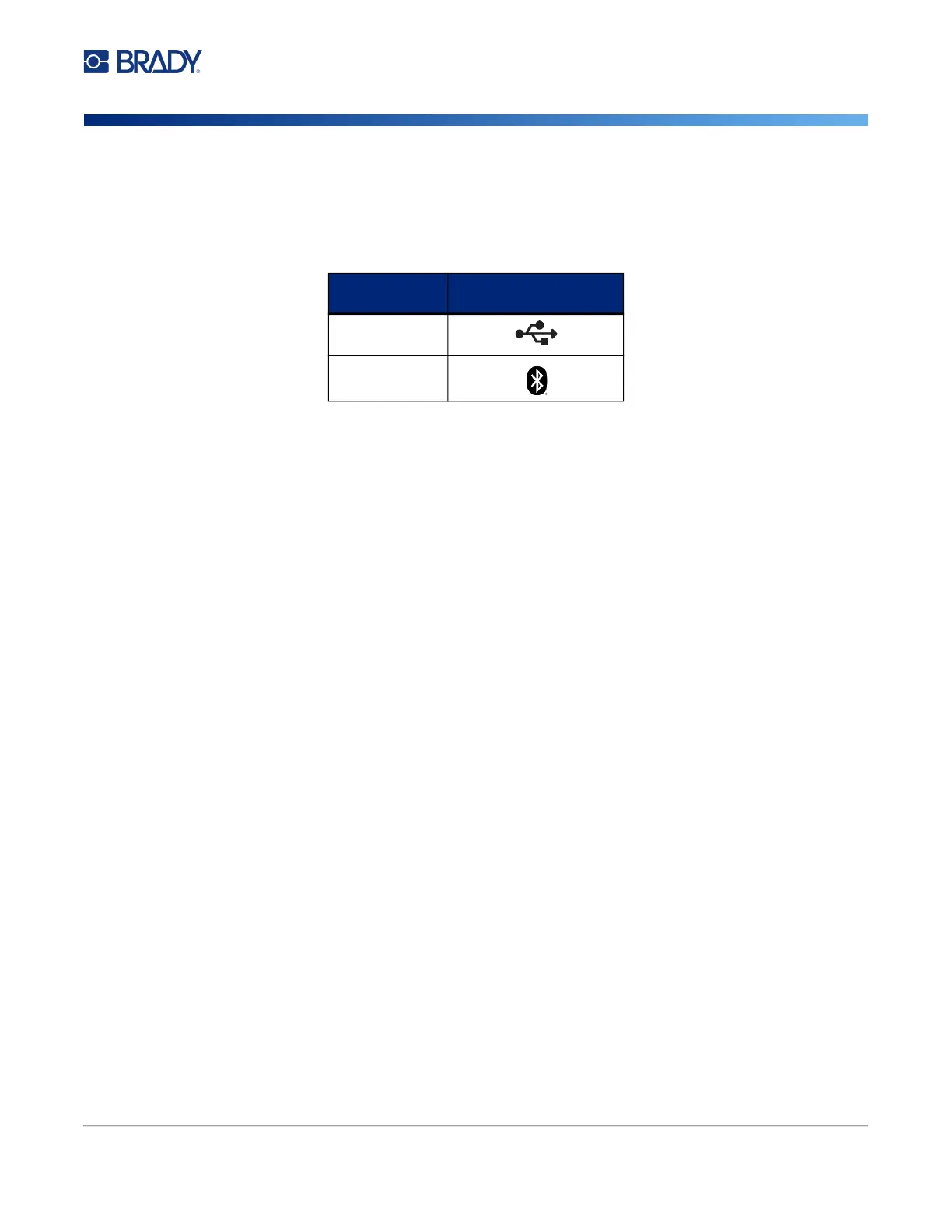
Connect to the labeling software using a USB cable or with Bluetooth
®
wireless technology, if you
have the Bluetooth printer model.
Bluetooth
This capability is only available on select M610 printer models. Look for the Bluetooth symbol on your
printer to know if this feature is supported.
To connect the printer to a mobile device via Bluetooth:
First, on the printer:
1. Make sure the printer is turned on.
2. If you do not see the Bluetooth symbol in the lower right of the display turn Bluetooth on.
a. Press FN + SETUP. (The SETUP key is in the row of function keys. See “Printer
Components” on page 4.)
b. Use the navigation keys to move through the menus to Bluetooth.
c. Navigate to On.
d. Press the ENTER key.
Bluetooth Status Indicators:
The icon will be a steady blue when a mobile device is connected to the printer or gray if there are no
connections. Only one device at a time may be connected to the printer.
Disconnect Bluetooth from a device:
1. Press FN + SETUP.
2. Use the navigation keys to move through the menus to Bluetooth.
3. Navigate to Forget.
4. Press the ENTER key.
Supported
Connections
Computer
Mobile Device



 To Next Page