M610 Label Printer User Manual 30
General Operation
Printing
History
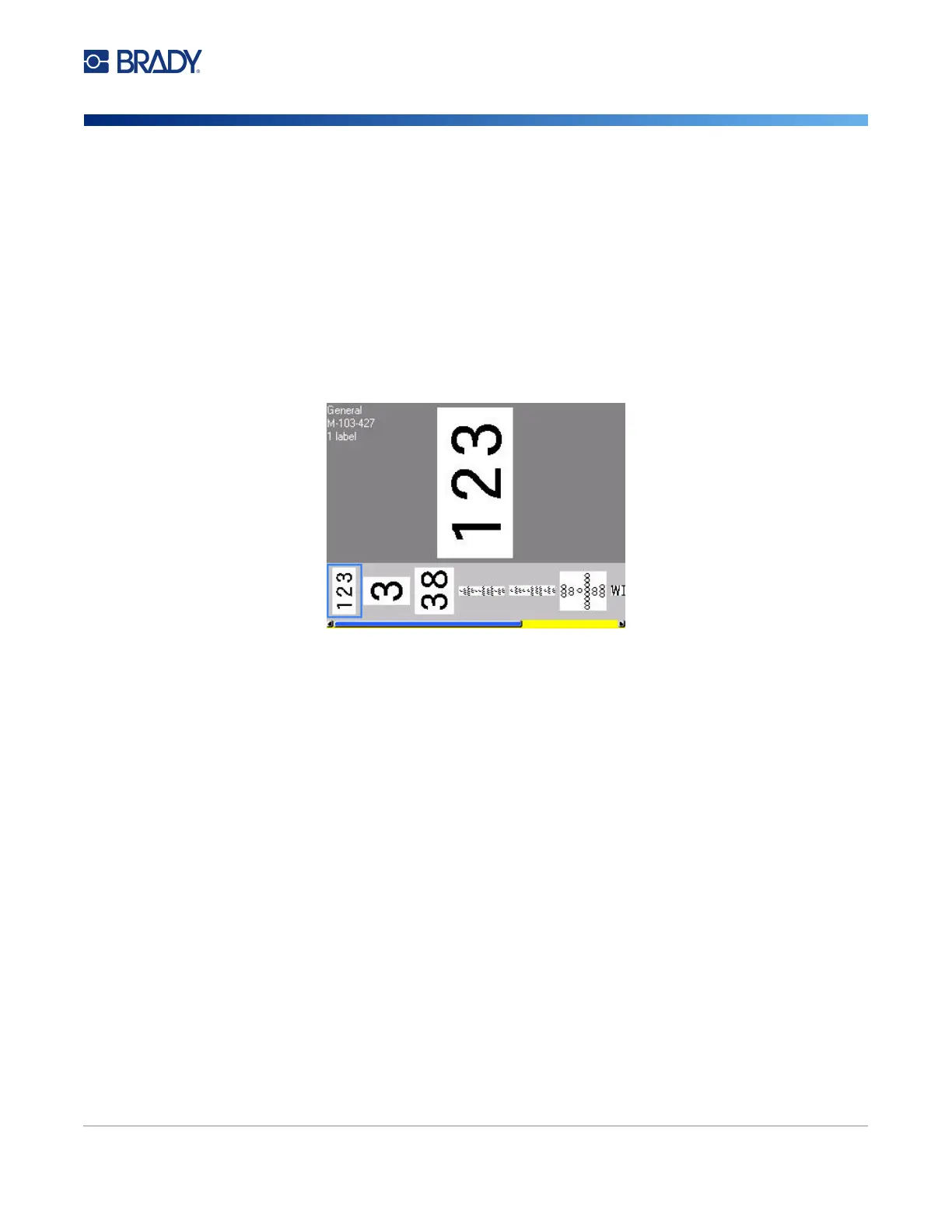
History is a convenient feature that enables easy access to recently used files. When Print History is
turned on it keeps track of the last 10 label files created and printed from the editor. Labels imported
from an external source will not appear in the history. For information on setting up this option, see
“Print History” on page 10.
Note: Only available for labels created on the printer.
To use the history:
1. Press Shift and Print.
A list of previously printed files displays at the bottom of the print screen. You can reprint any
of these files.
2. Select the file you want to print.
3. Press PRINT.
If the file you want to reprint is incompatible with the currently installed label supply, a message
displays indicating such.
4. To correct, install the label supply indicated in the error message.
5. Clear the message, then press PRINT.



 To Next Page