M610 Label Printer User Manual 35
Editing Labels on the Printer
Formatting Text
Existing Text
To apply an attribute to previously entered text:
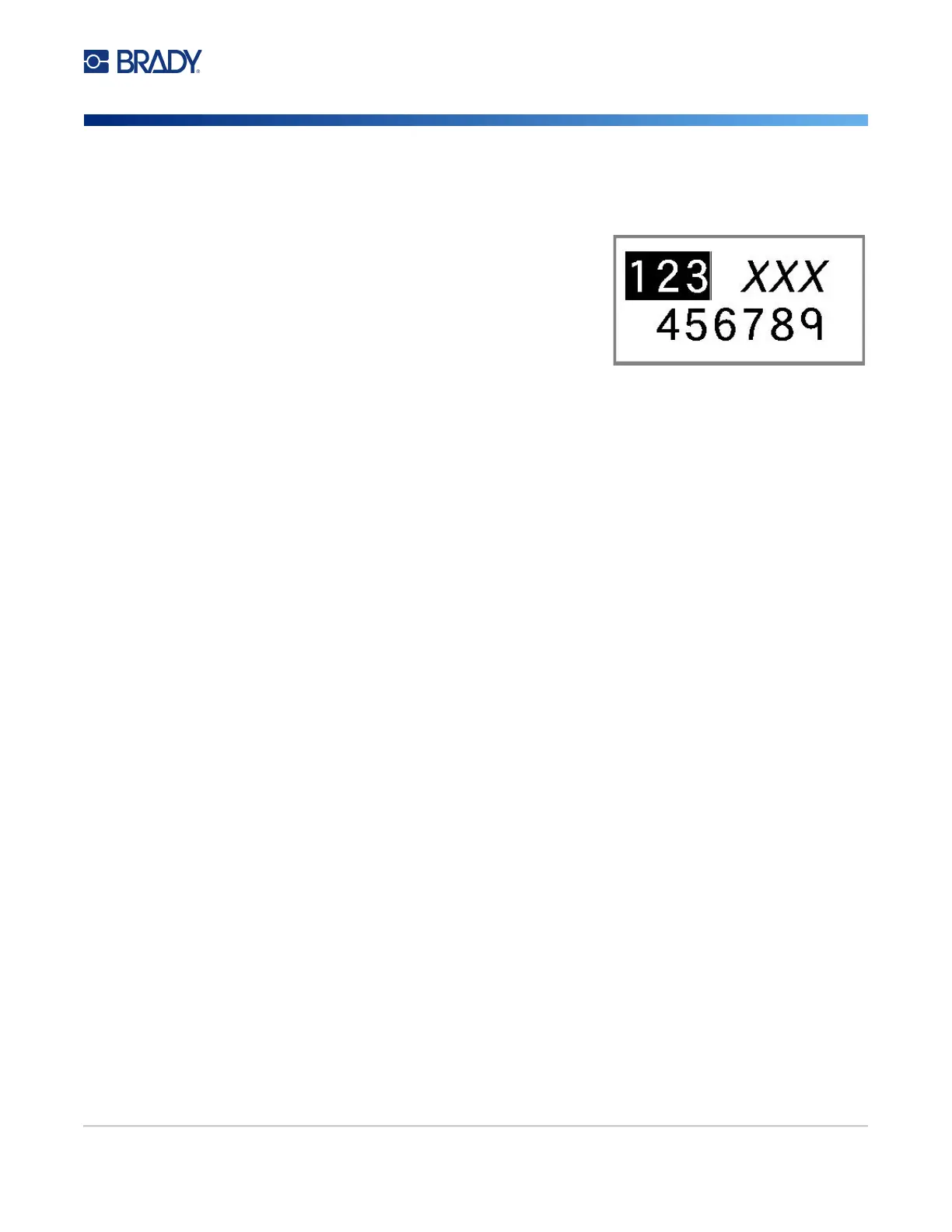
1. Select the text to which you want to apply the attribute.
• Hold
SHIFT
while moving the cursor with the
navigation keys across the characters to which the
attribute will be applied.
Note: Highlighting works on a line-by-line basis. You cannot
highlight more than one line at a time.
2. Press FONT.
3. Select the attribute, then select On (bold, italics, and
underline) or the percentage of expanded or condensed text.
All highlighted text displays the attribute.
To remove the highlighting from the characters, press any navigation key.
To remove an attribute that was previously applied to some text:
Repeat the steps for applying the attribute but select Off instead.
Superscript and Subscript
Superscript places a character slightly above the line of type and subscript places a character slightly
below the line of type. The super- or subscript character also displays slightly smaller than the normal
line of type. Super- and subscript functions are on the keyboard. Pressing either key applies that
format to the next character typed. It immediately turns off after the character is entered and you are
returned to the normal line of type.
To apply superscript or subscript to a single character:
1. Position the cursor in the line of text where the superscript or subscript character will display.
2. Press FN + SUP (on the Q key) for superscript or FN + SUB (on the W key) for subscript.
3. Type the character to be displayed in superscript or subscript.
Only the character typed directly after pressing the superscript or subscript key is displayed in super-
or subscript.
To apply superscript or subscript to multiple characters:
1. Type the characters that you want to put into super- or subscript.
2. Position the cursor at the beginning of the character string that you want to display in super- or
subscript.
3. Hold SHIFT while moving the cursor with the navigation keys across the characters that will
display in super- or subscript. This highlights the characters.
4. Press FN + SUP (on the Q key) for superscript or FN + SUB (on the W key) for subscript.



 To Next Page