M610 Label Printer User Manual 64
Label Types
DesiStrip
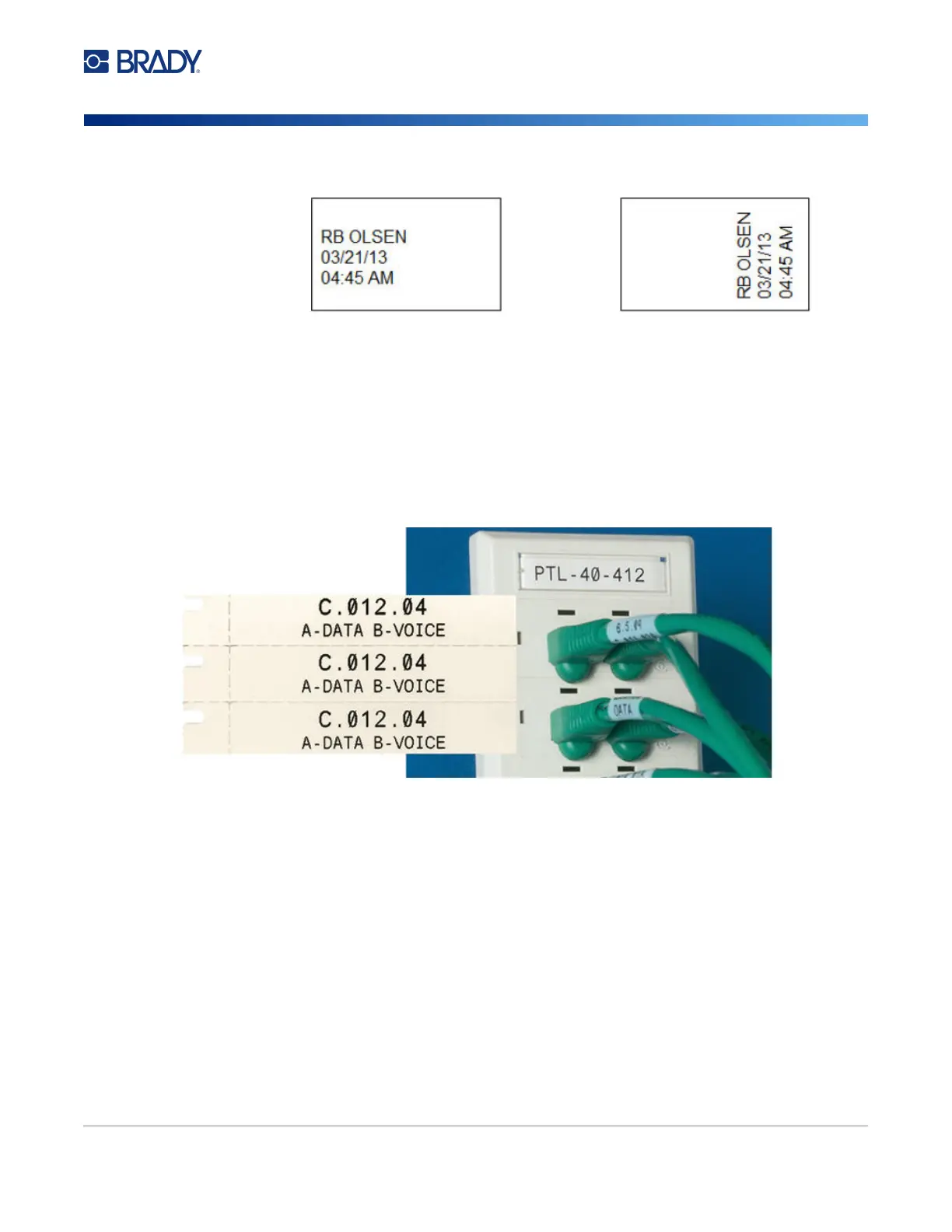
Use the rotation setting to change the orientation of the label. See “Rotation” on page 39.
Note: To create a duplicate label, refer to “Duplicate Label or Area” on page 38.
DesiStrip
A DesiStrip (Designation Strip) is a paper faceplate label that can rest over the keys of a phone or
switches in a breaker box, and so on. Continuous label supply should be used for this label type.
To create a DesiStrip label:
1. Press LABEL TYPE.
2. Select DesiStrip.
3. Enter the length of an individual strip.
4. Navigate to OK and press ENTER.
5. Enter the data on the label.
Landscape (horizontal on printed label) Portrait (vertical on printed label)



 To Next Page