M610 Label Printer User Manual 18
Setup
Accessories
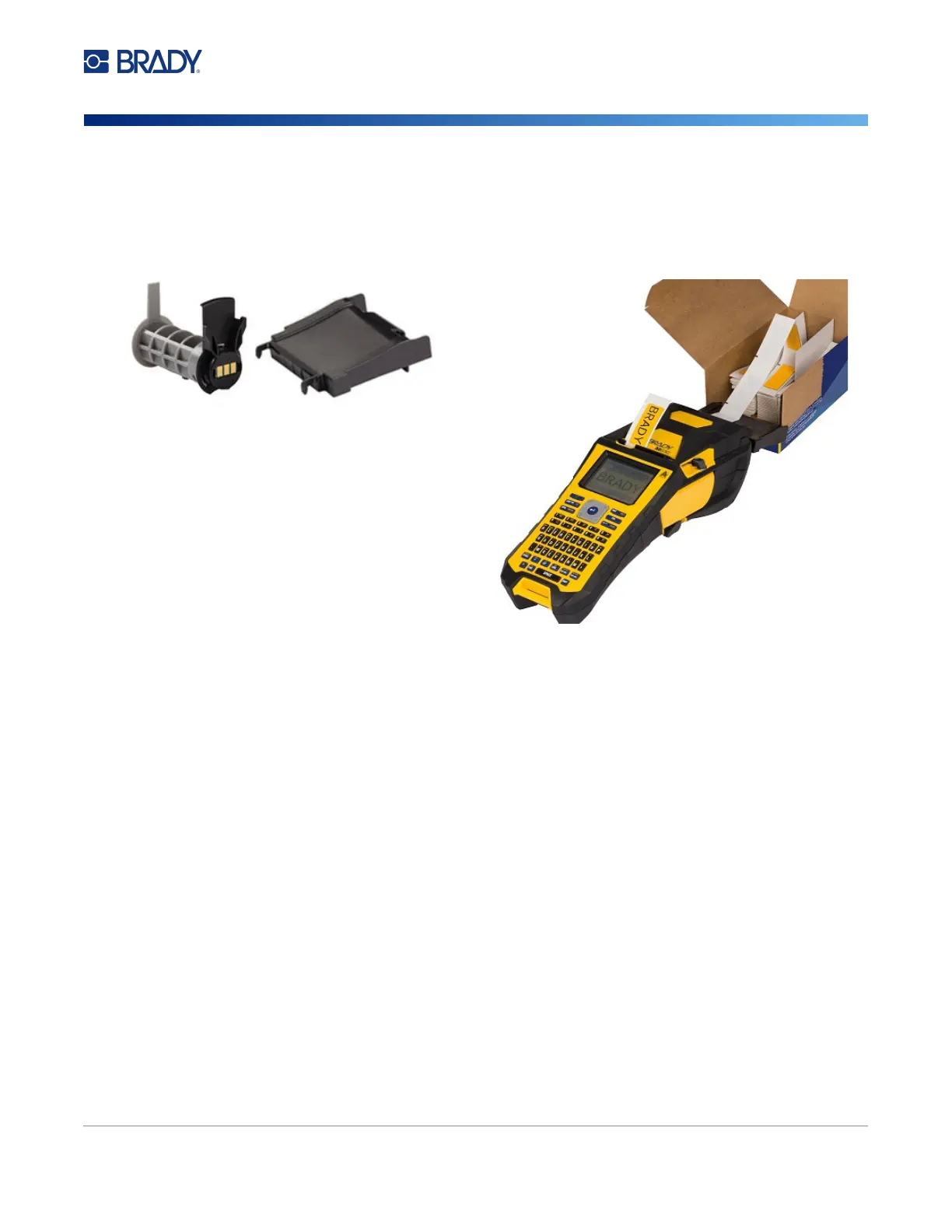
B-593 Raised Panel Labels
Accessories
The following accessories are available for the M610 Label Printer printer and can be purchased
separately from your distributor.
• Battery (Rechargeable) (M-NIMH-BATTERY)
• Battery Cover (M610-BATTERYCOVER)
• Cutter (M610-Cutter)
• Cleaning Kit (PCK-5) for internal cleaning
• Cleaning Kit (PCK-6) for external cleaning
• Hard-sided carrying case (M610-HC)
• Magnet (M610-MAGNET)
• USB cable (BMP41-USB)
• AC Power Adapter (M-AC-POWER)
• A variety of label supplies and ribbons
1. Open the printer and insert an empty M610 Label
Printer label core into the printer. (See instructions in
“Loading Bulk Label Supply” on page 17.)
2. Keeping the label supply in the box, place the box
behind the printer, then feed the leading edge of the
labels through the external feed path, over the label
core and through the guide slots until it stops.
3. Turn the power on.
4. Press FEED.
5. Leave roll door open during printing.



 To Next Page