M610 Label Printer User Manual 40
Editing Labels on the Printer
Labels and Areas
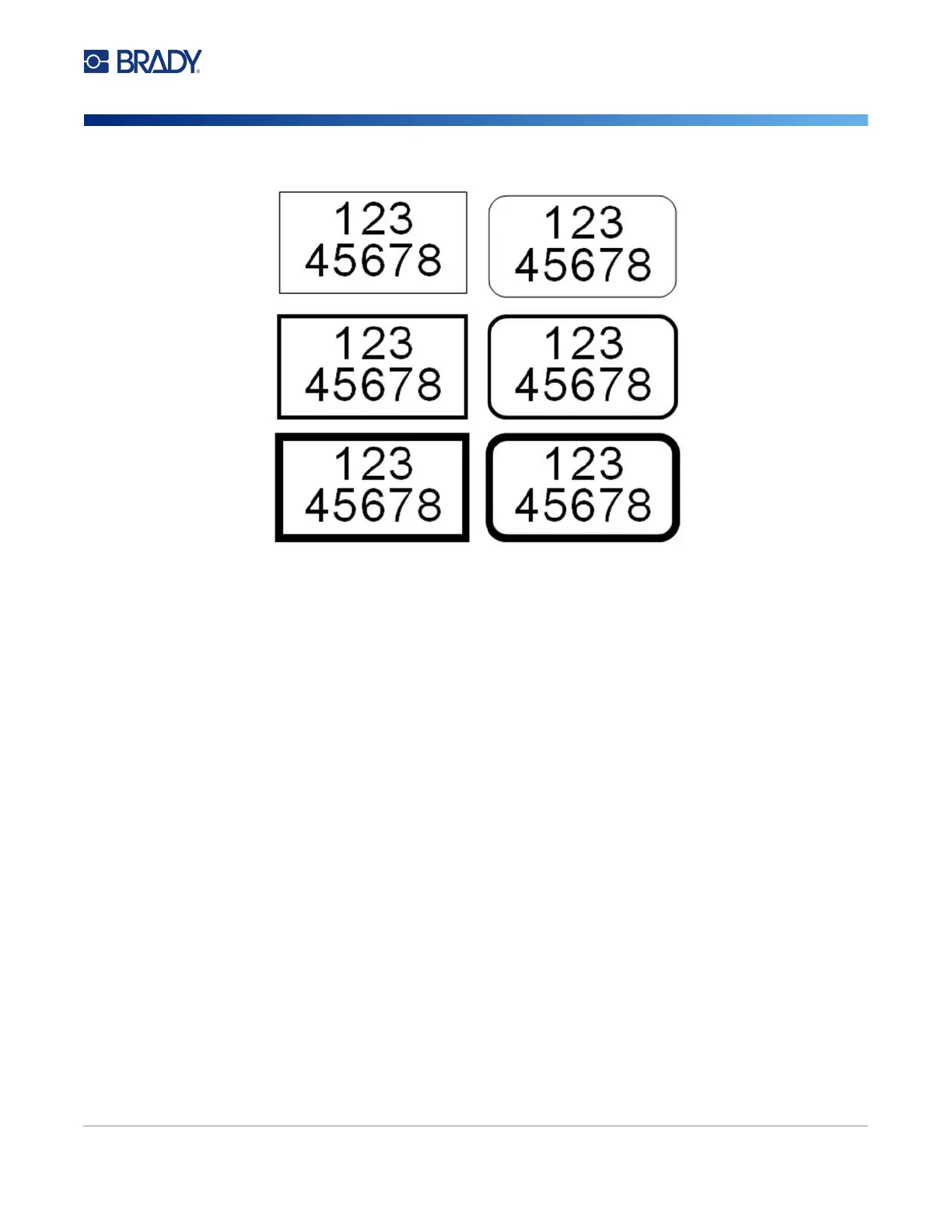
3. Choose Frame and select the frame type.
Frames do not display on the editing screen. Use print preview to view the label or area frames. See
“Preview” on page 28.
Note: Frames do not display edge to edge, but may appear slightly offset from the very edge of the
label.
To remove the Frame:
1. Navigate to the label or area that contains the frame.
2. Open the label or area menu: press LABEL or FN + AREA.
3. Choose Frame then None.
Rectangle
Narrow
Rounded
Narrow
Rectangle
Medium
Rectangle
Wide
Rounded
Medium
Rounded
Wide



 To Next Page