M610 Label Printer User Manual 76
Maintenance
Cleaning the Printer
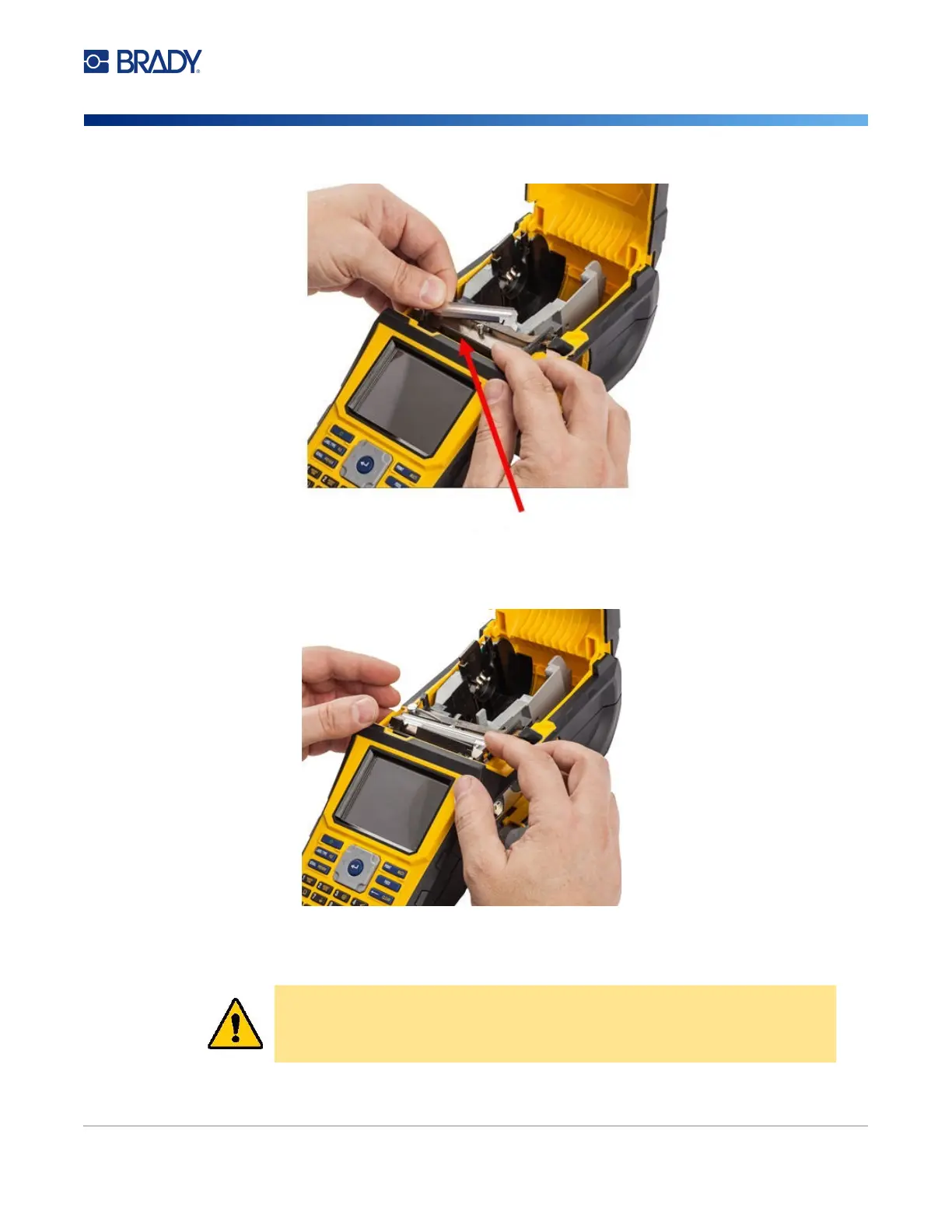
To remove the cutter blade cover:
1. From inside the label supply well, slip your finger under the right side of the blade cover and
gently pull up to unhook the blade cover.
2. Either replace the blade or clean it using a pre-moistened swab from the Brady Cleaning Kit
PCK-6.
CAUTION! Blade is sharp and can cause injury.
Pull forward



 To Next Page