M610 Label Printer User Manual 80
Maintenance
Recycling the Label and Ribbon Cartridge
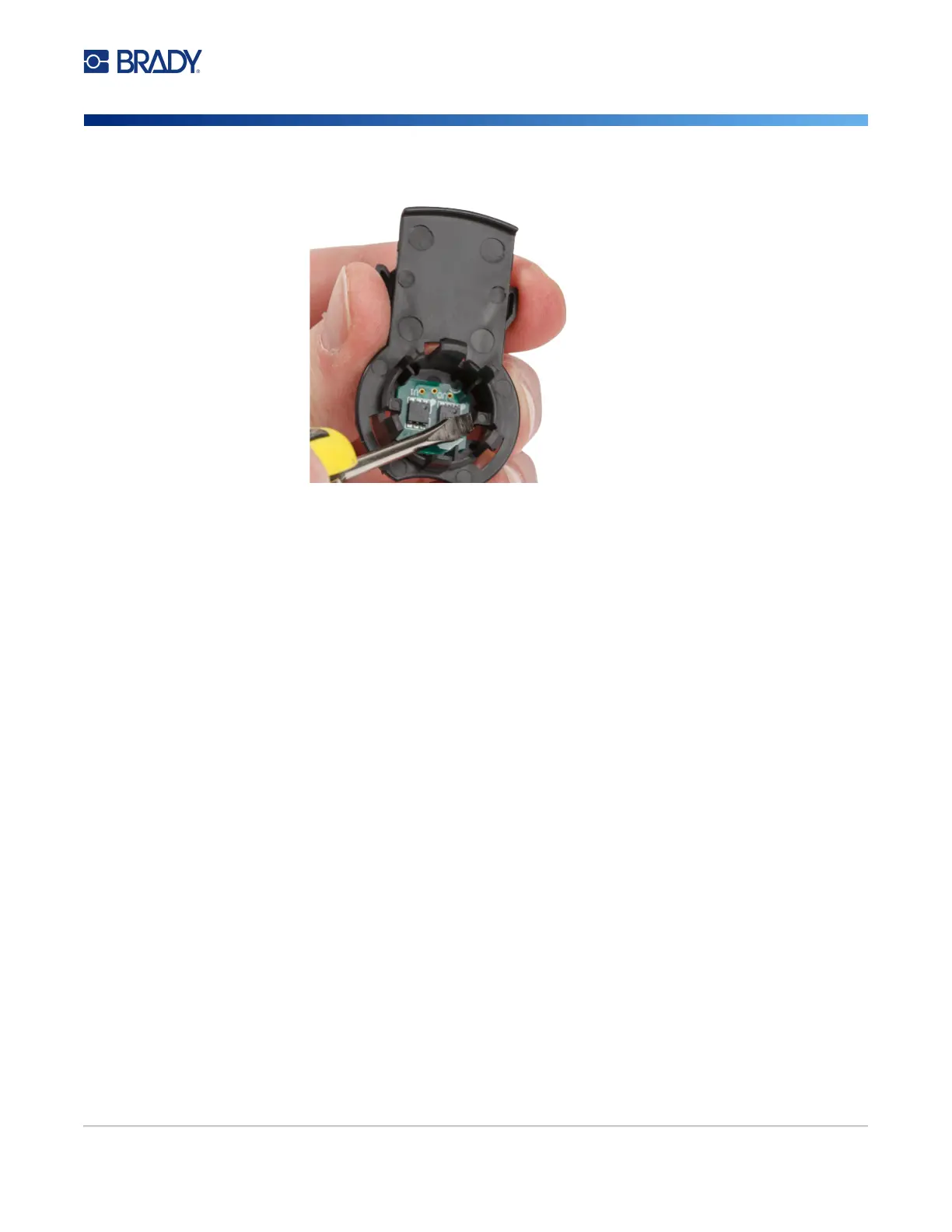
4. From the back side of the black end cap, press the blade of the screwdriver against the locking
tabs, applying outward pressure. This will release the smart cell.
5. Slide the cardboard core off of the plastic cartridge core.



 To Next Page