Programmer
9
Chapter 1 Initial Setup
Turning power OFF
1. Write the programmer data into a floppy disk.
Refer to "Writing data" (page 129.).
If the data is not need to be saved, delete it.
Refer to "Deleting program data" (page 123.).
2. Press
P
on the programmer.
The panel turns off.
3. Remove the pattern sheet.
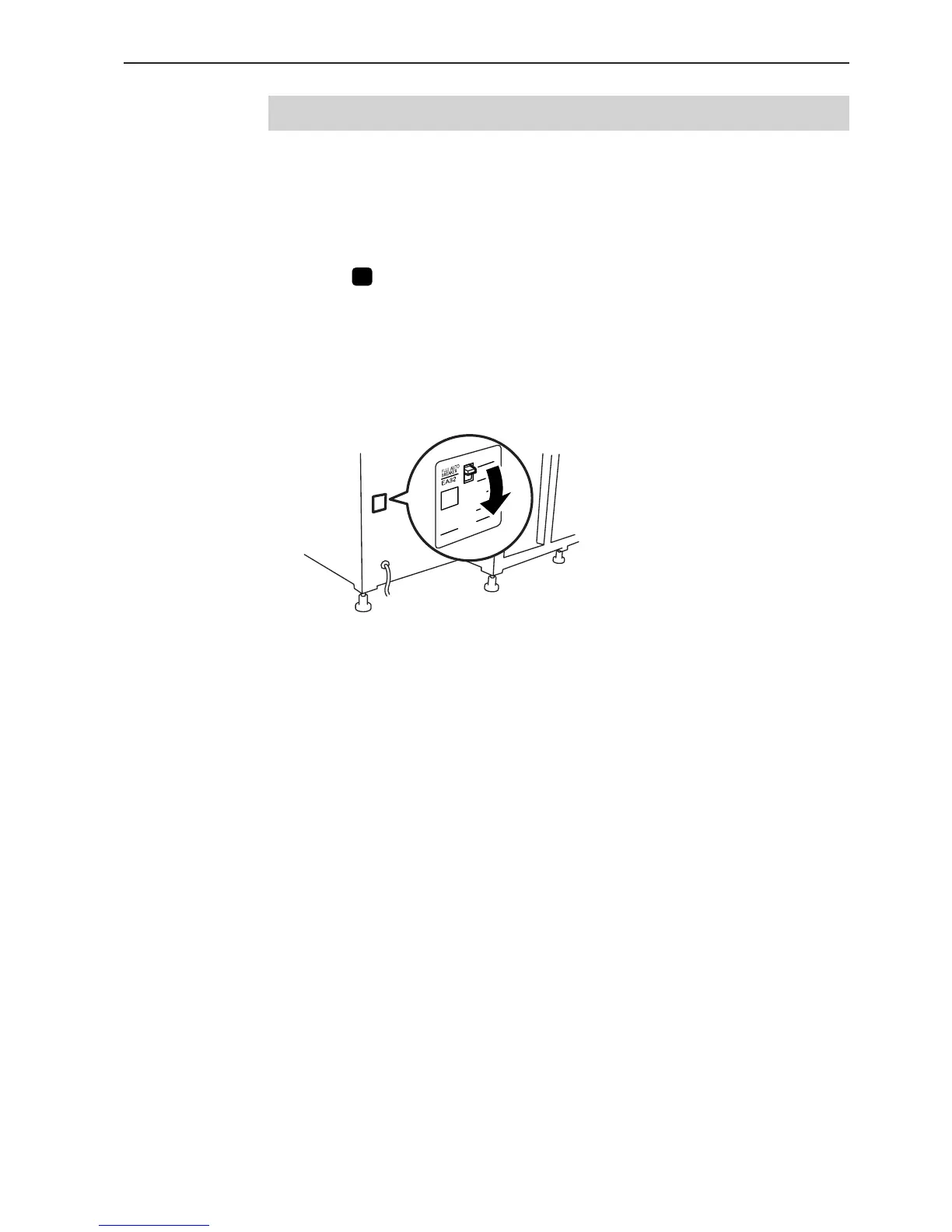
4. Switch OFF the machine.



 To Next Page