Programmer
24
Chapter 2 Programming with Help Function
Lines
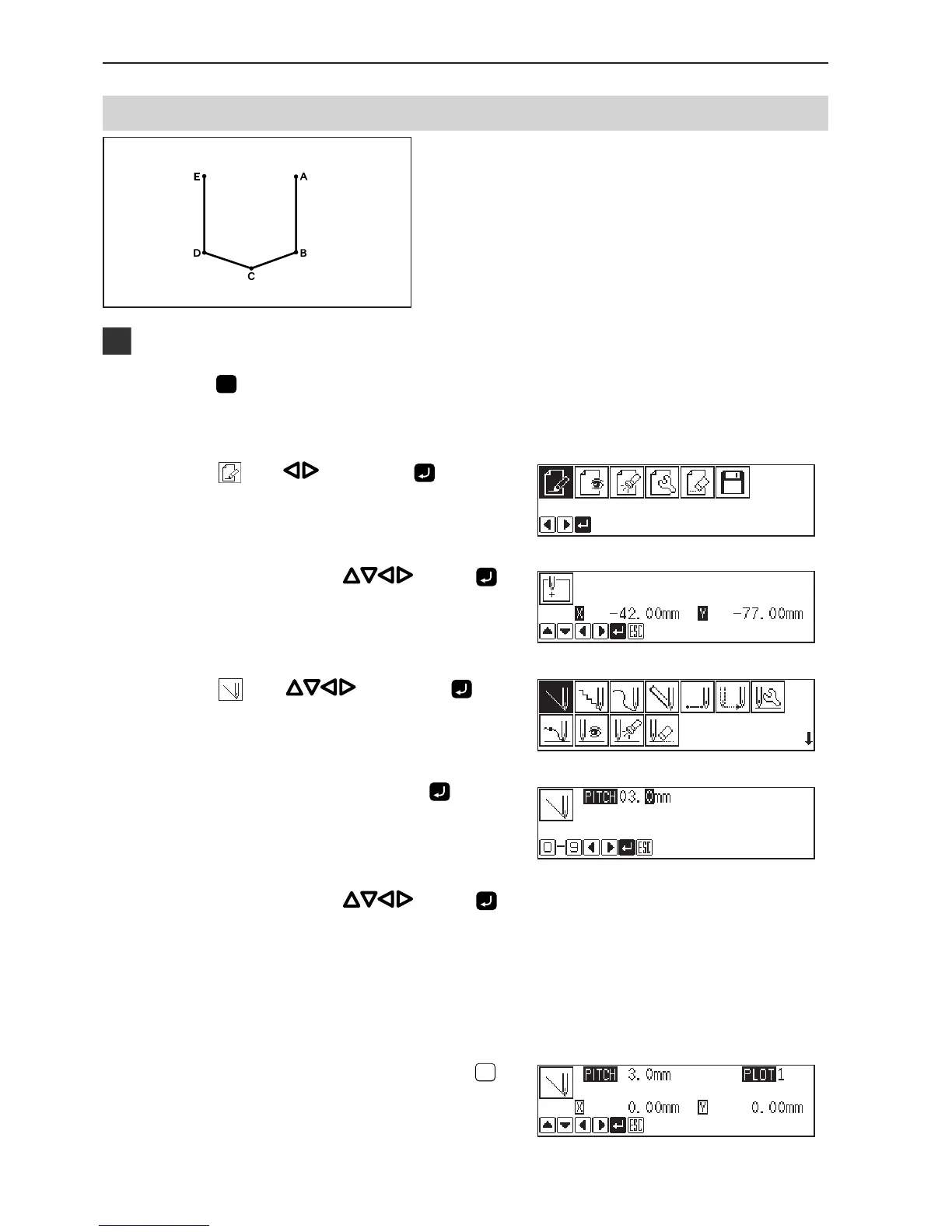
The pattern with lines is programmed.
The example in the left is used for explanation of
programming.
Programming
1. Press
P
.
The work clamp comes down and the programmer screen is
displayed.
2. Select with , then press .
3. Move the needle with
. Press
when the needle point is at point A of the
pattern.
The first stitch (point A) is programmed.
4. Select with , then press .
5. Input the stitch length, then press
.
3.0 mm is input in the example.
Input 030 to make the stitch length to 3.0 mm.
6. Move the needle with . Press
when the needle point is at point B of the
pattern.
7. Repeat step 6 and create the program to
point E.
8. When point E is programmed, press
ESCESC
twice.



 To Next Page