Programmer
58
Chapter 2 Programming with Help Function
Stitch length
Programming
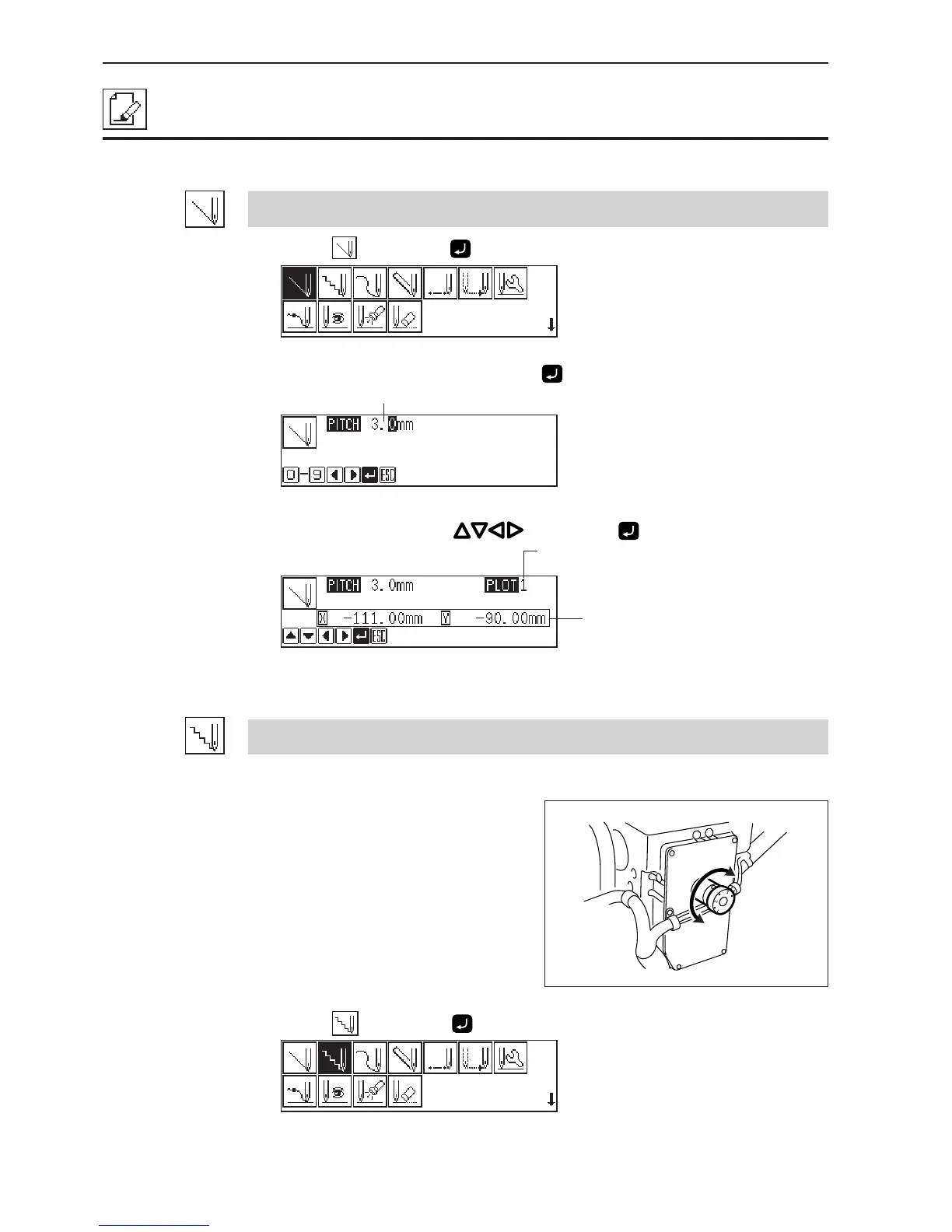
Creating a line
1. Select , then press .
2. Input the stitch length, then press .
3. Move the needle with , then press .
Creating tacking data
Values 0.1 to 1.0 mm are available for the stitch length.
Tacking width of the needle is set with the
dial on the back of the top part of the
machine. Values 1.0 to 3.5 mm are available
for the tacking width.
1. Select
, then press .
Distance from the previous point in the
direction of X or Y axis
Remaining plot count



 To Next Page