Programmer
8
Chapter 1 Initial Setup
Turning power ON/OFF
Turning power ON
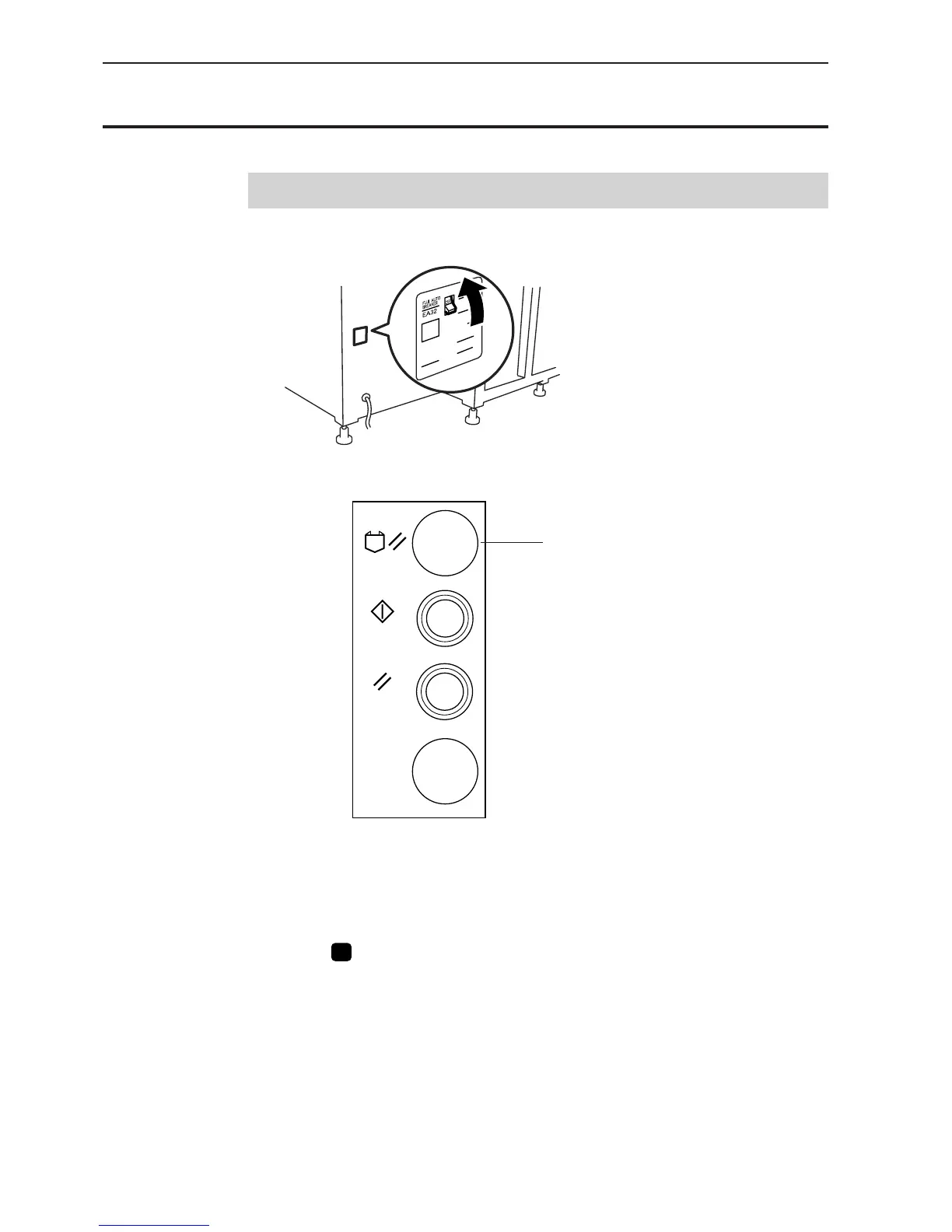
1. Switch ON the machine.
2. Press the reset switch of the folding machine and conduct positioning.
EMERGENCY
STOP
RESET
START
FOLDER RESET
3. Set the pattern if it is prepared.
Fix the pattern sheet with adhesive tape on the feed plate to prevent displacement.
Put cloth below the work clamp if there is no pattern.
4. Press
P
on the programmer.
The work clamp comes down.
Reset switch



 To Next Page