EasyManua.ls Logo

Brother BAS-761 - Deleting the First Stitch

Brother BAS-761
155 pages
Print Icon
To Next Page IconTo Next Page
To Previous Page IconTo Previous Page
Loading...
Programmer
40
Chapter 2 Programming with Help Function
Deleting the first stitch
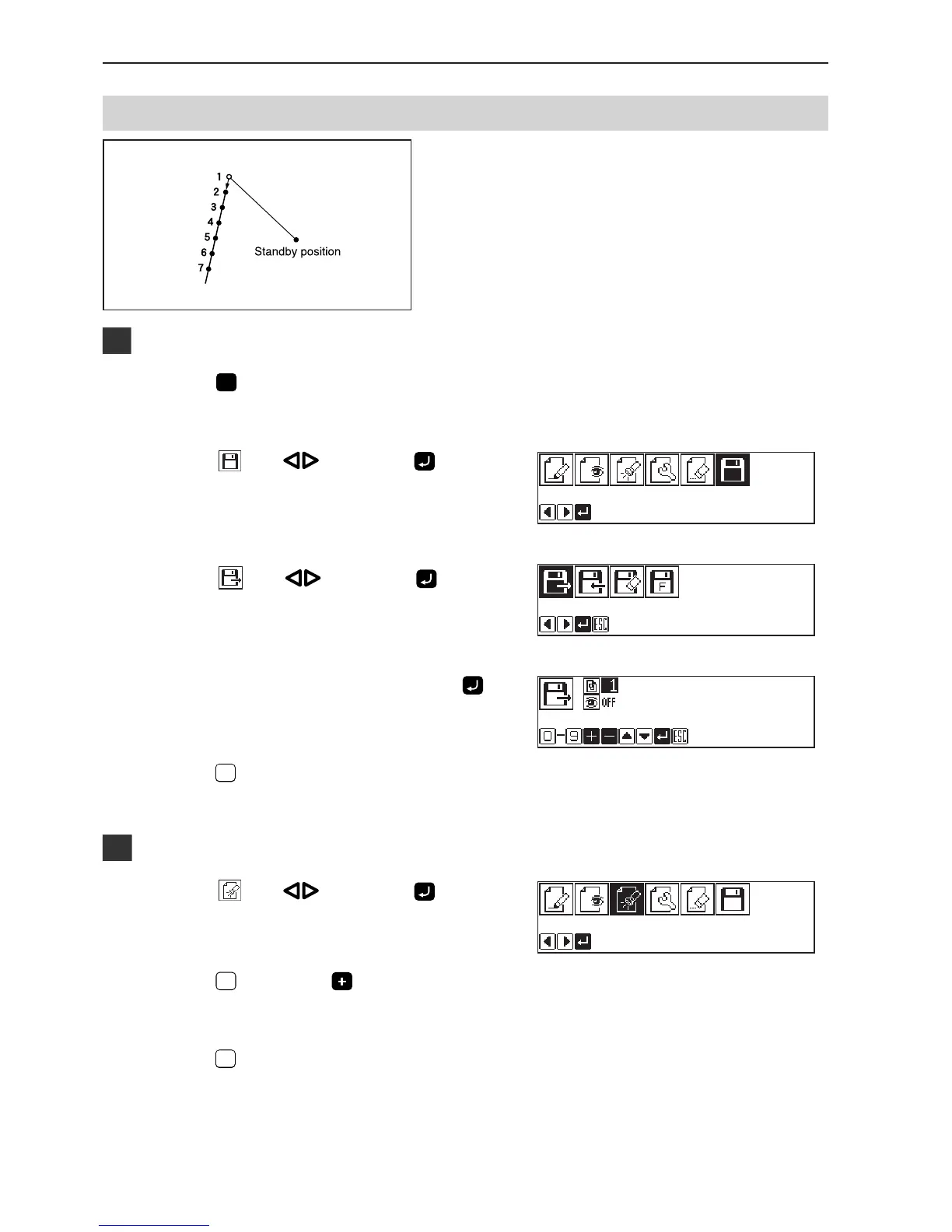
The first stitch of the programmed pattern is deleted.
The example in the left is used for explanation of
deleting 1 and setting 2 for the sewing start position.
1
Calling data
1. Press
P
.
The work clamp comes down and the programmer screen is
displayed.
2. Select with , then press .
3. Select
with , then press .
4. Input the program number, then press .
5. Press
ESCESC
.
2
Moving to position 1
1. Select with , then press .
2. Press
1
, then press .
The needle moves to the sewing start position.
3. Press
ESCESC
.

Table of Contents

Other manuals for Brother BAS-761

Related product manuals