Programmer
70
Chapte 2 Programming with Help Function
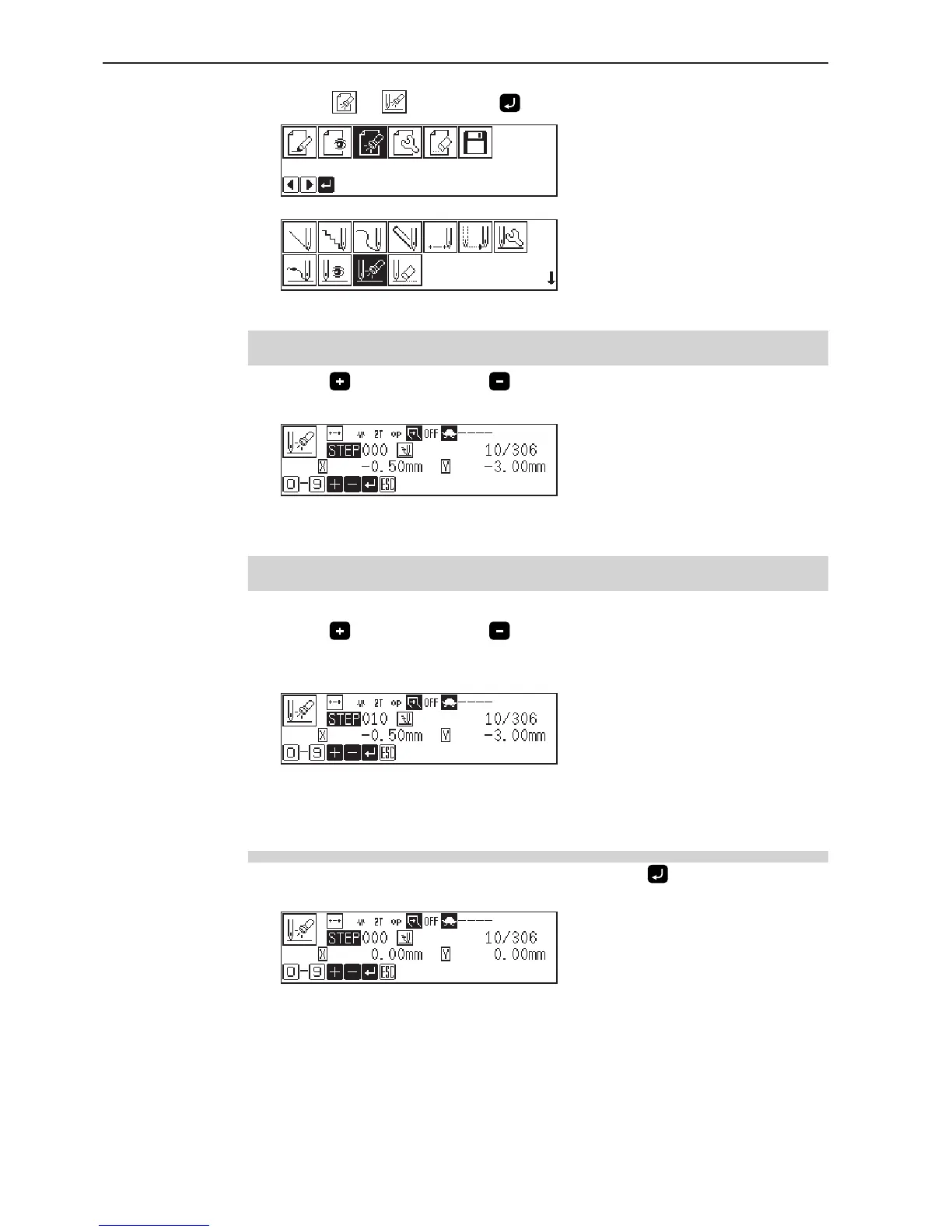
1. Select or , then press .
Selecting from the main menu
Selecting from the data programming menu
Checking each stitch
1. Press to move forward, to backward.
The needle steps by each stitch and the setting of the data is displayed.
Checking a series of stitches automatically
1. Input the stitch count to check.
2. Press
to move forward, to backward.
The needle moves by the input count and the setting of the data is displayed.
Input "999" to check all stitches.
Setting the attribute (stitch data)
1. Move to the desired needle position, then press .
The attribute setting screen appears.



 To Next Page