Programmer
114
Chapter 3 Programming with Command Function
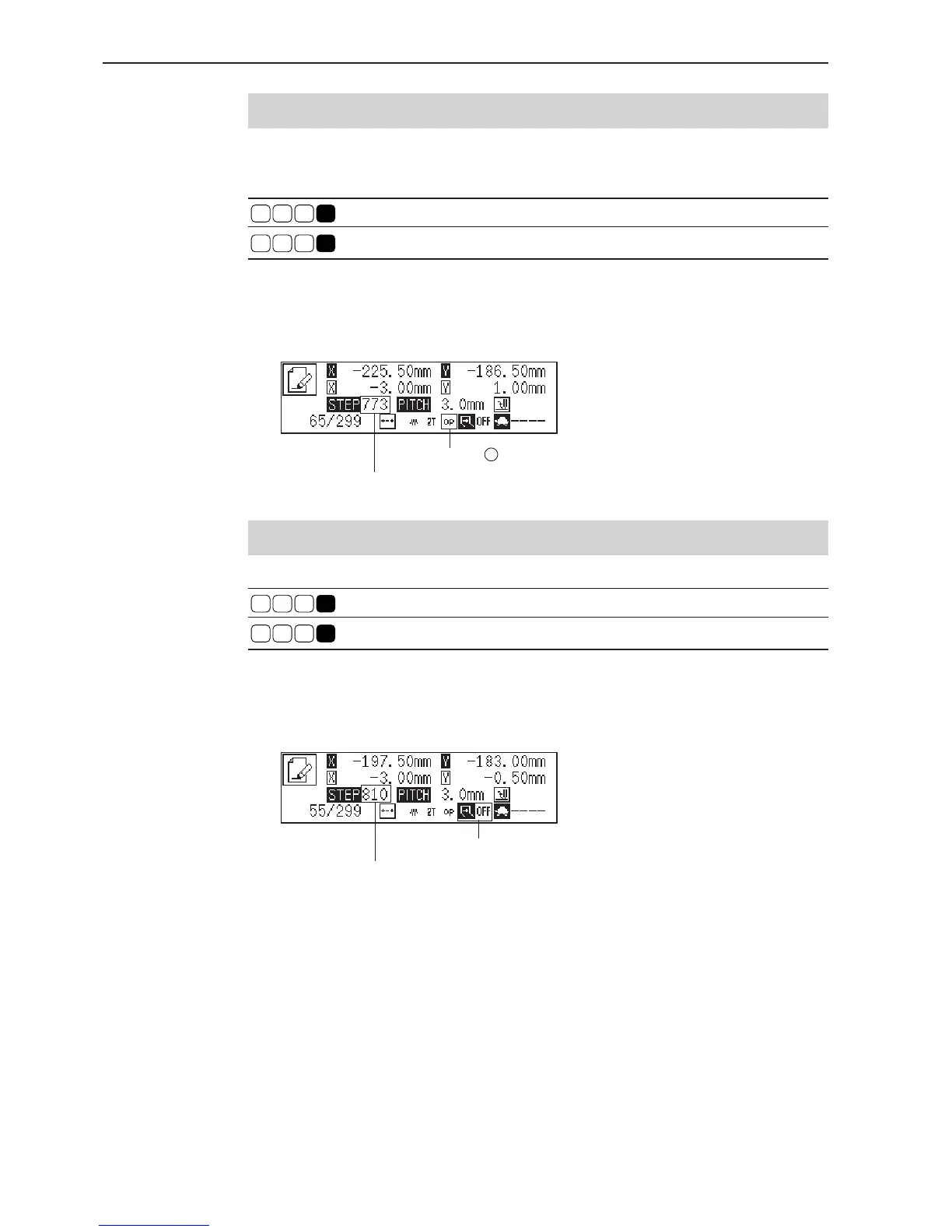
Displays the number of the command input.
Displays the number of the command input.
Setting the option output
This is set to flip/flop the option output.
Command to be used
L
7
7 3
Setting option output
L
7
7
4
Canceling option output setting
1. Move the needle to the desired position.
2. Input the command for option output.
Setting two row switch
Command to be used
L
0
18
Setting two row switch
L
18 1
Canceling two row switch
1. Move the needle to the desired position.
2. Input the command of two row switch.
Indicates "ON" when it is set.
Indicates when it is set.



 To Next Page