Programmer
18
Chapter 2 Programming with Help Function
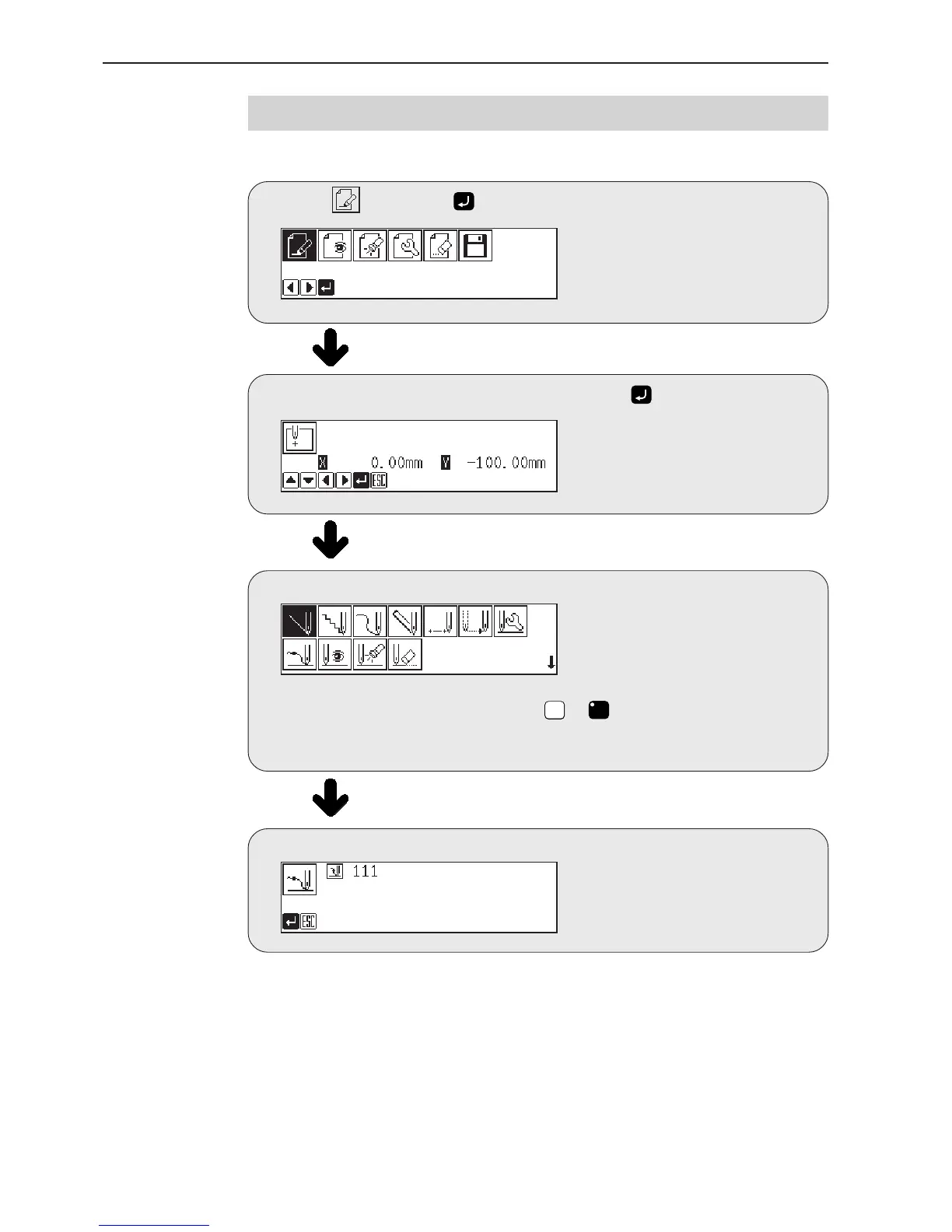
Programming flowchart
Programming
Select , then press .
Position the sewing start position, then press .
Select an icon for programming. (Refer to page 58.)
Combine straight lines, curves and other figures to make patterns on the pattern
sheet. After completing each pattern, press
ESCESC
or
C
key to return to the submenu.
The data is available until deletion.
The program outline may be checked or corrected during editing.
Input end code. (Refer to page 65.)



 To Next Page