Programmer
84
Chapter 3 Programming with Command Function
Programming example
Frequently used programming method is explained here. Refer to "Programming" (page 105) for function
and operation of each icon.
Programming for each stitch
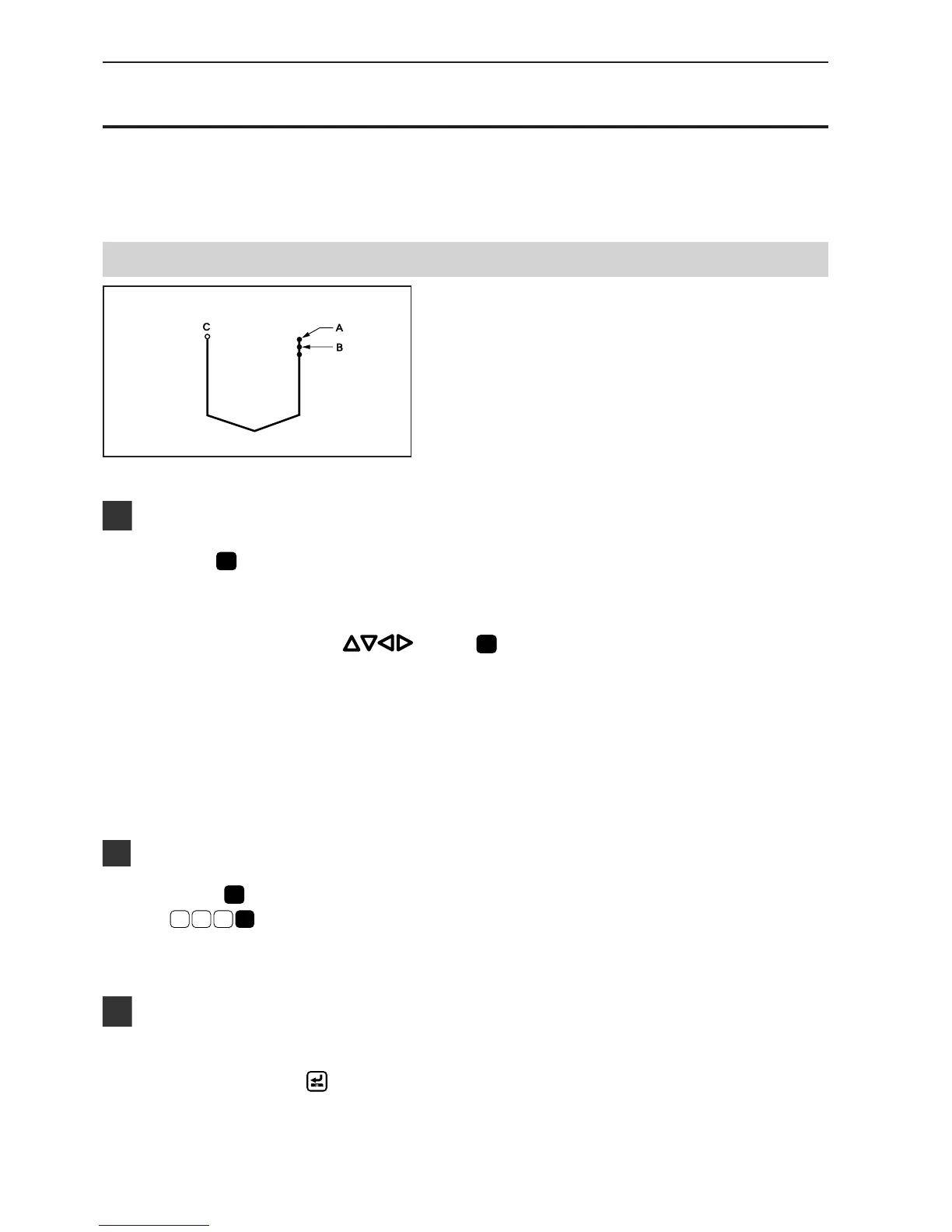
Program each stitch according to the pattern. The
example in the left is used for explanation.
Programming
1. Press
P
.
The work clamp comes down and the programmer screen is
displayed.
2. Move the needle with . Press
L
when the needle point is at point A of the
pattern.
The first stitch (point A) is programmed.
3. Repeat step 2 and create the program to
point C.
Inputting the end code
1. Press
L
at the last stitch and press
E
1
1 1
.
The needle returns to the sewing start position.
Saving
1. Specify the program number on the operation
panel, then press
switch for writing into
the floppy disk.
Refer to "Using the operation panel of the main body" (page
129) for detailed operation.



 To Next Page