Programmer
96
Chapter 3 Programming with Command Function
Ending program
1. Press
P
.
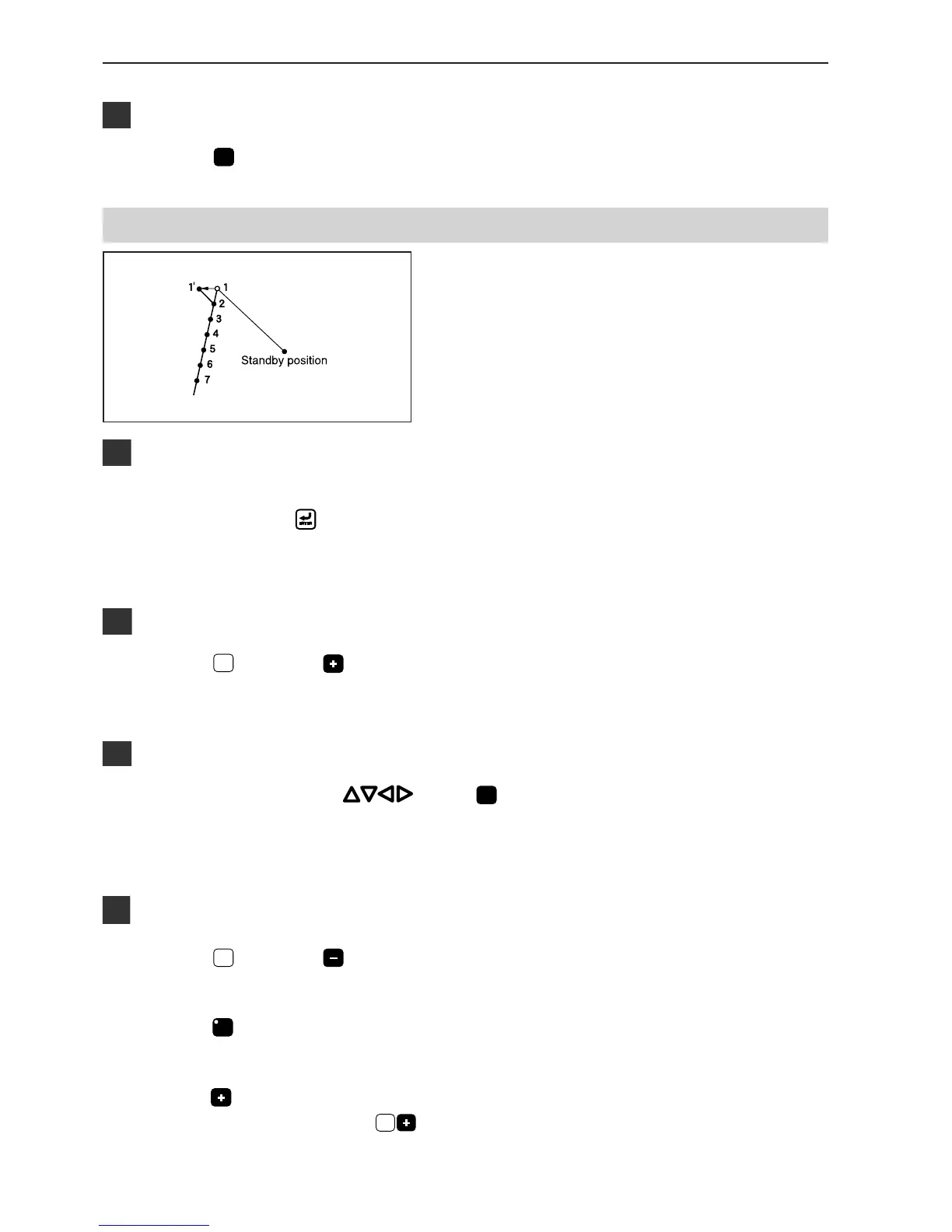
Changing the first stitch position
The position of the sewing start position is changed. The
example in the left is used for explanation of moving the
sewing start position from 1 to 1'.
Calling data
1. Specify the program number on the operation
panel, then press
switch to read the data.
Refer to "Using the operation panel of the main body"(page 128)
for detailed operation.
Moving to position 1
1. Press
1
, then press .
The needle moves to the sewing start position.
Programming a new point
1. Move the needle with . Press
L
when the needle point is at 1' of the pattern.
1' is programmed.
Deleting 1
1. Press
1
, then press .
The needle point returns to the first stitch.
2. Press
C
.
3. Input the number of stitches to be deleted, then
press
.
The example is deleting 1 stitch. Press
1
.



 To Next Page