Programming
1. Press
P
.
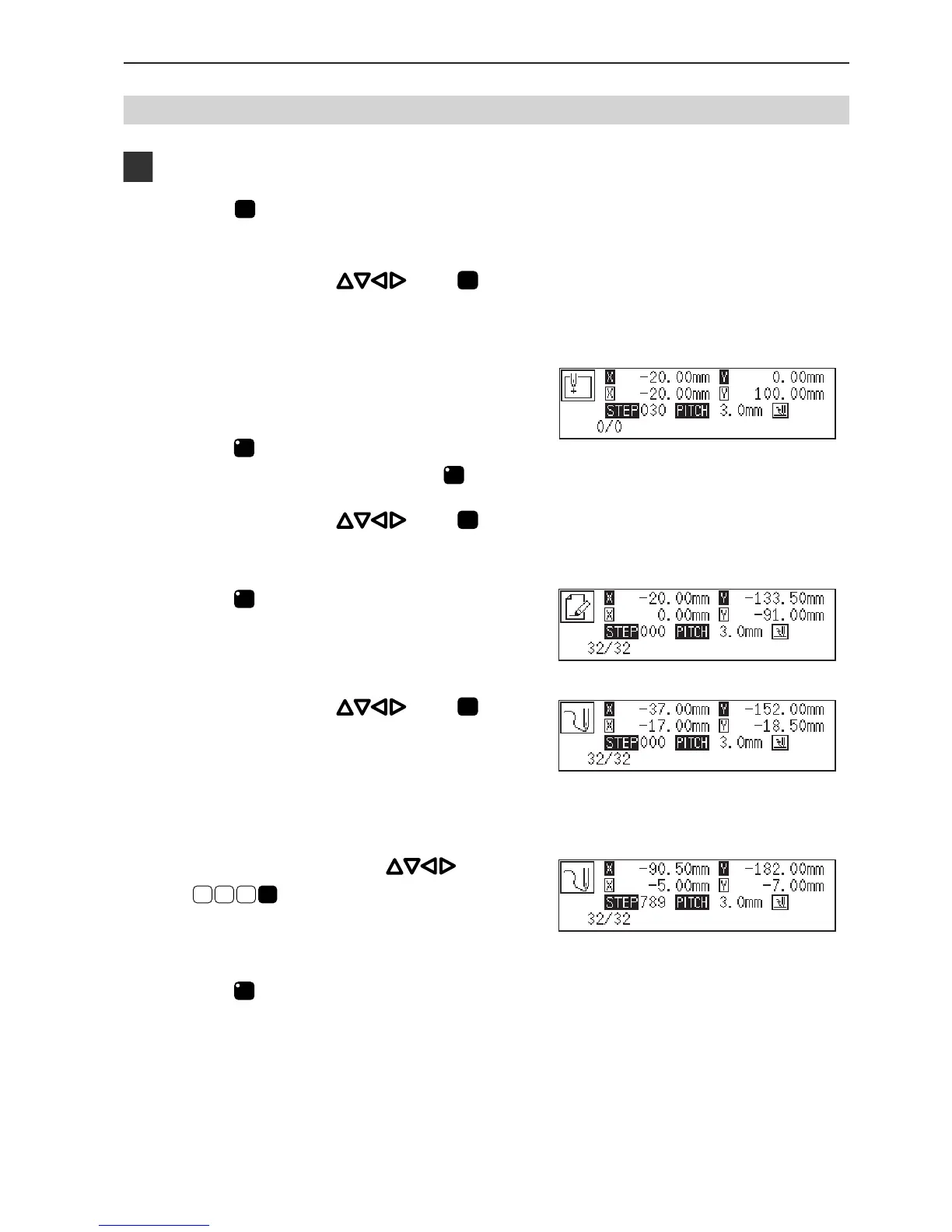
The work clamp comes down and the programmer screen is displayed.
2. Move the needle with . Press
L
when
the needle point is at point A of the pattern.
The first stitch (point A) is programmed.
3. Input the stitch length.
3.0 mm is input in the example.
4. Press
LILI
.
To change the stitch length, specify it before pressing
LILI
.
5. Move the needle with . Press
L
when
the needle point is at point B of the pattern.
6. Press
M
.
7. Move the needle with . Press
L
when
the needle point is at point C of the pattern.
8. Repeat step 7 and create the program to point F.
9. Move the needle with . Press
L
7
8 9
when the needle point is at point
G of the pattern.
Point E is programmed to be a corner.
10. Press
M
.
11. Repeat steps 7, 8, and 9 and create the program
to point L.



 To Next Page