Programmer
91
Chaprter 3 Programming with Command Function
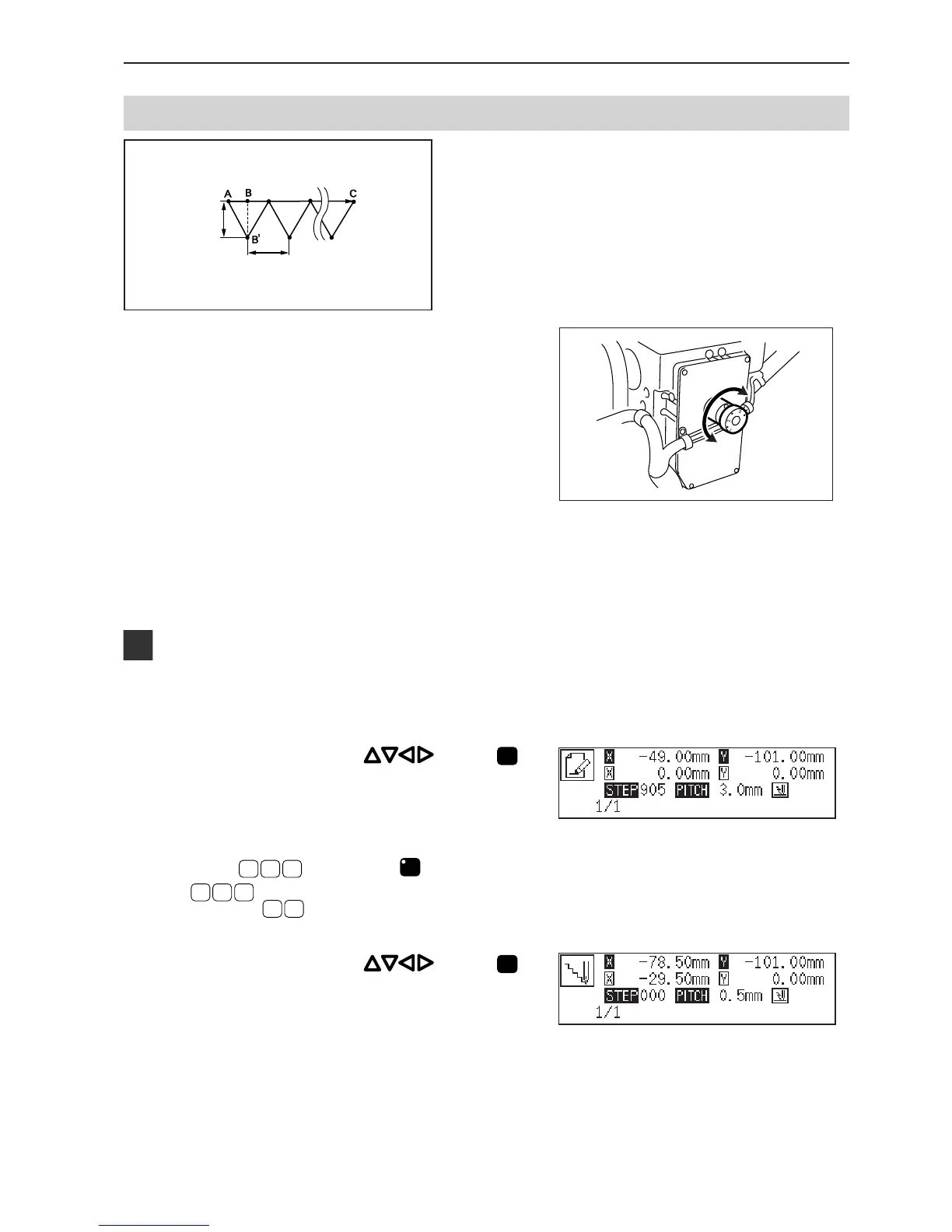
Needle racking
Needle tacking is programmed.
Tacking width is set with the dial on the back of the top part of
the machine while needle tacking length is set with the
programmer. Values 1.0 to 3.5 mm are available for the tacking
width.
Values 0.1 to 1.0 mm are available for the stitch length.
The needle actually drops at the point B' because needle tacking is conducted on the machine side. However, point
B of the program is created on the straight line between point A and point C.
when the needle point is at point A of the
pattern.
The first stitch (point A) is programmed.
3. Press
9
, then press
M
.
9
is the command for the tacking. Input the width of
the tacking in . 0.5 mm is input in the example.
4. Move the neddle with . Press



 To Next Page