Programmer
85
Chaprter 3 Programming with Command Function
Ending program
1. Press
P
.
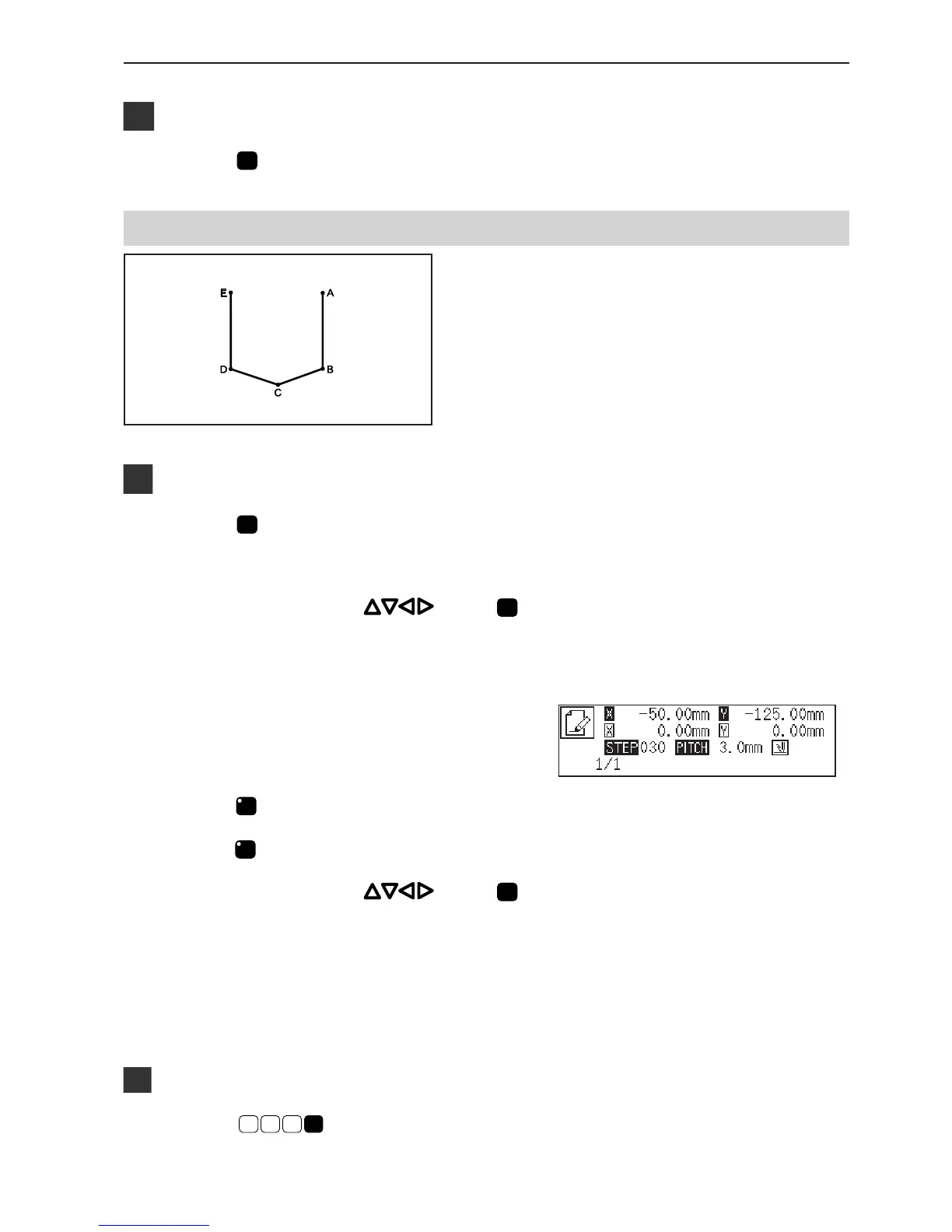
Lines
The pattern with lines is programmed.
The example in the left is used for explanation of
programming.
Programming
1. Press
P
.
The work clamp comes down and the programmer screen is
displayed.
2. Move the needle with . Press
when the needle point is at point A of the
pattern.
The first stitch (point A) is programmed.
3. Input the stitch length.
3.0 mm is input in the example.
Input 030 to make the stitch length to 3.0 mm.
4. Press
LILI
.
To change the stitch length, specify the pitch value before
pressing
LILI
.
5. Move the needle with . Press
when the needle point is at point B of the
pattern.
6. Repeat steps 4 and 5 and create the program
to point E.
Inputting the end code
1. Press
E
1
1 1
.
The needle returns to the sewing start position.



 To Next Page