Programmer
79
Chaprter 3 Programming with Command Function
Programming flowchart
Programming
Position the sewing start position, then press
L
.
Input the command for programming.
(Refer to page 105.)
Combine straight lines, curves and other figures to make patterns to the pattern
sheet. After completing each pattern, press
L
.
The data is available until deletion.
Input end code.
(Refer to page 111.)
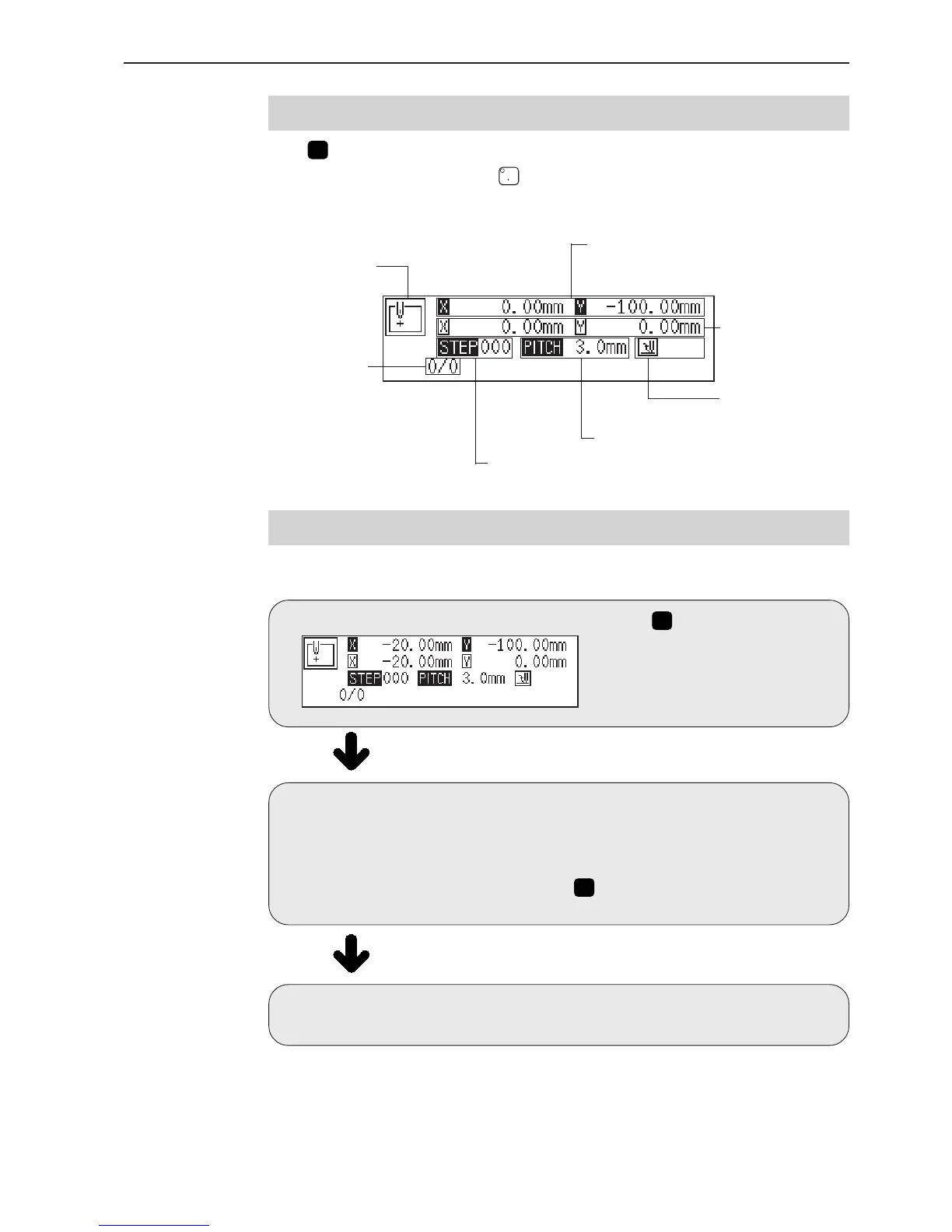
Display screen
Press
P
and the following screen appears.
If the screen is not displayed, press
.
Displays the command
status.
Displays the current
needle position/total
stitch count.
Displays the input value.
Displays the stitch length.
Displays the end code
"111", if applicable.
Displays distance from the
previous needle position.
Displays distance from the standby position.



 To Next Page