Ending program
1. Press
P
.
Deleting a part of the program during programming
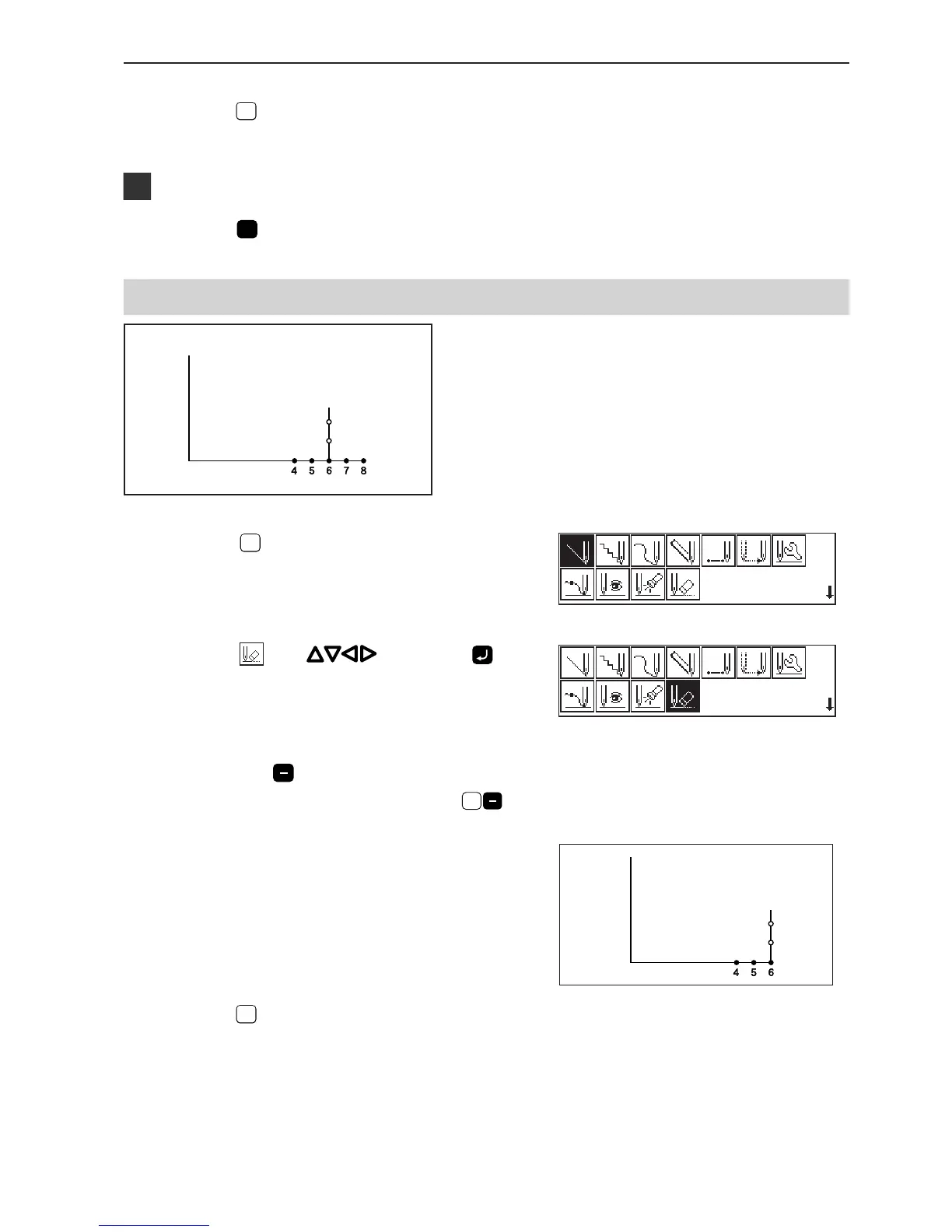
A program can be modified during programming.
The example in the left is used for explanation of
deleting 2 stitches at 8 and creating a new program.
1. Press
ESCESC
in the position 8 to display the
screen on the right.
2. Select
with , then press .
3. Input the number of stitches to be deleted,
then press
.
The example is deleting 2 stitches backward. Press
2
.
4. The needle point moves to 6.
5. Press
ESCESC
.
6. Continue programming.



 To Next Page