Programmer
35
Chapter 2 Programming with Help Function
Example of modified program
This section describes the modification method of the program using examples. Refer to "Programming"
(page 58) or "Checking the program setting and setting attribute" (page 69) for function and operation of
each icon.
Resizing pattern
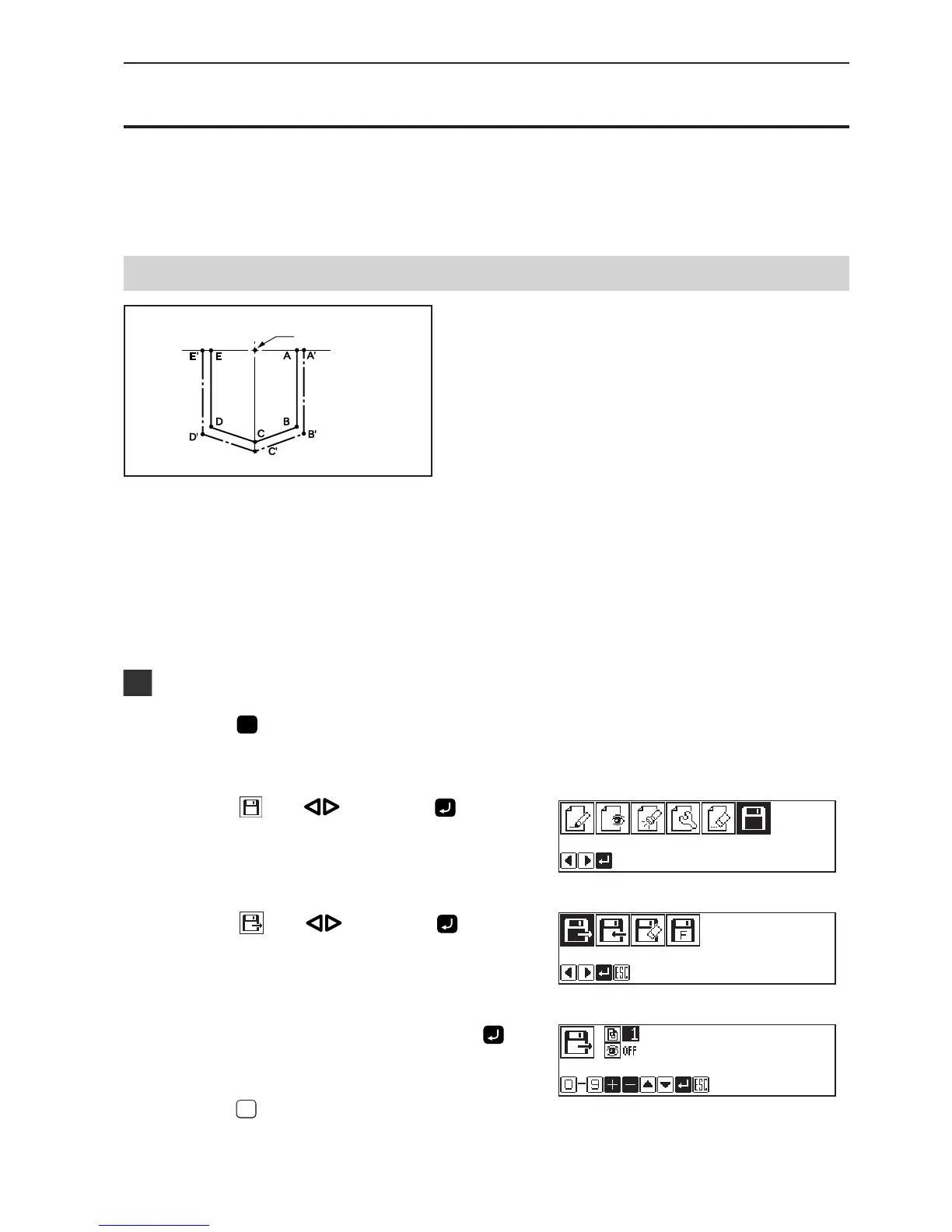
The programmed pattern is resized. The example in
the left is used for explanation.
The center point (reference point) of resizing is as follows.
X coordinate: Center of the outer shape of the data
Y coordinate: Uppermost position of the data
Resizing scale between 90 to 110 % are available.
All the settings of attributes become invalid if the pattern is resized without changing the stitch length. Set the
attributes after resizing the pattern.
Calling data
1. Press
P
.
The work clamp comes down and the programmer screen is
displayed.
2. Select with , then press .
3. Select
with , then press .
4. Input the program number, then press
.
5. Press
ESCESC
.
Reference point



 To Next Page