Programmer
66
Chpater 2 Programming with Help Function
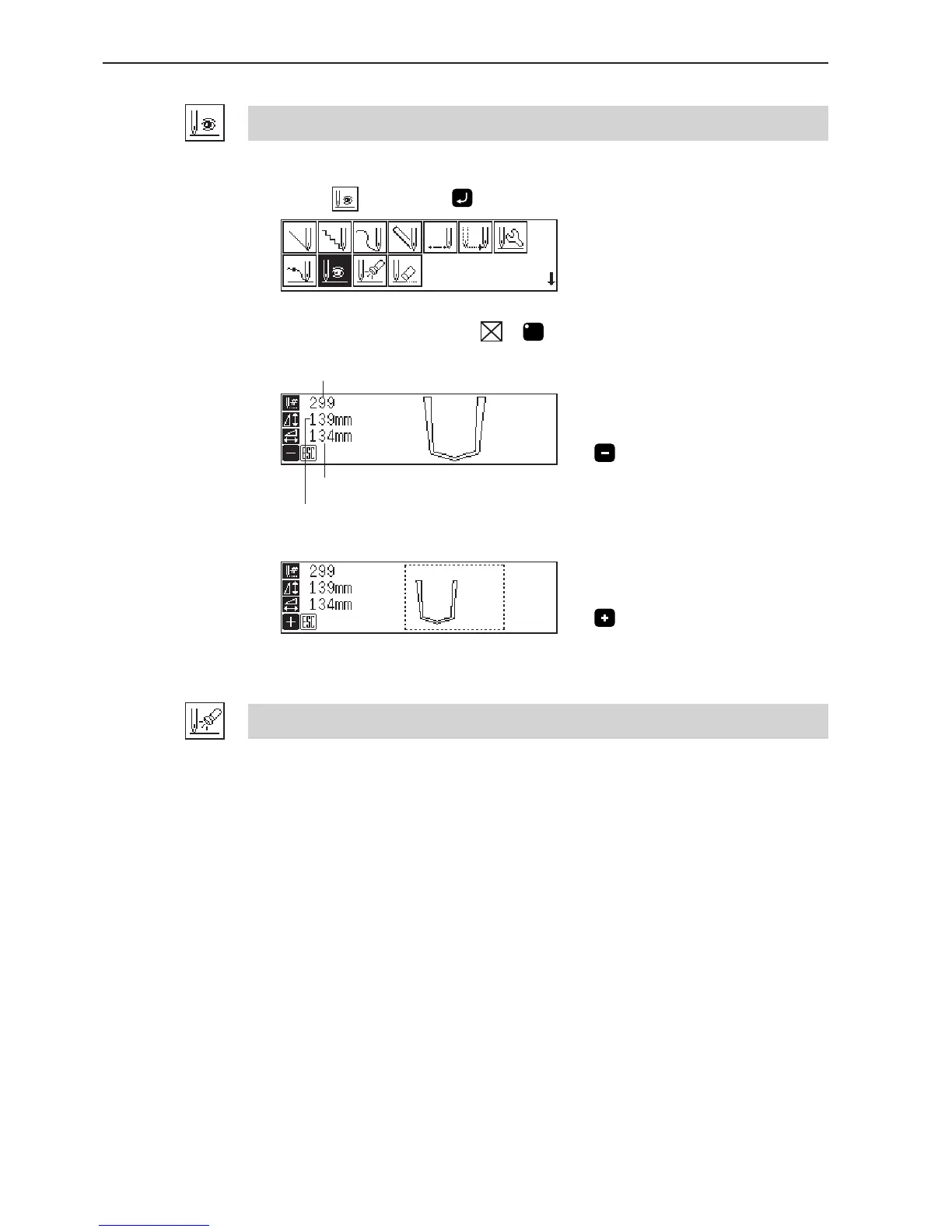
Displaying the data image during programming
A data image is displayed during programming.
1. Select
, then press .
The pattern image is displayed. Press or
C
to return to the mainmenu.
Press to display the overall sewing area.
Press to display the overall view of sewing data.
Checking the program setting and setting attribute
Refer to "Checking the program setting and setting attribute" (page 69).
Displays the longitudinal length.
Displays the horizontal length.
Displays the stitch count.



 To Next Page