Chaprter 3 Programming with Command Function
Programmer
93
If the stitch length is 0.0, the pattern is resized with the same
number of stitches as the original data.
Saving
1. Specify the program number on the operation
panel, then press
switch for writing into the
floppy disk.
Refer to "Using the operation panel of the main body"(page 131)
for detailed operation.
Ending program
1. Press
P
.
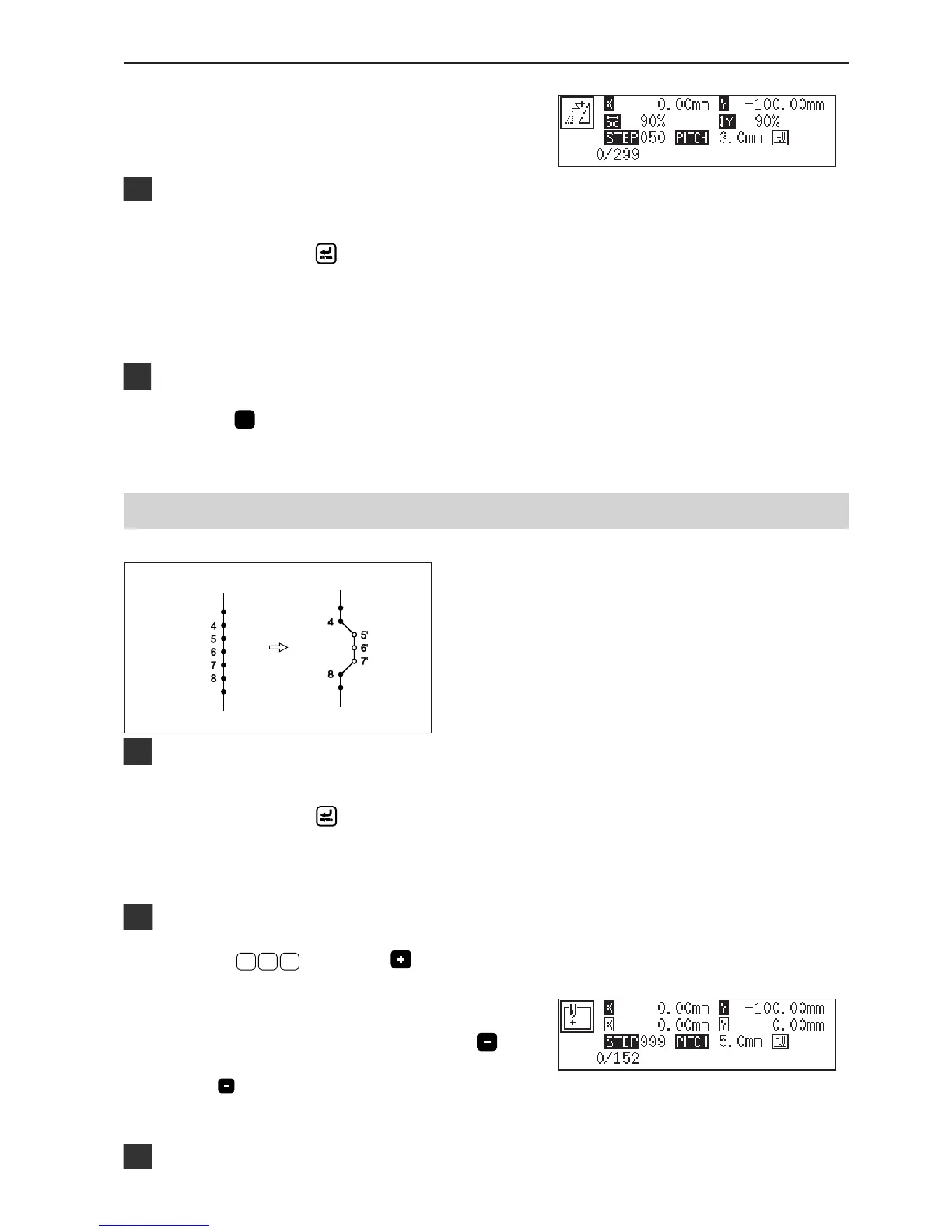
Changing partially
A part of the programmed pattern is changed. The
example in the left is used for explanation of creating 5',
6' and 7'.
Calling data
1. Specify the program number on the operation
panel, then press
switch to read the data.
Refer to "Using the operation panel of the main body"(page 128)
for detailed operation.
Moving to position 4
1. Press
9
9 9
, then press .
The work clamp comes down and the programmer screen is
displayed.
2. When the needle point reaches 4, press .
The needle stops. If the needle passes, input a few stitches and
press . The needle returns for a few stitches of the input.



 To Next Page