Programmer
19
Chapter 2 Programming with Help Function
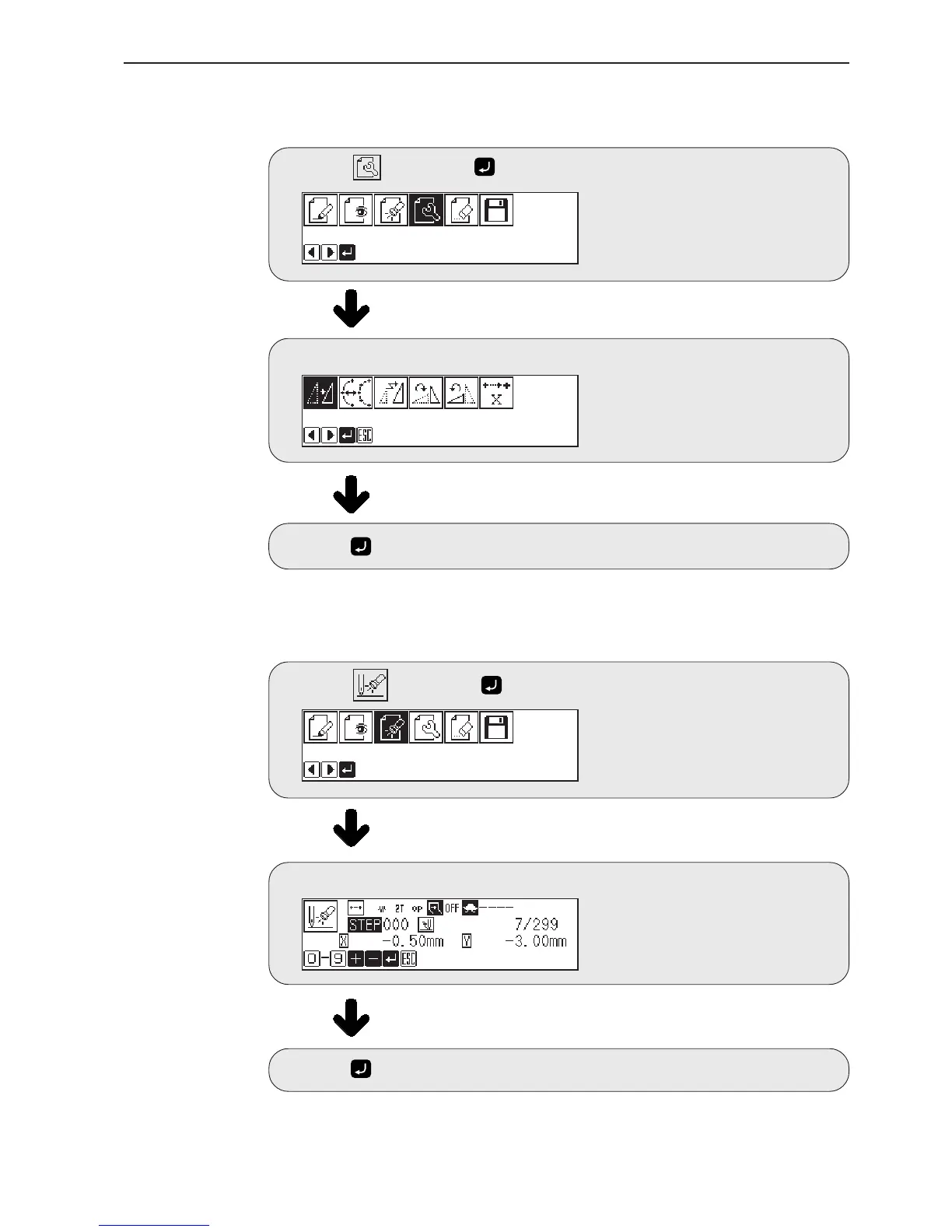
Editing program (Refer to page 72.)
Select
, then
press
.
Select an icon for editing.
Press after editing.
Checking and setting (Refer to page 69.)
Select , then press .
Move to the needle position for setting.
Press and carry out setting.



 To Next Page