139
Chapter 5 Practical programming examples
Programmer
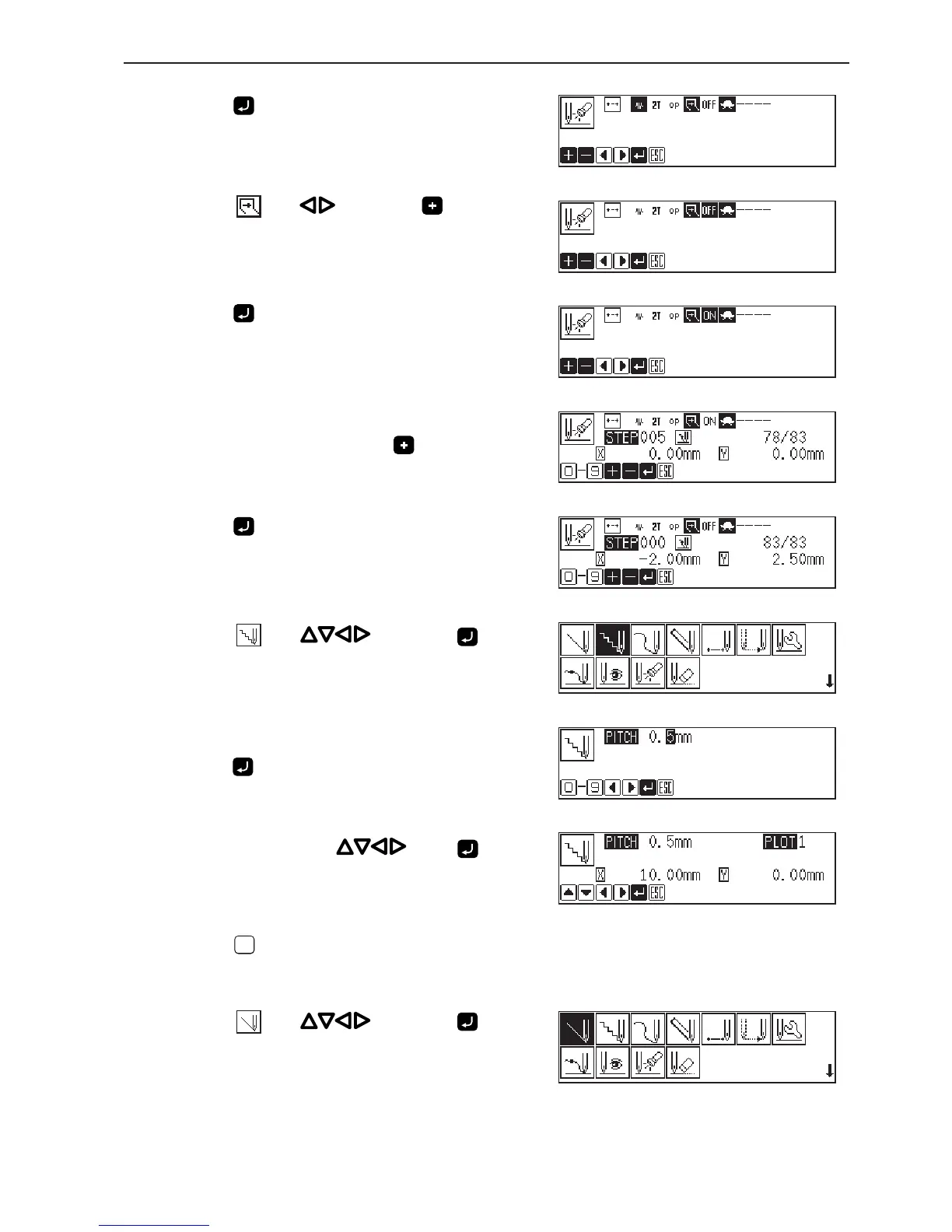
11. Press .
The attribute setting screen appears.
12. Select with , then press .
It is set to ON.
13. Press .
14. Input the number of stitches to proceed the
needle to point E, then press .
5 is input in the example. The needle moves 5 stitches ahead.
15. Press .
16. Select with , then press .
17. Input the stitch length of needle tacking, then
press .
0.5 mm is input in the example.
Input 005 to make the stitch length to 0.5 mm.
18. Move the needle with . Press when
the needle point is at point F of the pattern.
19. Press
ESCESC
twice.
20. Select with , then press .



 To Next Page