Programmer
30
Chapter 2 Programming with Help Function
7. Press .
8. Move the needle with
. Press
twice when the needle point is at point B of
the pattern.
9. Program points C, D and E.
10. When point E is programmed, press
again.
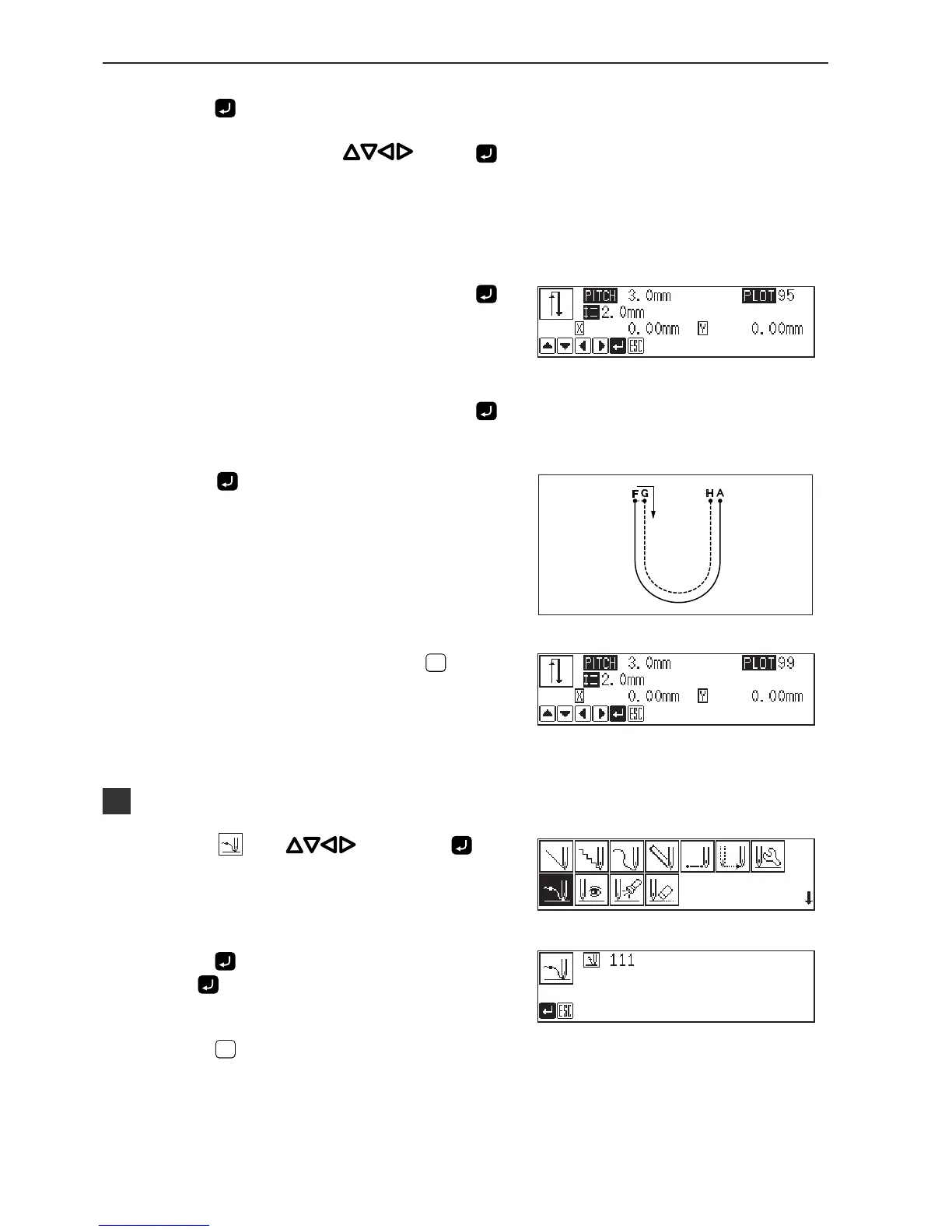
11. Program point F.
12. When point F is programmed, press
again.
13. Press
.
The needle moves to points G and H.
14. When the needle stops, press
ESCESC
three
times.
Inputting the end code
1. Select with , then press .
2. Press
.
Press and the needle returns to the first stitch(point A).
3. Press
ESCESC
.
The needle returns to the standby position.



 To Next Page